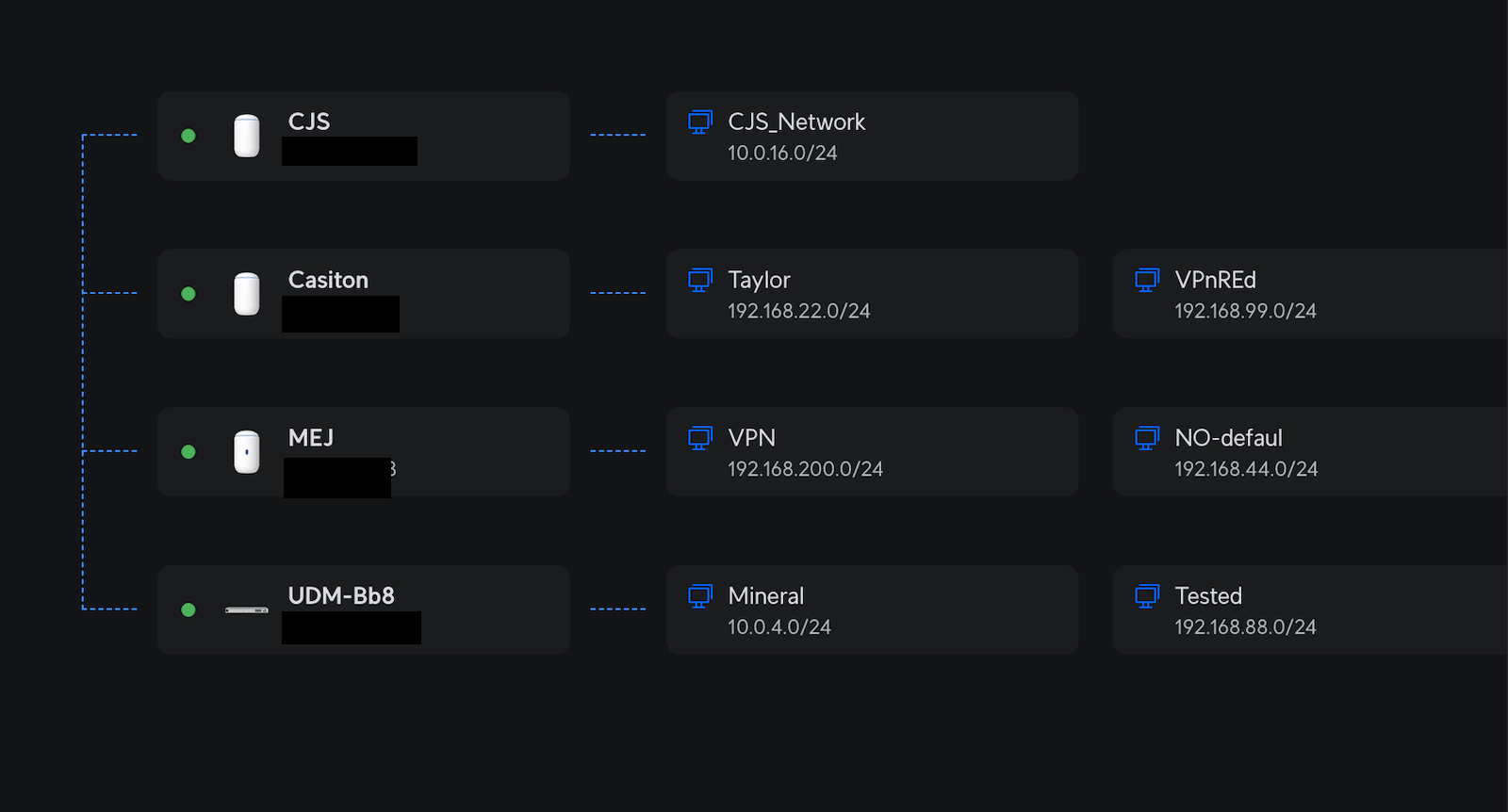
Project Highlights
This VPN Gateway project documents hands-on testing with OpenVPN and WireGuard for remote access and site-to-site connectivity. It compares cloud deployment, router-based VPN options, and UniFi WireGuard features used to securely reach remote lab networks and servers.
- Deployed an OpenVPN server on a DigitalOcean Debian droplet.
- Configured OpenVPN client access without forcing all traffic through the tunnel.
- Validated forwarding and SSH access over the VPN tunnel.
- Tested WireGuard using GL-iNet, Docker-based deployment, and UniFi VPN features.
- Explored remote network controls, client access restrictions, and site-to-site connectivity.
- Compared OpenVPN for fast cloud deployment against WireGuard for daily lab usage.
Who Will Win the Battle for Your VPN Heart?sk
You’ve probably seen this interesting effect of two or more overlapping photos on the covers of music albums, in modern magazines and in advertisements. In this tutorial we’ll create a trendy double exposure effect in Adobe Photoshop with the help of Blending Modes and Clipping Masks in a few steps. Let’s do it!
Let's try Open VPN
Just deploy a VM in digital ocean
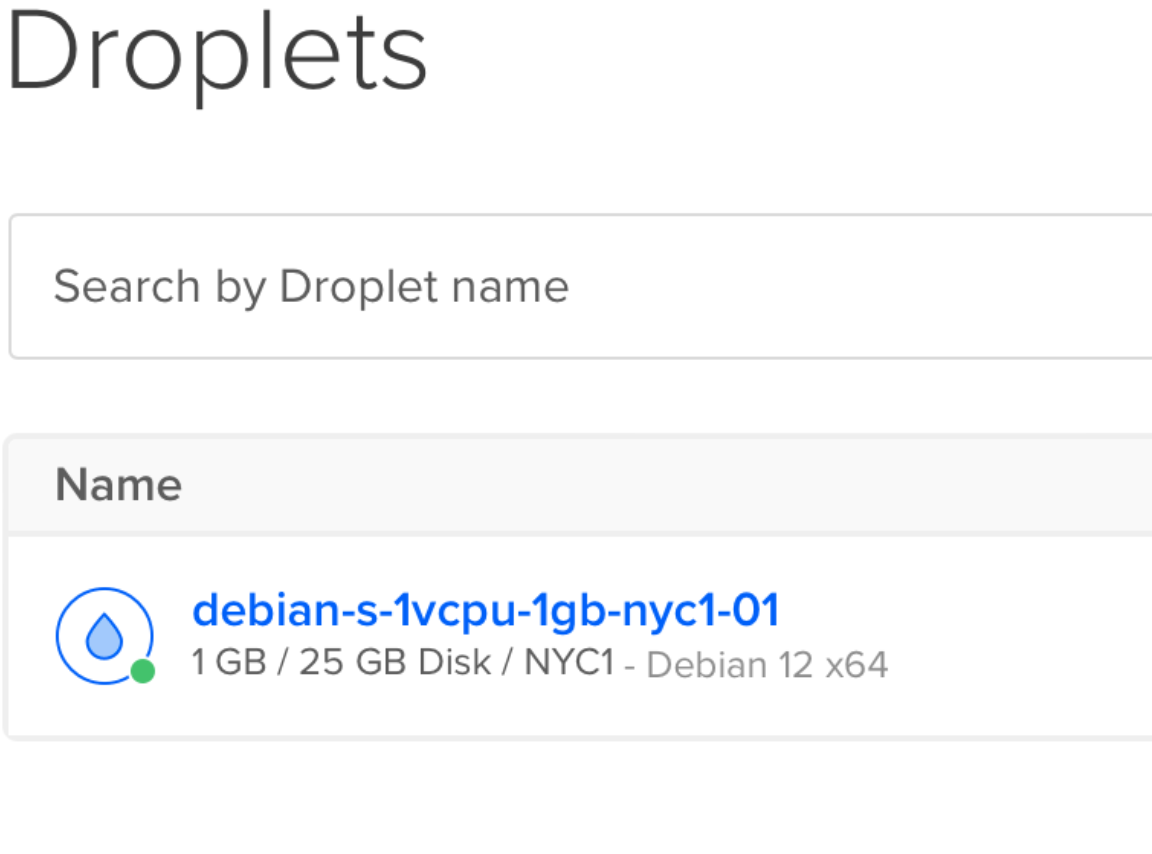
Install openvpn server on the droplet debian
wget https://git.io/vpn -O openvpn-install.sh && bash openvpn-install.sh
#Just follow the instructions, really simple.

#edit some conf in the server

cat /etc/openvpn/server/server.conf

local 131.124.150.26
port 1194
proto udp
dev tun
ca ca.crt
cert server.crt
key server.key
dh dh.pem
auth SHA512
tls-crypt tc.key
topology subnet
server 10.8.0.0 255.255.255.0

#this avoid sending all the traffic
#push "redirect-gateway def1 bypass-dhcp"

ifconfig-pool-persist ipp.txt
push "dhcp-option DNS 1.1.1.1"
push "dhcp-option DNS 1.0.0.1"

#push "block-outside-dns"
keepalive 10 120
user nobody
group nogroup
persist-key
persist-tun
verb 3
crl-verify crl.pem
explicit-exit-notify
root@debian-s-1vcpu-1gb-nyc1-01:~# ls
openvpn-install.sh  client.ovpn

#verify the forwarding is on:
cat /proc/sys/net/ipv4/ip_forward
1

#on the client terminal just copy and execute the file conf
sudo openvpn client.ovpn


#Back in the server we should be able to ssh into
root@debian-s-1vcpu-1gb-nyc1-01:~# ssh user@10.8.0.3
The authenticity of host '10.8.0.3 (10.8.0.3)' can't be established.
ED25519 key fingerprint is SHA256:5Pn2cVdB7keTiOLaA6v9QNS8fEkkcKhq7T8J1ZcTlX0.
This key is not known by any other names.
Are you sure you want to continue connecting (yes/no/[fingerprint])? yes
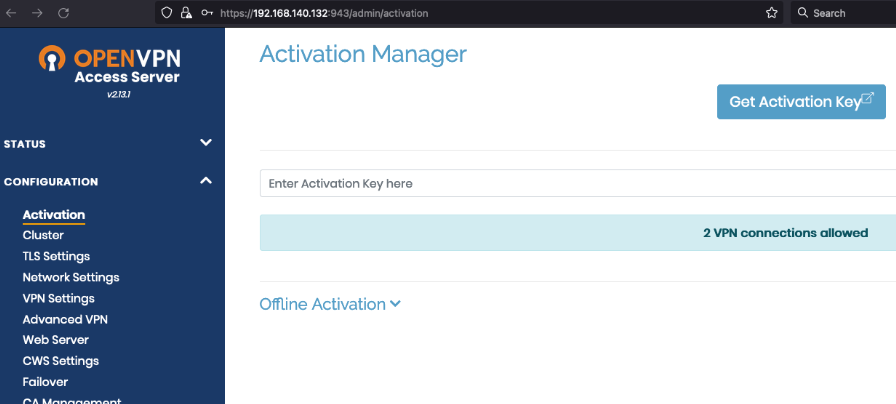
There is also a script to install the complete Open VPN server
Click on photo.
Wireguard
3 Servers
GL-iNet router
I used the GL-iNet router for a long time, wonderful.
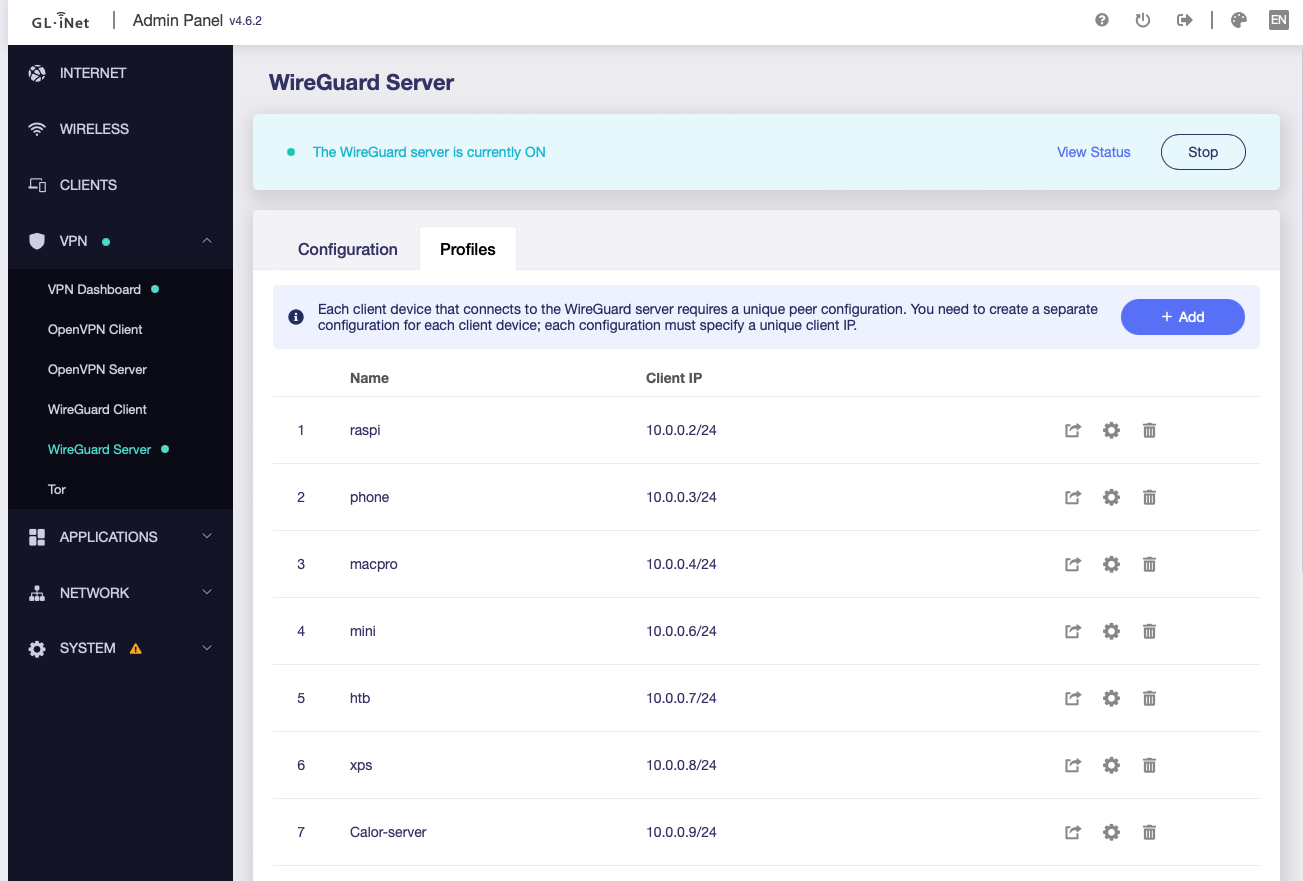
Dynamic DNS, Adguard, Tailscale, Zerotier, Network Storage, Vpns, Tor, Wonderful router
Docker server
Full instructions on the link
Unifi
Now I use the Wireguard server included in Unifi, it is fast and reliable.
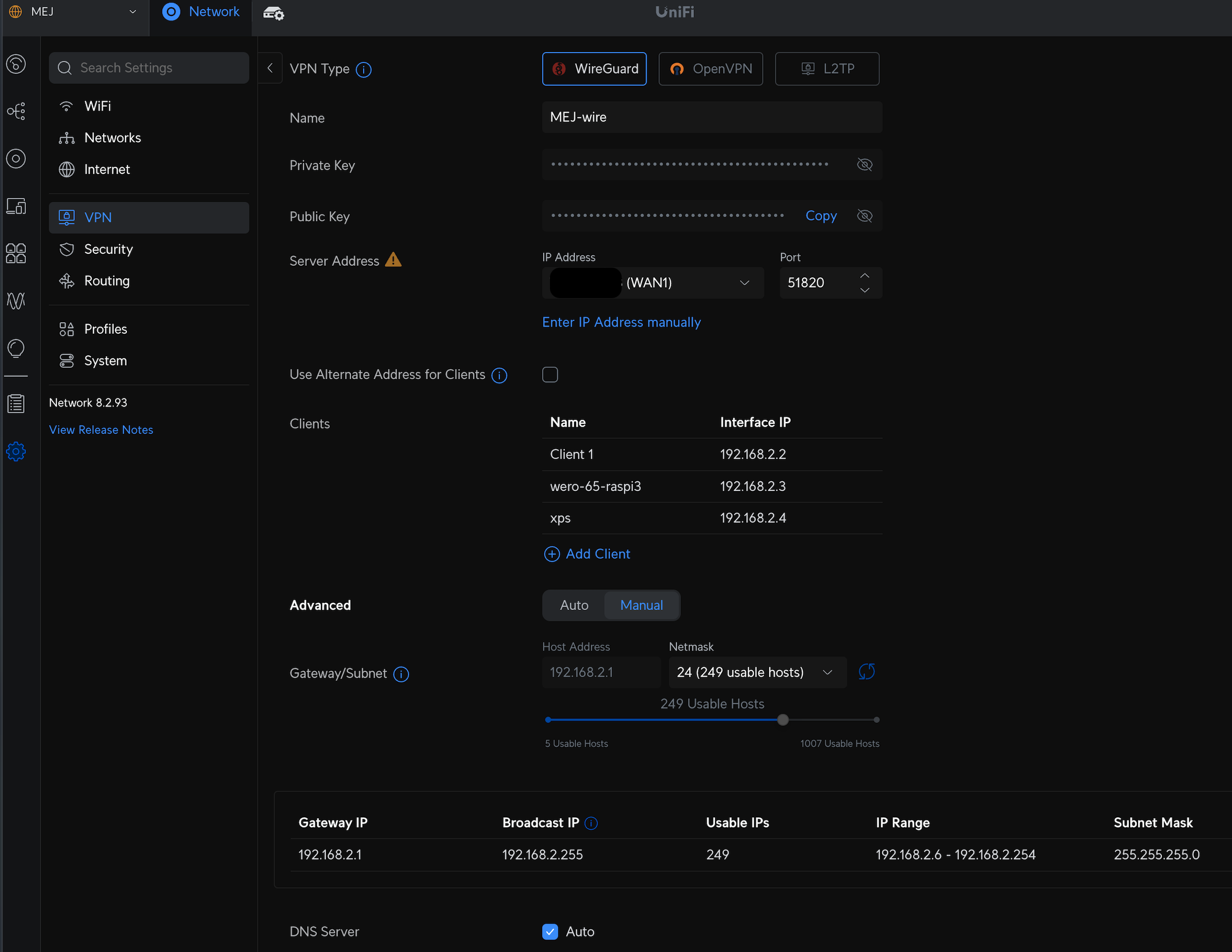
Remote Networks
What I found very useful is the option to stop access to client networks
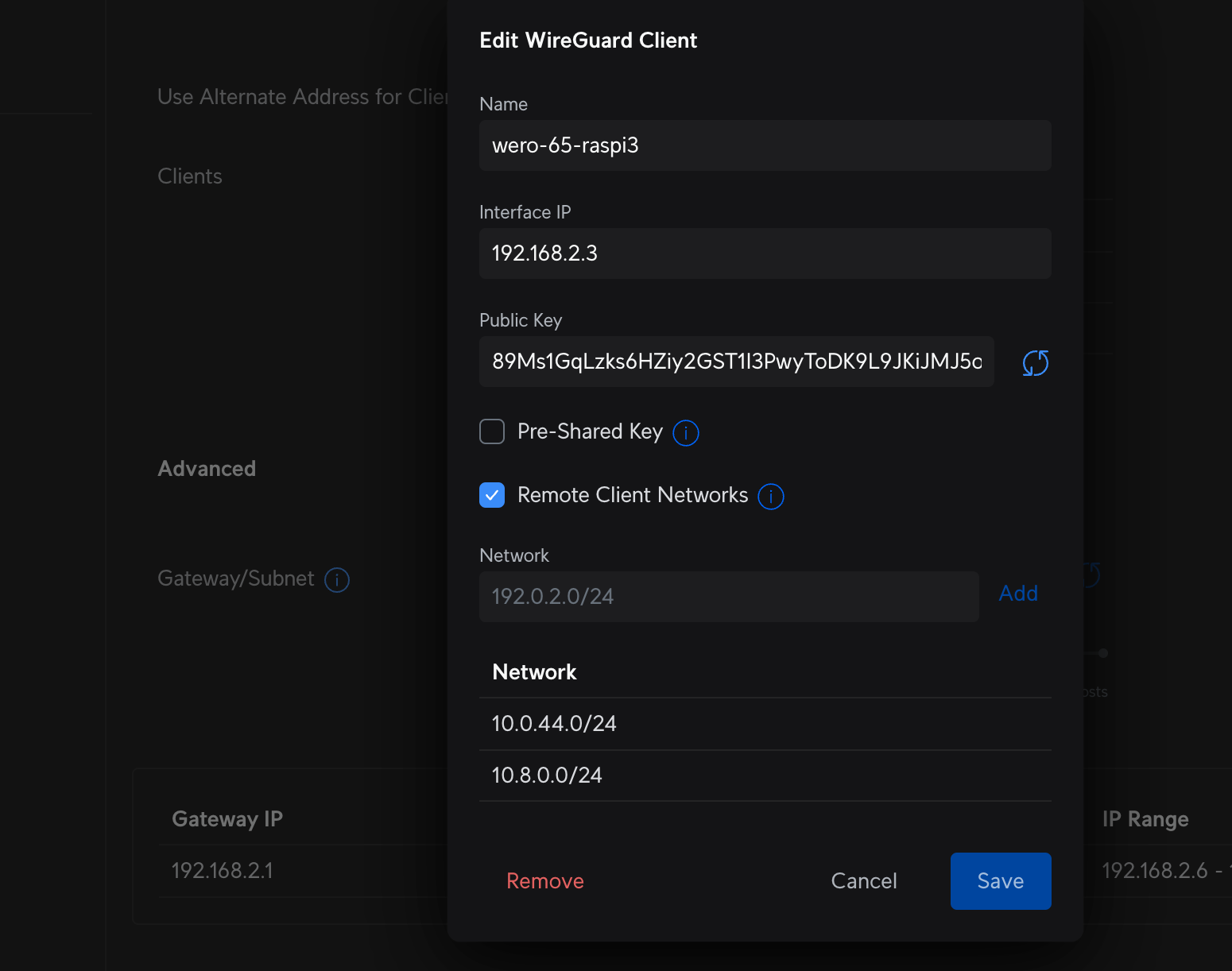
Site-to-Site
Also with site-to-site I can easily control all my servers, which is very very convenient