“Hang up on old tech and dial into the future!”
This comprehensive guide covers everything you need to know about deploying a VoIP system for your business. From setting up IP phones to configuring SIP trunks, we’ll walk you through the process of transitioning from traditional telephony to a modern, cost-effective, and scalable communication solution that works over the internet.
-
1
Set a phone number
“First, you can purchase a phone number directly from Unifi, but it is a bit expensive, costing $120 per year. Instead, we will use a more affordable VOIP service.”
-
2
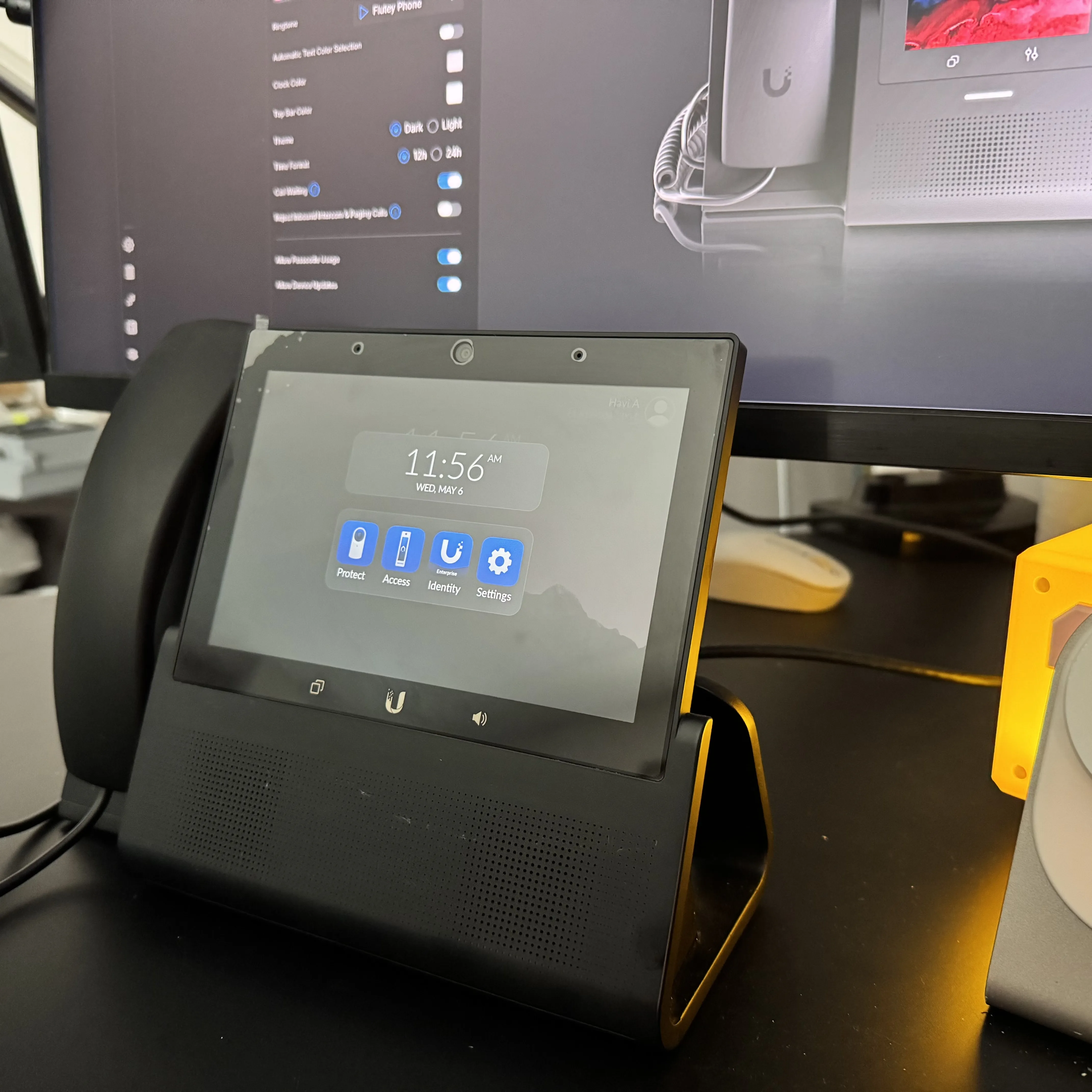
Get a phone
“Purchasing an unlocked phone from Unifi allows you to use it with any carrier. While it is more expensive, this is the option I will choose.”
-
3
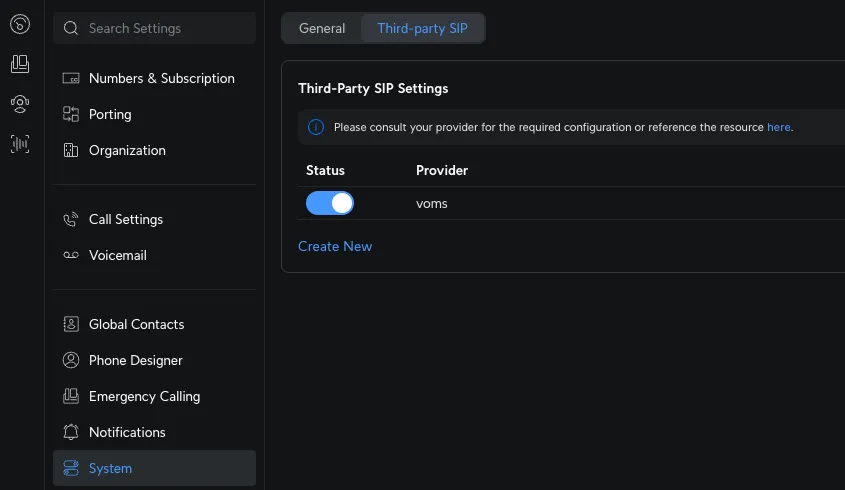
Set up the phone on unifi
-
4
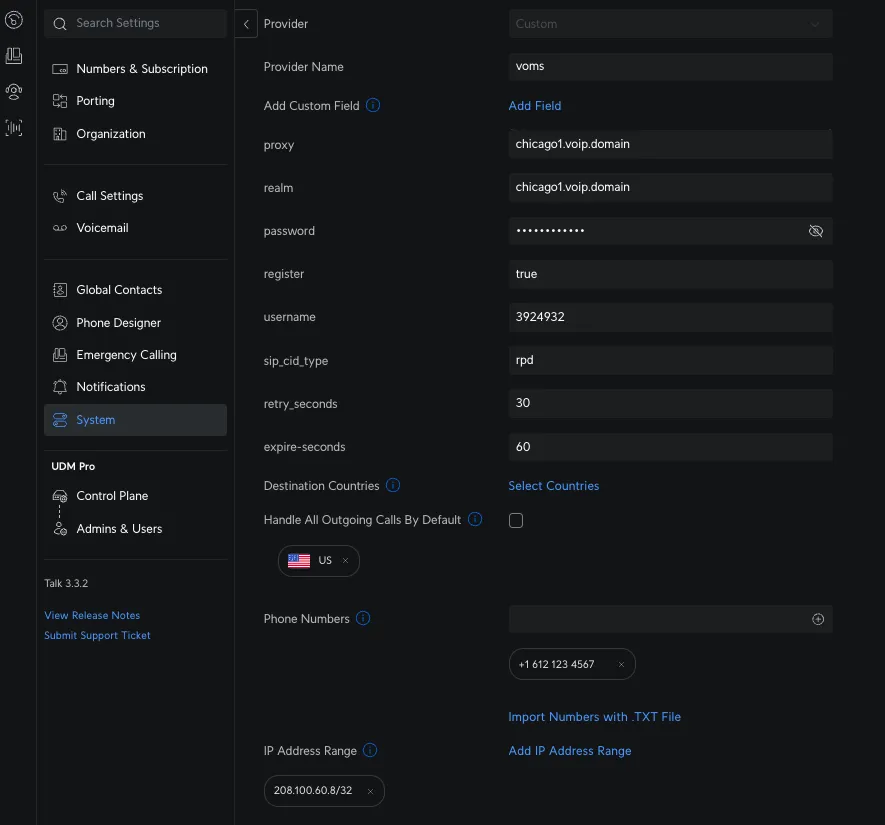
Add the following custom fields to link the phone to your phone number. For the IP address, use the nslookup command to see where ‘chicago1.voip.domain’ points, and then add the resulting IP address at the end.
At this point, your line should be active, and everything should be working correctly.