Project Highlights
T-Pot honeypot deployment focused on CCDC-style threat visibility, SSH attack monitoring, and attacker activity visualization.
- Deployed T-Pot on an Ubuntu 20 DigitalOcean instance to observe internet-facing attack traffic.
- Installed T-Pot from the official repository and adjusted SSH access to use the hardened management port.
- Validated running honeypot services and accessed the T-Pot web interface and attack map.
- Documented SSH configuration changes and external dashboards for monitoring attack patterns.
Setting Up a Honeypot for CCDC
I was setting up some honeypots for the CCDC cybersecurity competition and discovered that shortly after activating them, I started seeing alerts of SSH login attempts, so I said, I have to see this in action and remembered this project.
Deploying T-Pot to Monitor SSH Attacks
-
1
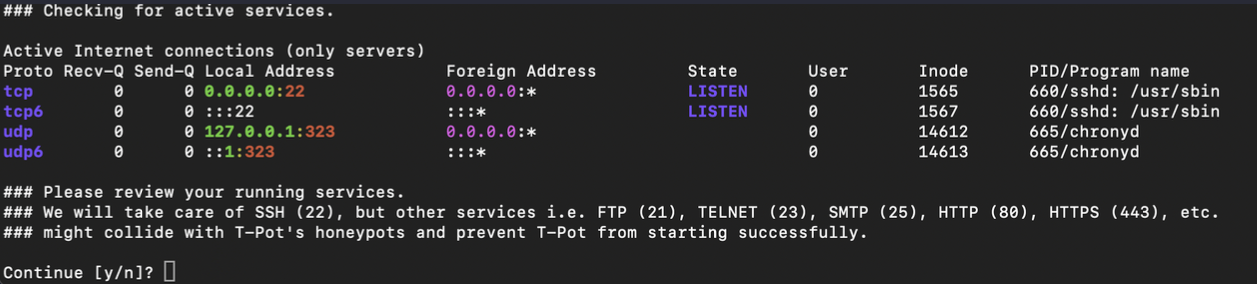
Deploy Ubuntu 20 on Digital Ocean
Start by deploying an Ubuntu 20 instance on Digital Ocean to host the honeypot. -
2
Clone and Install T-Pot
Run the following commands to install T-Pot:
git clone https://github.com/telekom-security/tpotce
cd tpotce/iso/installer/
./install.sh --type=user -
3
Modify SSH Port for Security
After installation, change the SSH port to prevent unauthorized access. -
4
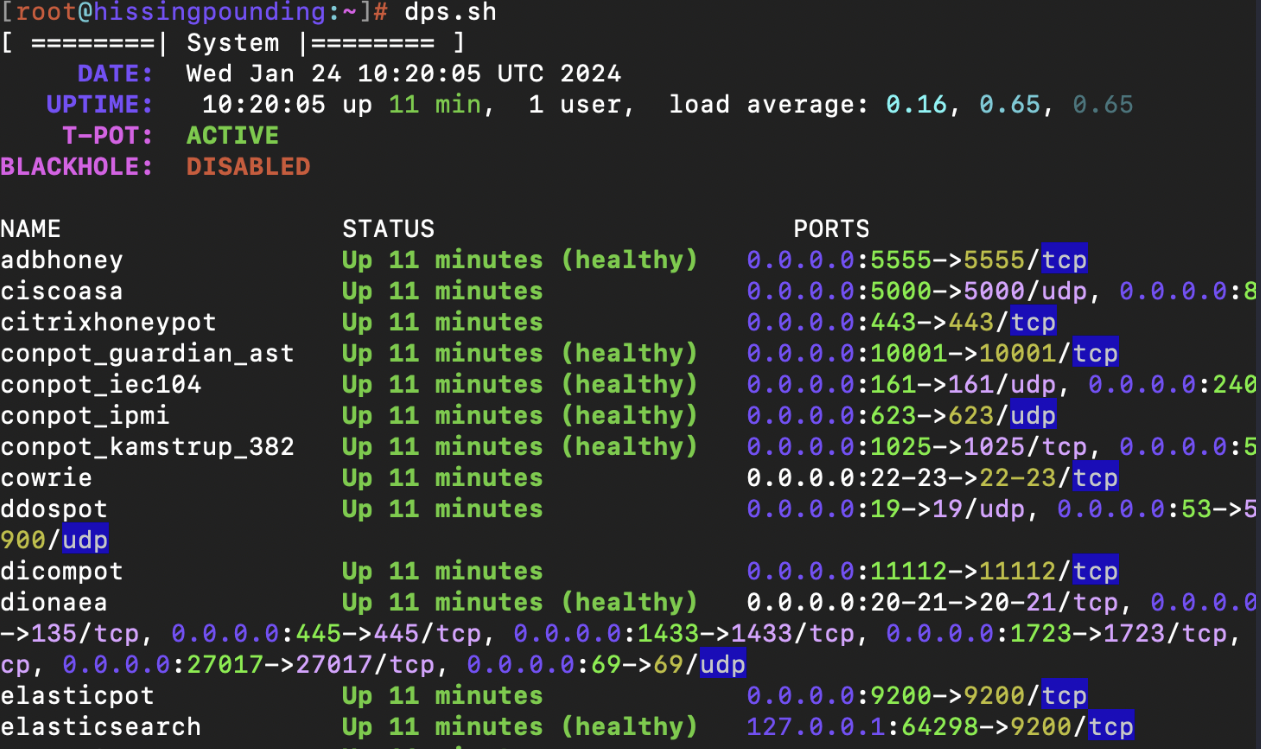
Check Running Services
Usedps.shto list the active T-Pot services. -
5
Access T-Pot Web Interface and SSH
-
6
Adjust SSH Configuration
Modify SSH settings:
Port 64295
Match Group tpotlogs
PermitOpen 127.0.0.1:64305
ForceCommand /usr/bin/false -
7
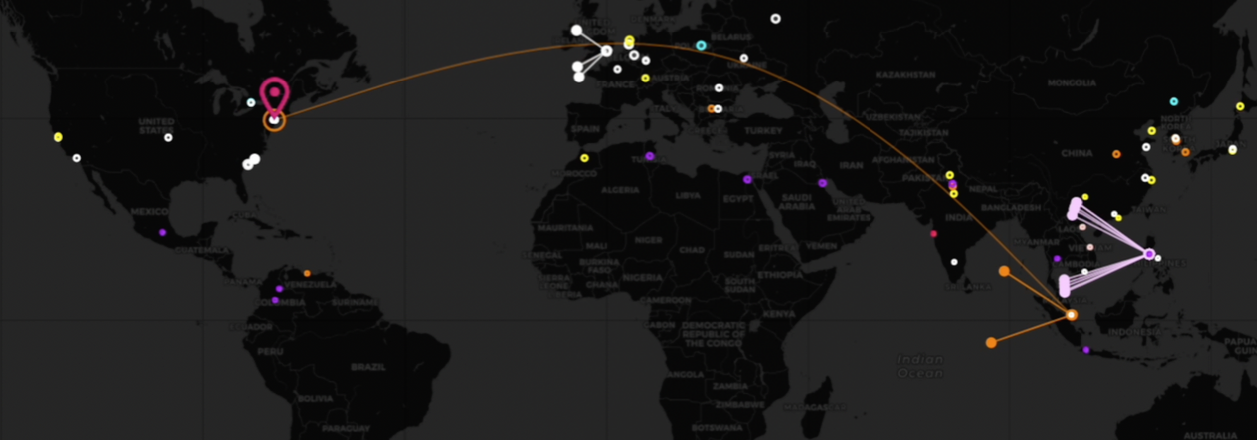
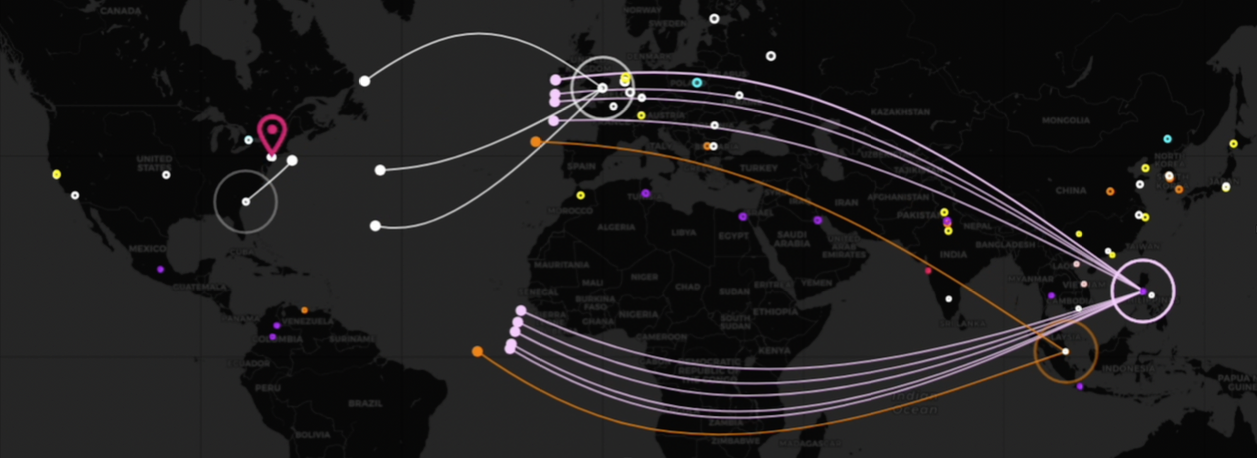
Monitor Attack Data (from T-mobile)
Use T-Mobile Honeypot Dashboard to visualize attack patterns.