
What is SysReptor?
SysReptor is a modern penetration testing and red teaming report generation platform. Built with flexibility in mind, it allows security professionals to create fully customizable reports using Markdown and HTML/CSS/VueJS templates. Reports can be exported as polished PDFs and tailored to match any client format or internal style guide.
Key Features
Whether self-hosted or cloud-based, SysReptor supports team collaboration, encrypted data storage, reusable findings, and advanced features like version history, spell-check, and SSO—making it a powerful tool for efficient, professional reporting workflows.
SysReptor streamlines the reporting process, allowing security teams to focus on what matters most - delivering high-quality security assessments.
Quick Installation Guide
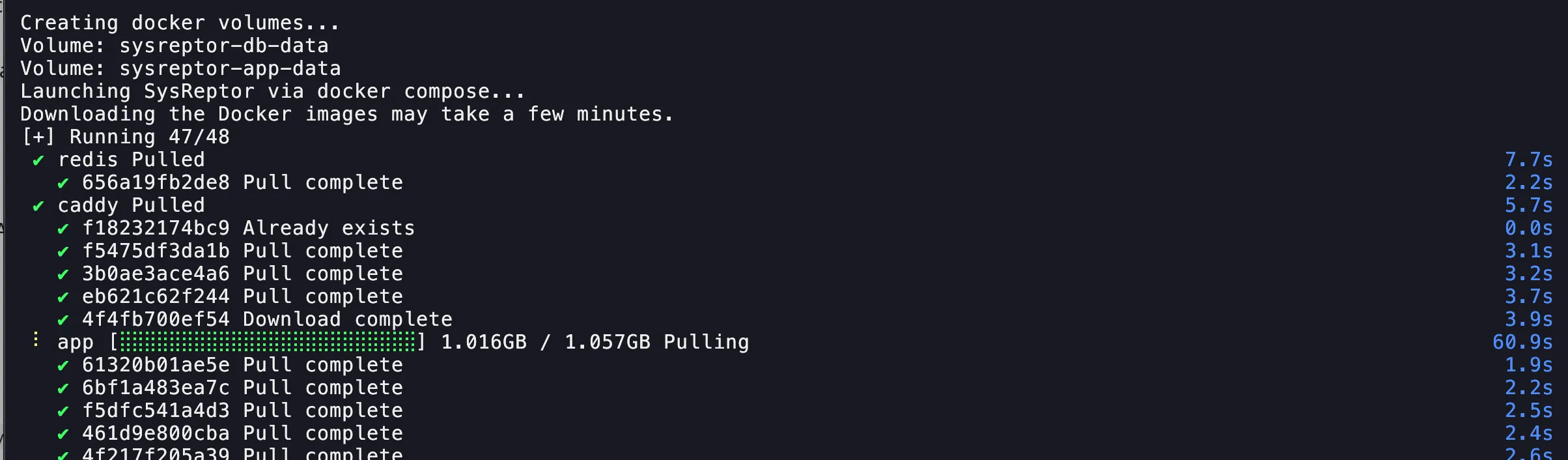
Getting started with SysReptor is straightforward. Here's how to install it using the official installation script:
Create Admin User
Run the following to create an admin:
docker exec -it sysreptor-app bashpython /app/api/src/manage.py createsuperuserFollow the prompt to set username, email, and password.
Access the Interface
http://127.0.0.1:8000http://127.0.0.1:8000/admin/Remote Access via SSH Tunnel
If SysReptor runs on a remote machine, use SSH port forwarding:
ssh -L 8000:127.0.0.1:8000 user@remote_ipThen open http://localhost:8000 in your local browser.
The installation process is automated and will guide you through all necessary steps. Make sure you have Docker and Docker Compose installed on your system before proceeding.