Sniffing Bluetooth LE with nRF Sniffer and Wireshark
This guide will walk you through setting up Bluetooth LE sniffing using the nRF Sniffer and Wireshark. This powerful combination allows you to capture and analyze Bluetooth Low Energy traffic for security testing and development purposes.
Installation Steps:
1. Download Required Files
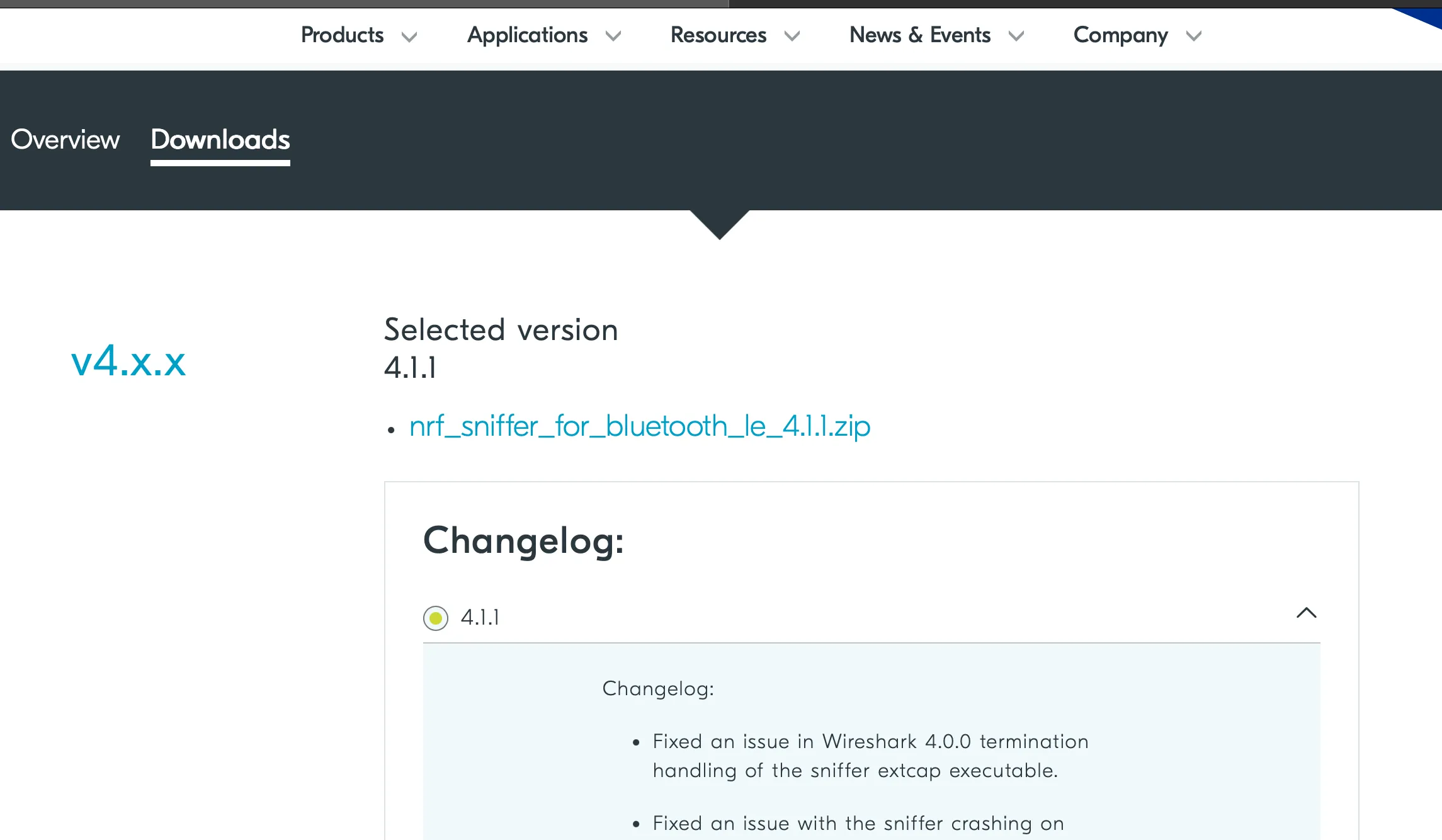
Download the nRF Sniffer for Bluetooth LE from:
https://www.nordicsemi.com/Products/Development-tools/nRF-Sniffer-for-Bluetooth-LE/Download
2. Install nRF Connect for Desktop
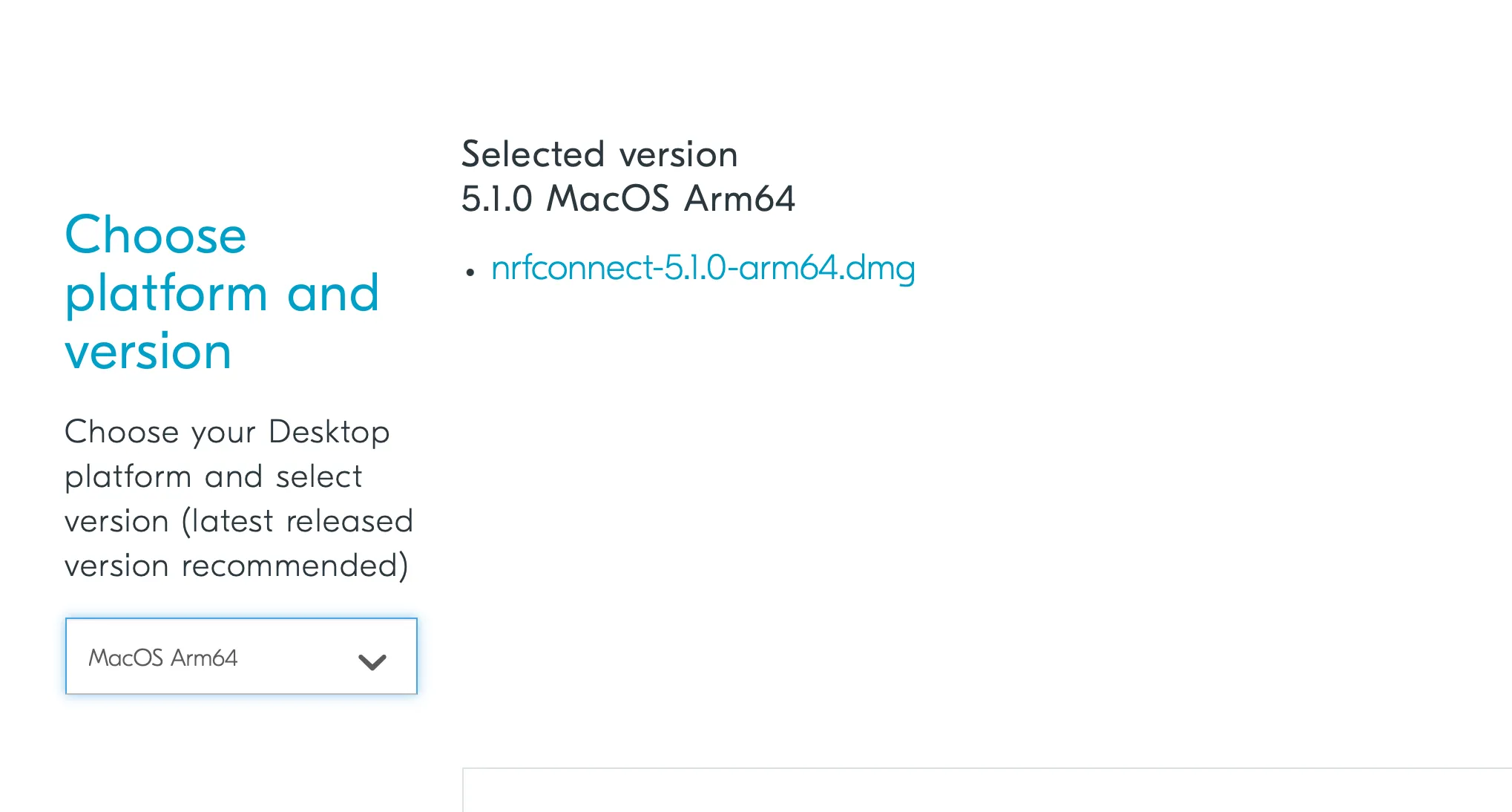
Download and install nRF Connect for Desktop:
https://www.nordicsemi.com/Products/Development-tools/nRF-Connect-for-Desktop/Download
3. Flash the Sniffer Firmware
In nRF Connect Programmer:
- Add the file: sniffer_nrf52840dongle_nrf52840_4.1.1.hex
- Press reset button on the USB Dongle (wait for red light)
- Select DFU bootloader
- Open it and press write
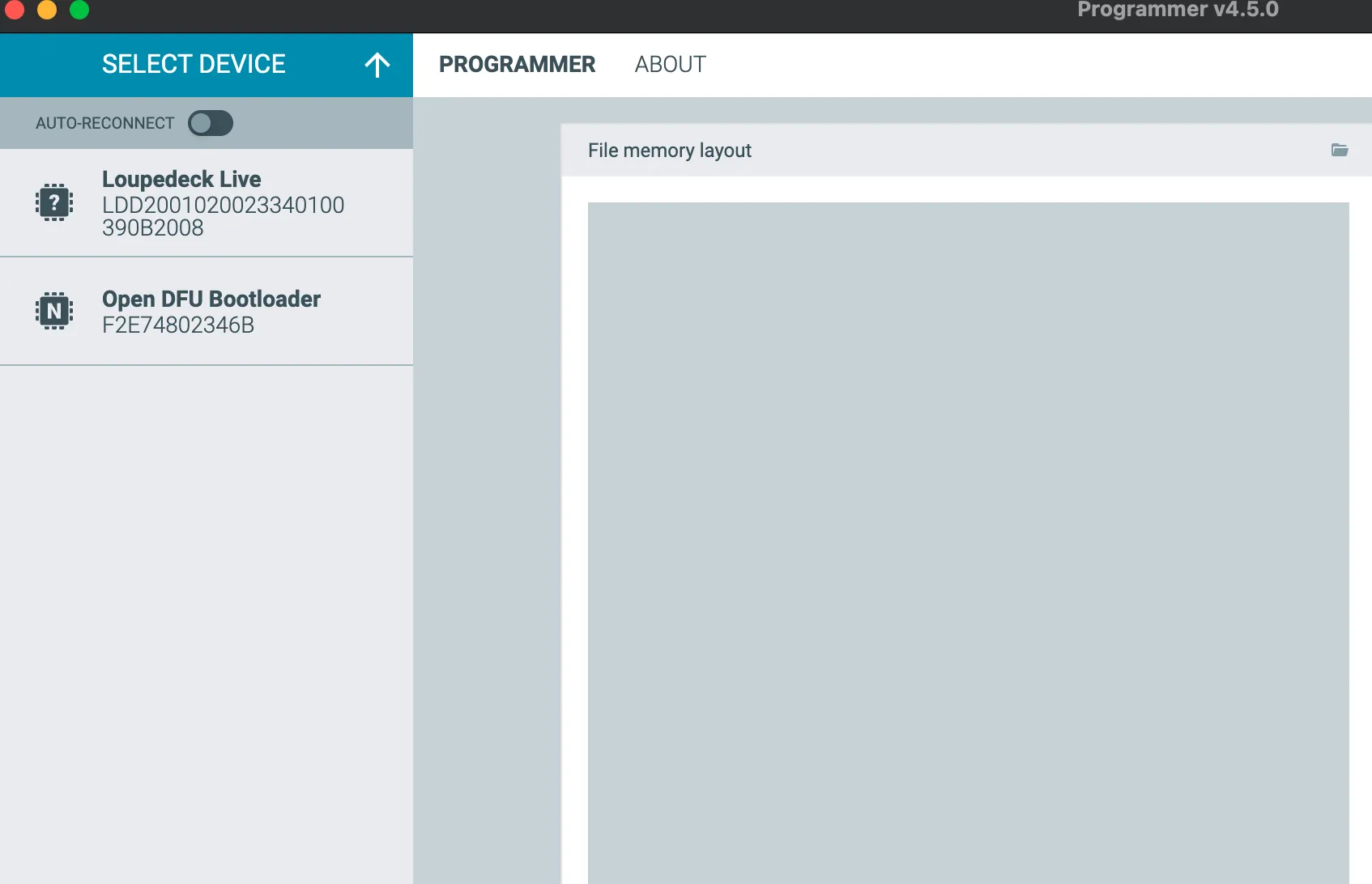
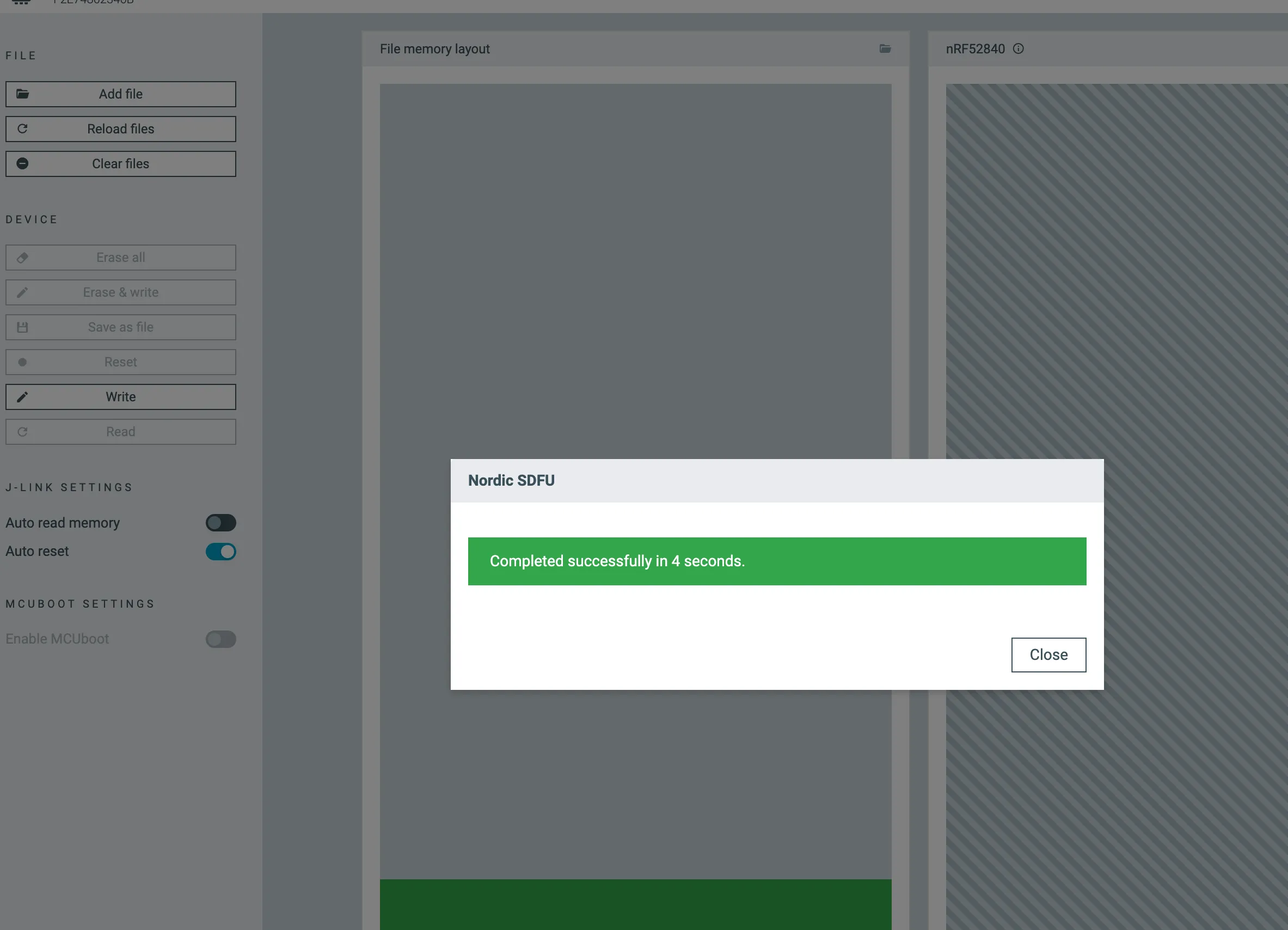
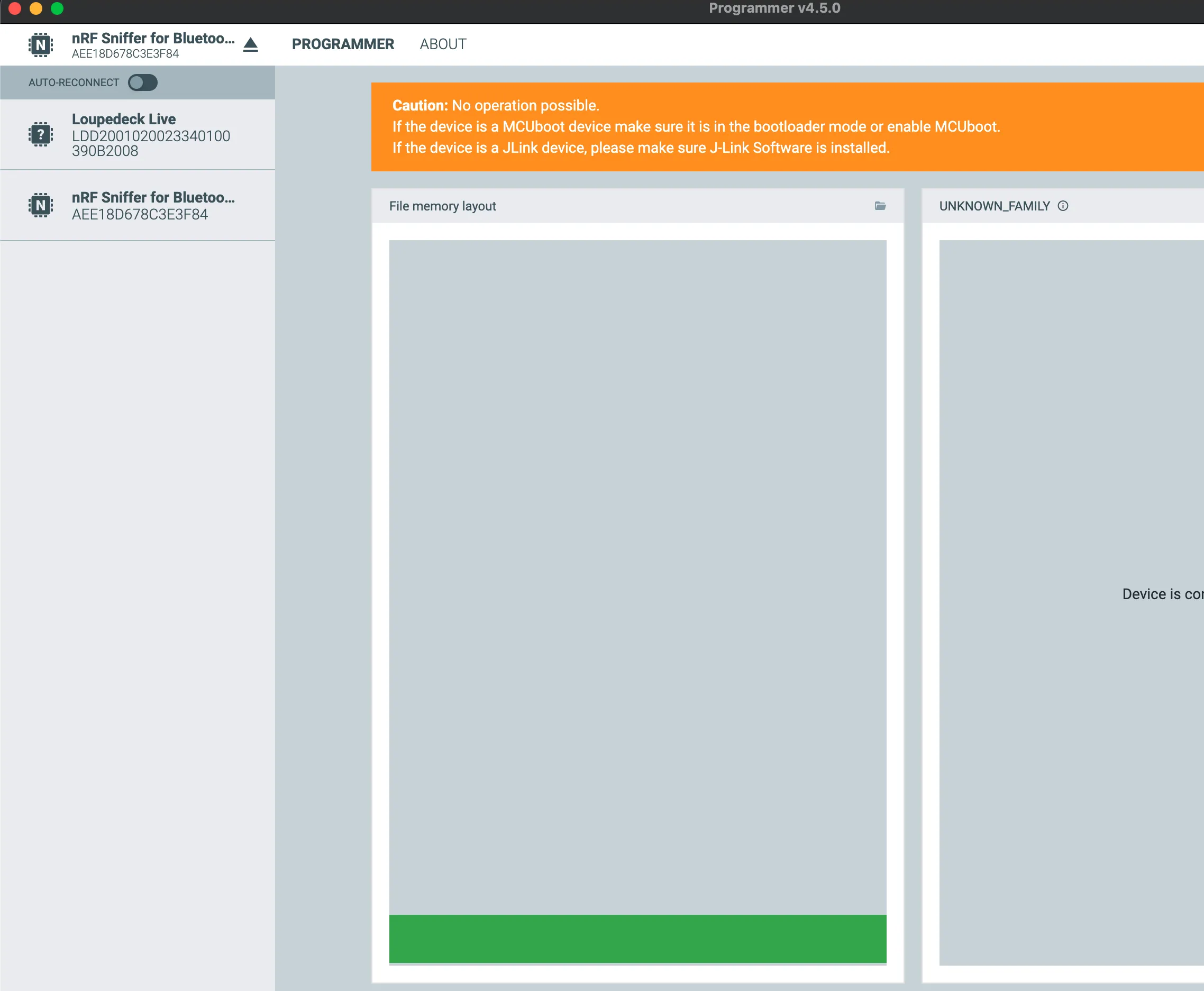
After flashing, we can see the name has changed to nRF Sniffer for Bluetooth:
4. Check Wireshark Interface
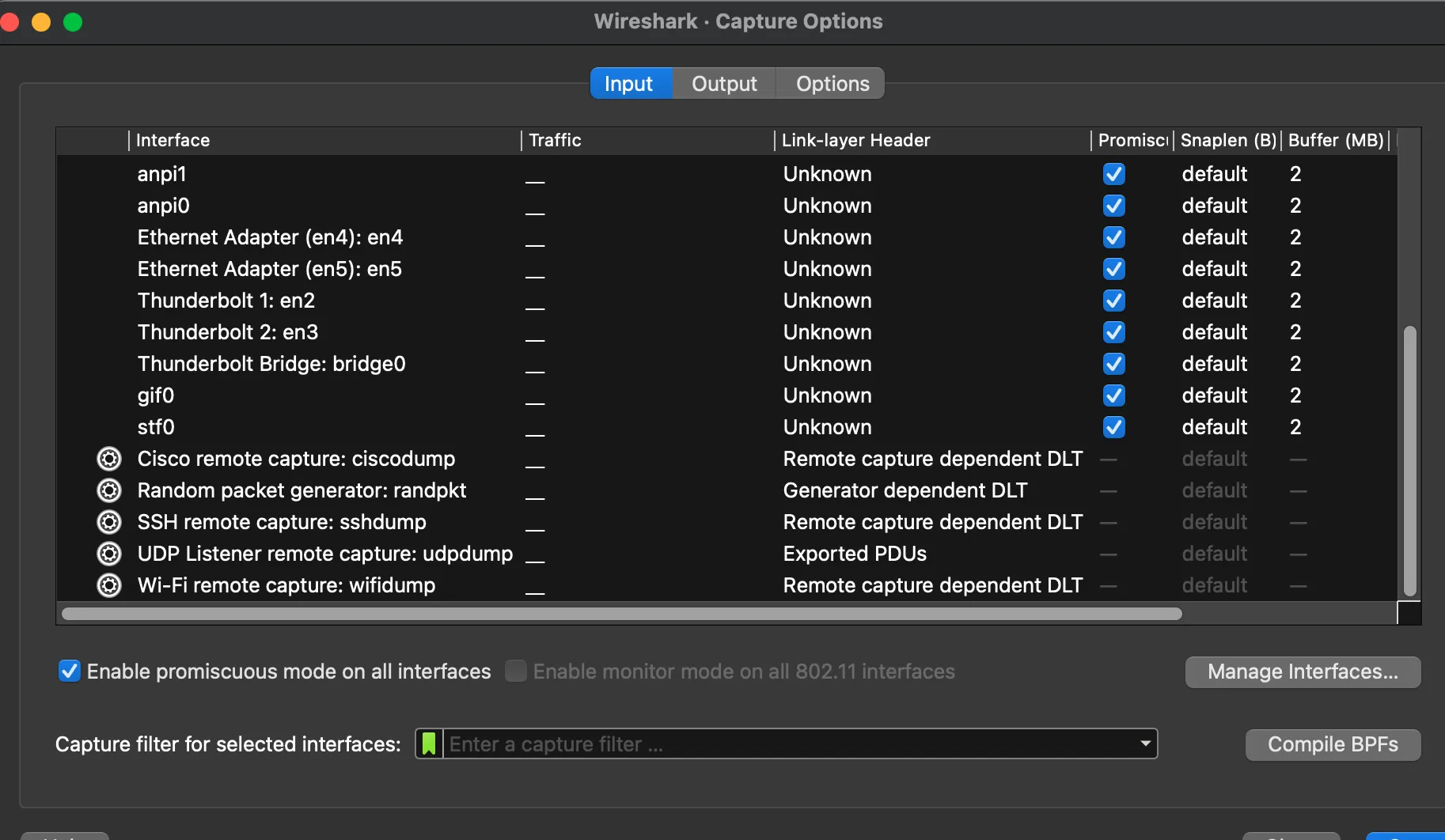
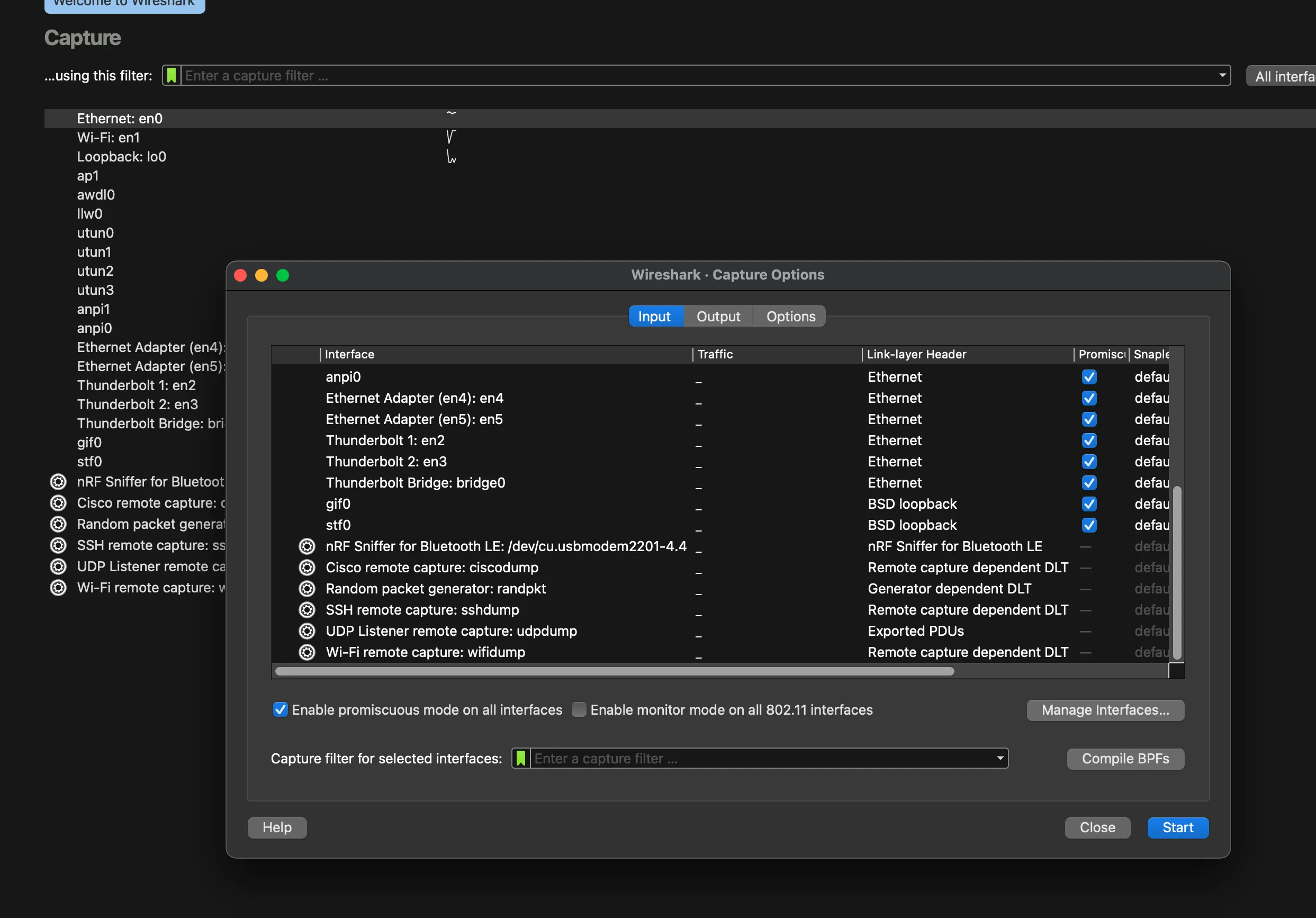
Before installing the sniffer, we can see that Wireshark doesn't show the Bluetooth interface:
5. Configure Wireshark
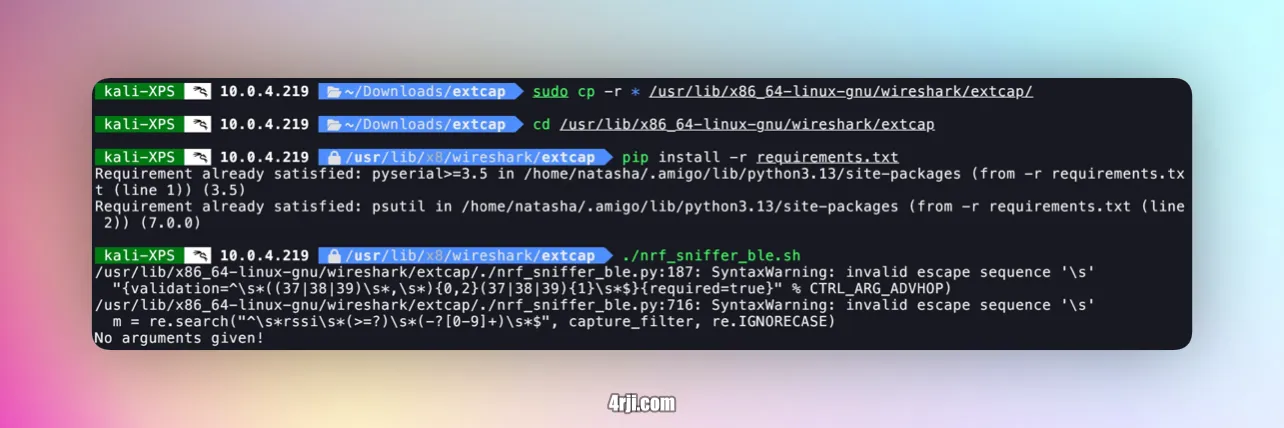
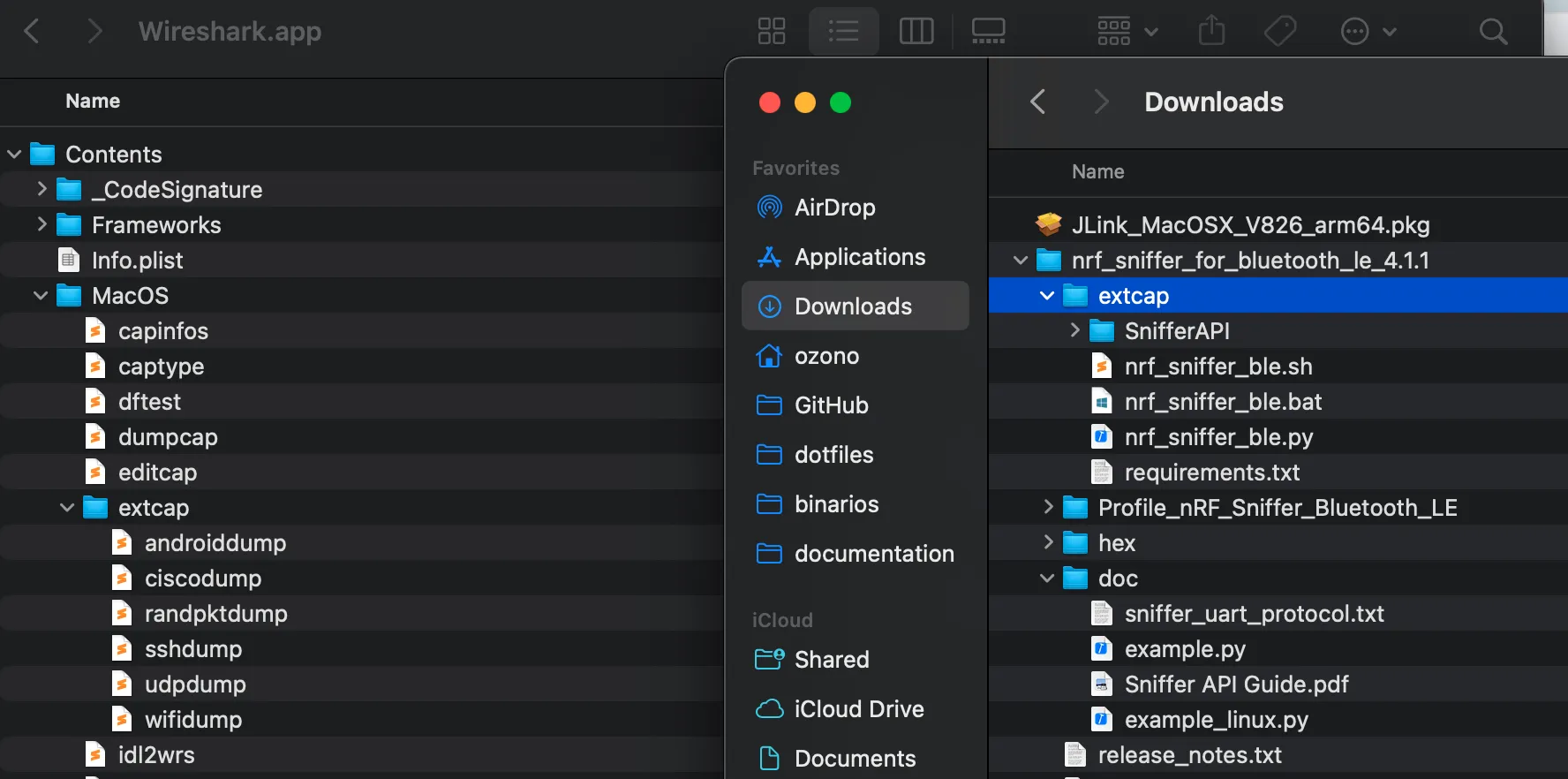
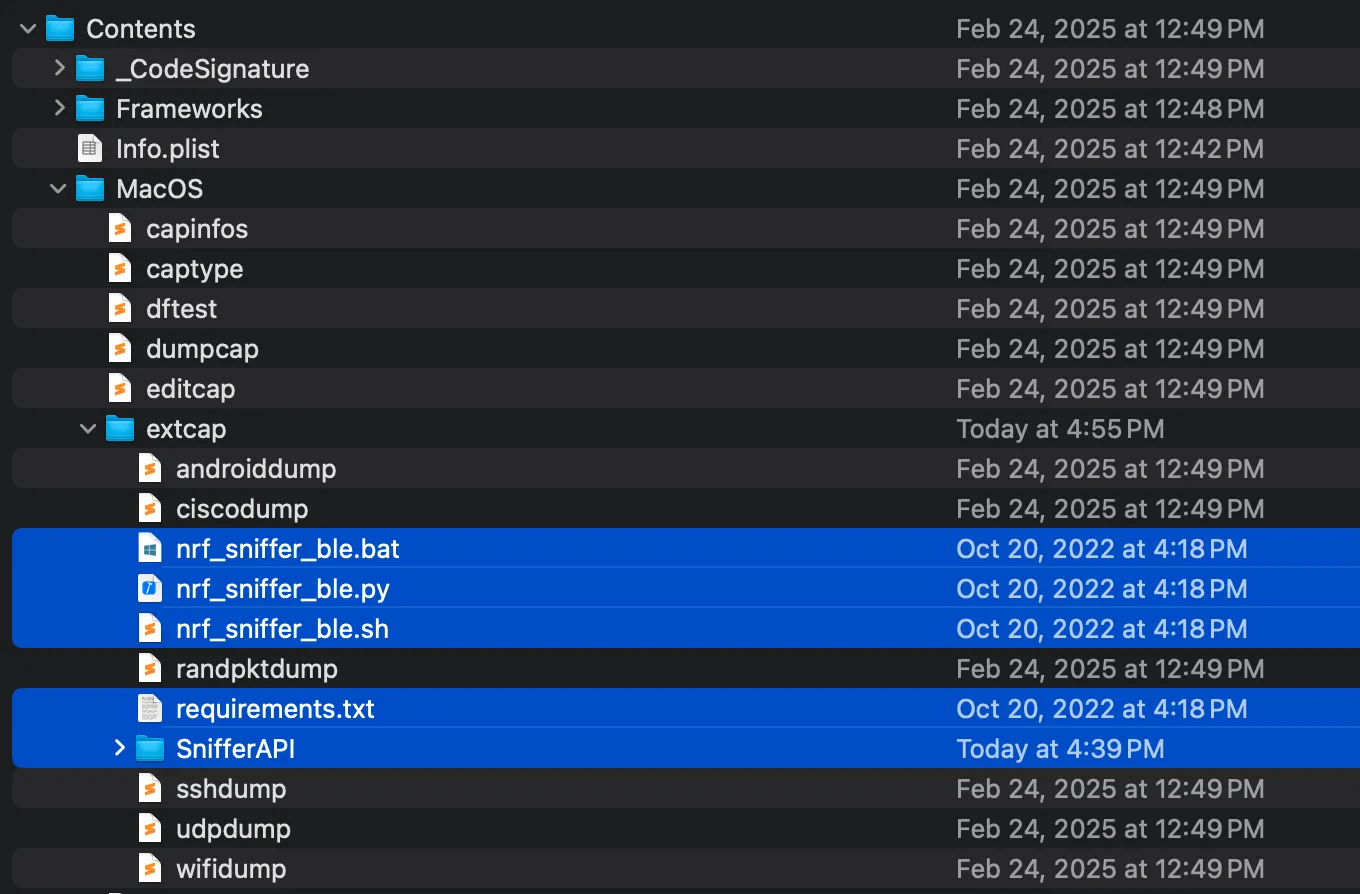
Copy the files from the downloaded nRF Sniffer package to the Wireshark extcap directory:
6. Install Dependencies
Install the required Python packages:
Collecting pyserial>=3.5 (from -r requirements.txt (line 1))
Downloading pyserial-3.5-py2.py3-none-any.whl.metadata (1.6 kB)
Collecting psutil (from -r requirements.txt (line 2))
Using cached psutil-7.0.0-cp36-abi3-macosx_11_0_arm64.whl.metadata (22 kB)
Downloading pyserial-3.5-py2.py3-none-any.whl (90 kB)
Using cached psutil-7.0.0-cp36-abi3-macosx_11_0_arm64.whl (239 kB)
Installing collected packages: pyserial, psutil
Successfully installed psutil-7.0.0 pyserial-3.5
7. Start the Sniffer
Run the sniffer script:
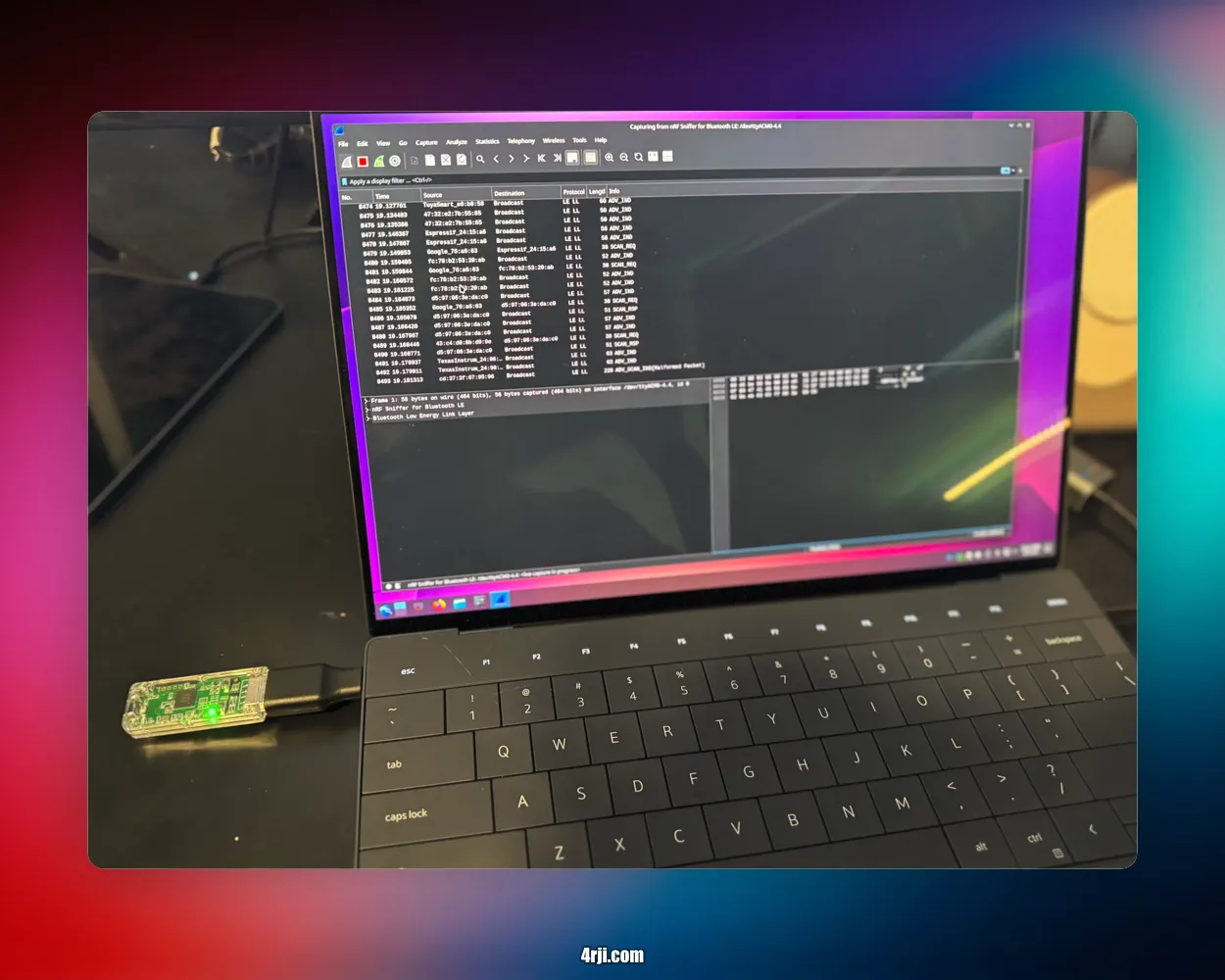
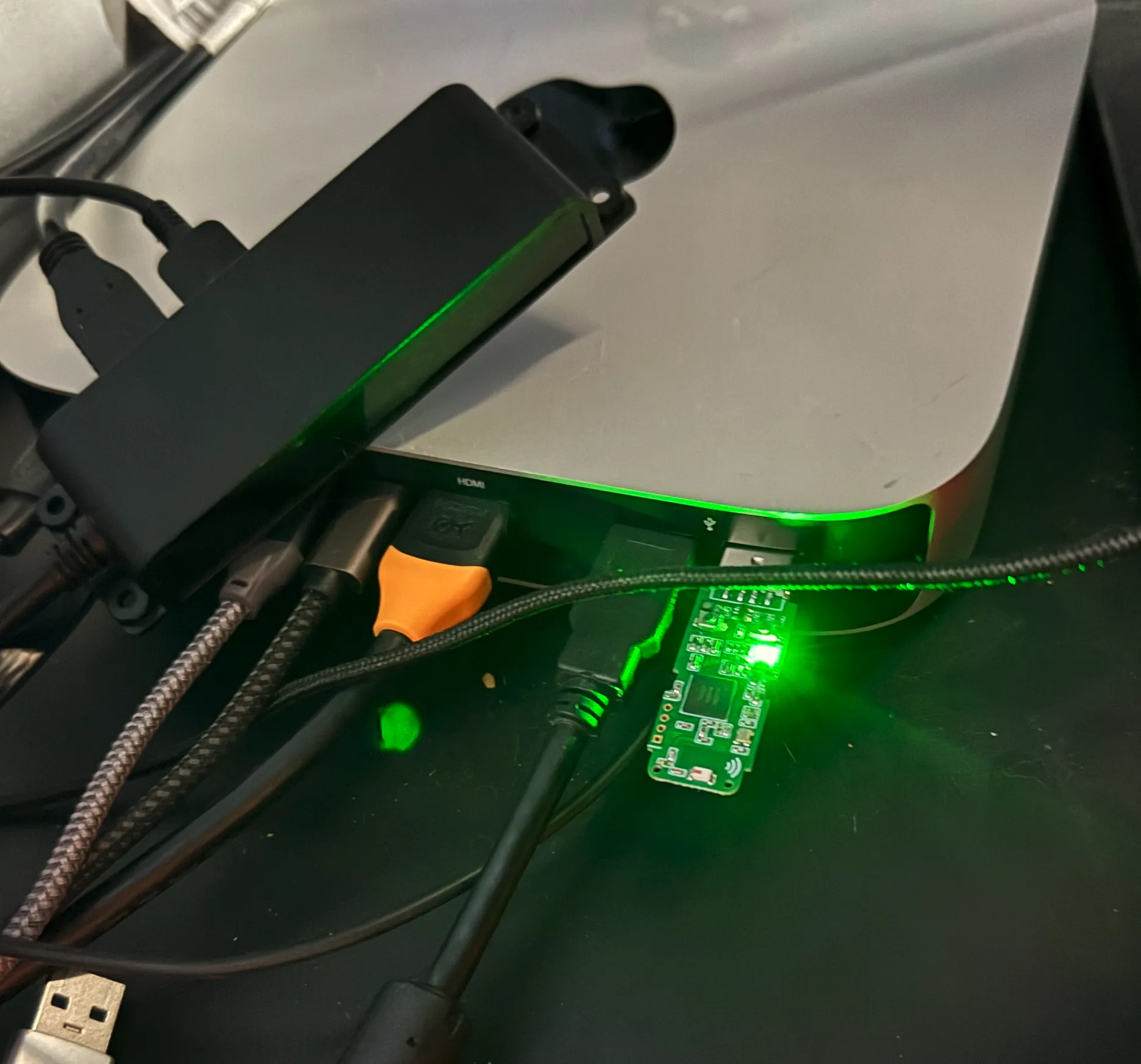
Right after running this script, the green LED on the USB dongle will start blinking.
8. Start Capturing
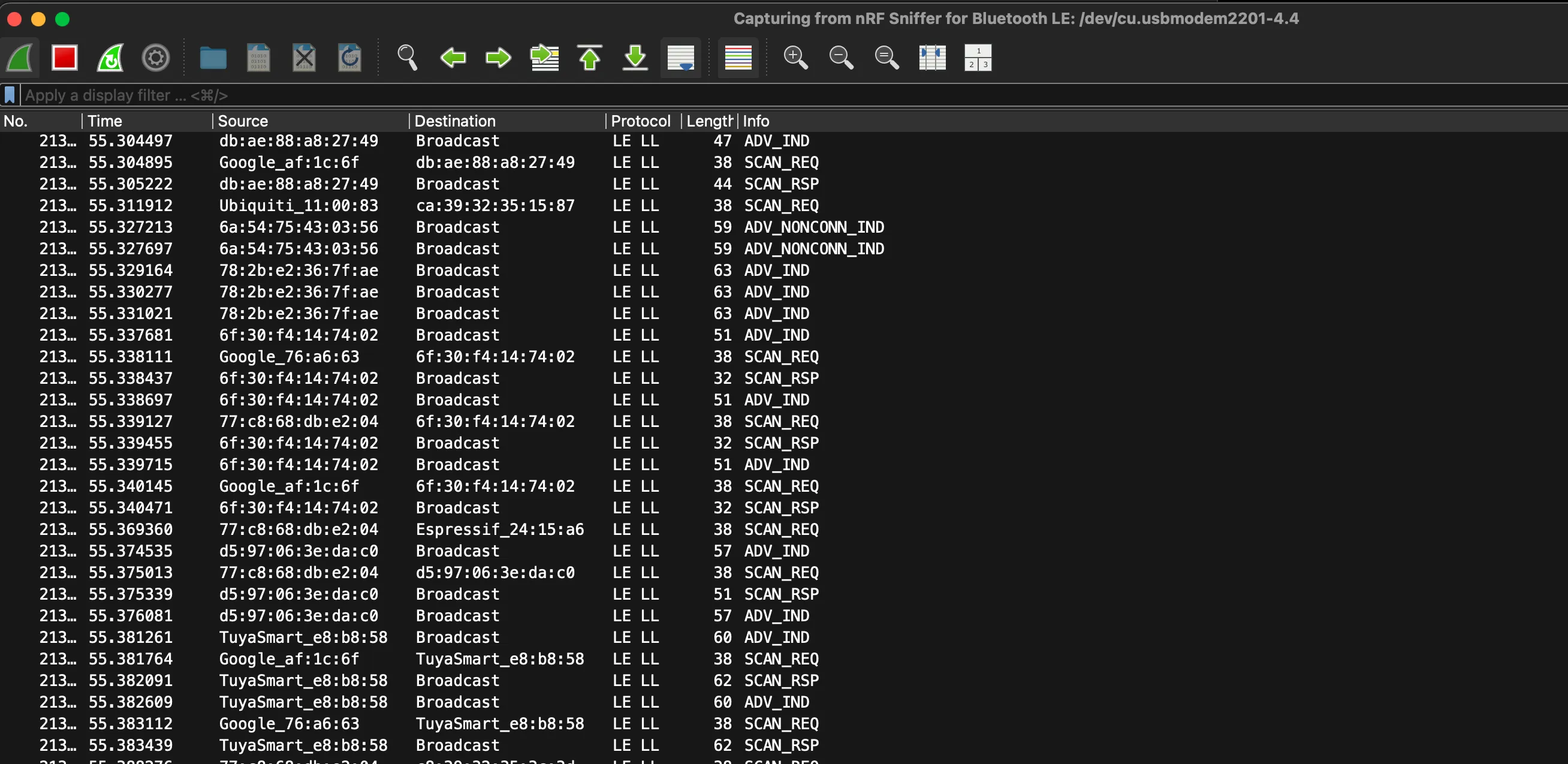
Open Wireshark and start capturing Bluetooth LE traffic. The green LED on the dongle will blink when capturing.
9. For Kali Linux Users
The process is exactly the same for Kali Linux. Just move the files to your Kali system and run the same commands:
- Move the downloaded files to your Kali system
- Run the same commands in the terminal
- Start Wireshark and you'll see the interface available