Project Highlights
Sandfly Security deployment focused on agentless Linux intrusion detection, Docker-based server setup, TLS configuration, and dashboard validation.
- Installed Sandfly server dependencies and Docker components on Debian for a Linux threat hunting lab.
- Ran the Sandfly installer, configured the API server address, and generated signed SSL certificate settings.
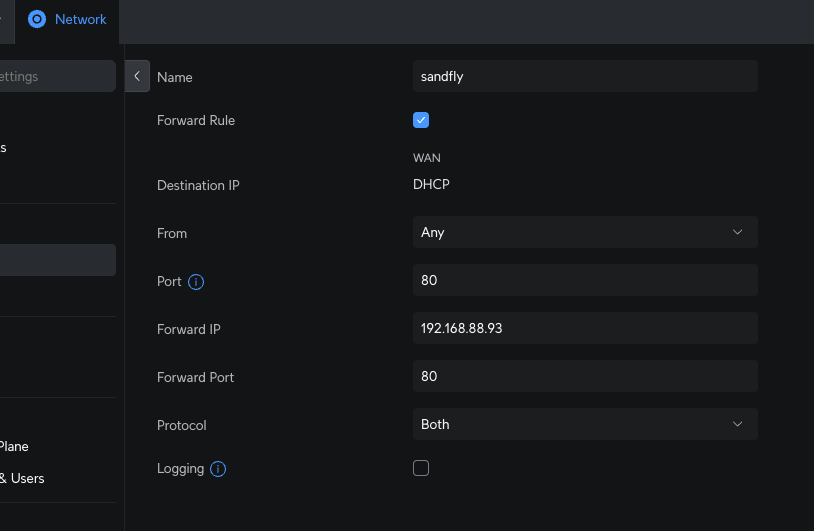
- Opened required firewall access for certificate validation and web-based management.
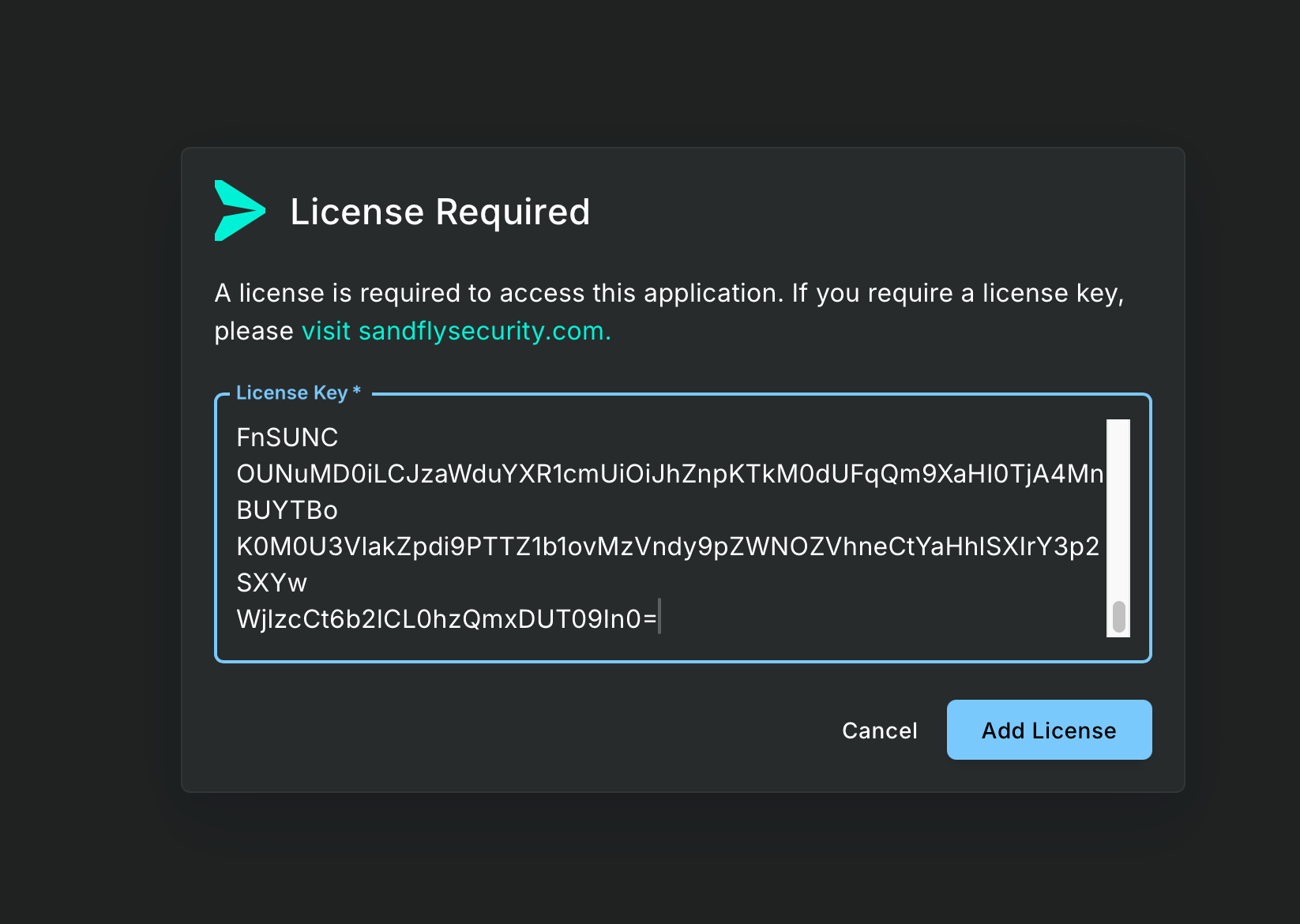
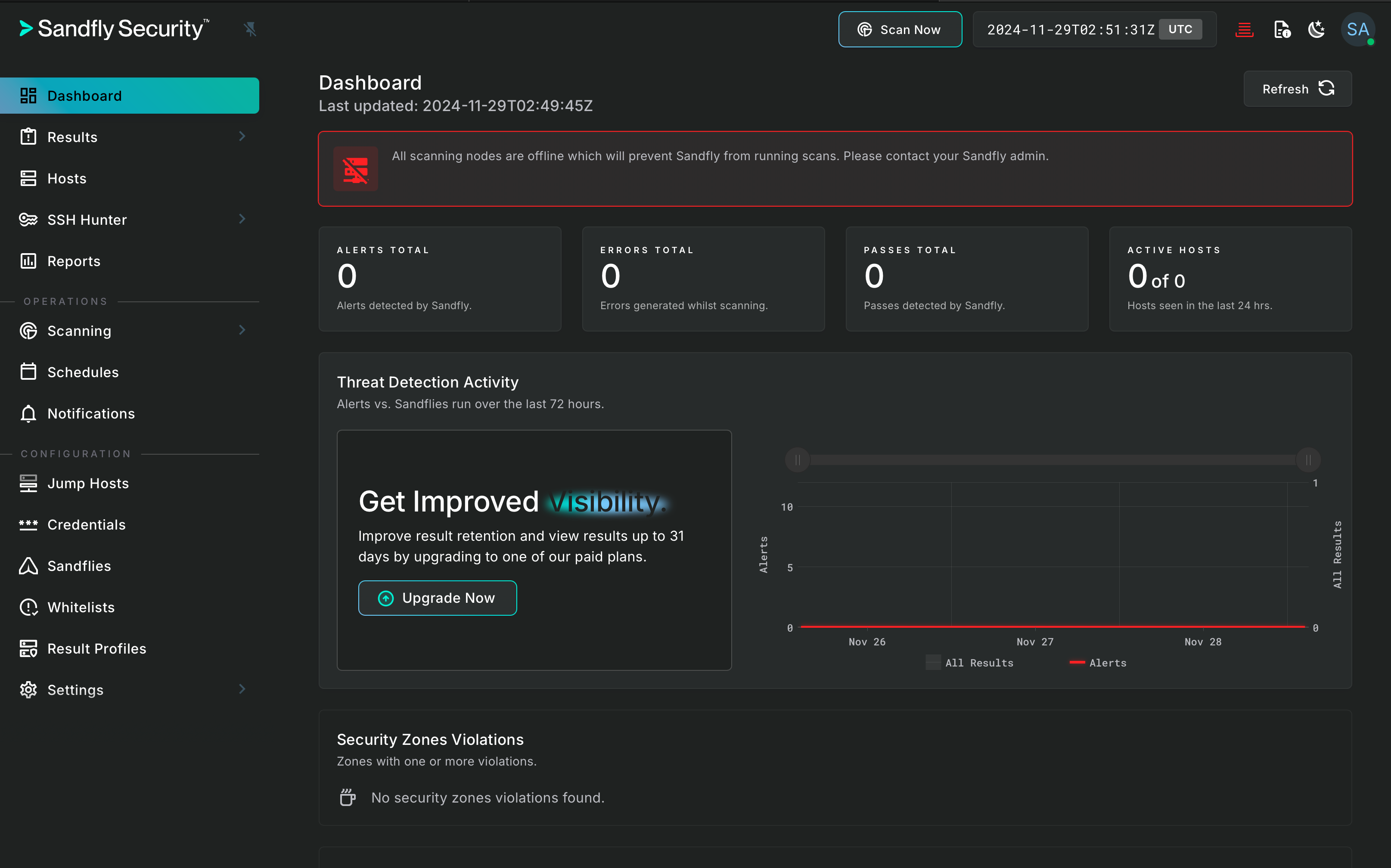
- Validated setup completion through license activation, admin credential retrieval, and dashboard access.
Because hackers hate the beach!
Sandfly Security specializes in providing agentless, lightweight intrusion detection and threat hunting for Linux systems. Protect your servers with real-time monitoring and rapid incident response.
-
1
Download and Install Dependencies
wget https://github.com/sandflysecurity/sandfly-setup/releases/download/v5.2.0/sandfly-setup-5.2.0.tgz\n\ntar -xzvf sandfly-setup-5.2.0.tgz cd setup ./install_docker_debian.sh sudo apt install -y apt-transport-https ca-certificates curl software-properties-common sudo apt install -y apt-transport-https ca-certificates curl gnupg lsb-release curl -fsSL https://download.docker.com/linux/debian/gpg | sudo gpg --dearmor -o /usr/share/keyrings/docker-archive-keyring.gpg echo "deb [arch=$(dpkg --print-architecture) signed-by=/usr/share/keyrings/docker-archive-keyring.gpg] https://download.docker.com/linux/debian $(lsb_release -cs) stable" | sudo tee /etc/apt/sources.list.d/docker.list > /dev/null sudo apt update sudo apt install -y docker-ce docker-ce-cli containerd.io https://docs.sandflysecurity.com/docs/server-install-docker -
2
Install using the script
sudo ./install.sh Installing Sandfly server version 5.2.0. Copyright (c)2016-2024 Sandfly Security Ltd. Welcome to the Sandfly 5.2.0 server setup. a2a638a36027e77d2db7920b31ab74e97f1086e1eb09dad42e165bd9fe73e414 Starting Postgres database. Based on 4 CPUs and 5921504kB total RAM, we will start Postgres with the following settings: max_connections = 60 shared_buffers = 1036262kB effective_cache_size = 3108786kB maintenance_work_mem = 1048576kB checkpoint_completion_target = 0.9 wal_buffers = 16384kB default_statistics_target = 100 random_page_cost = 2 effective_io_concurrency = 100 work_mem = 10362kB min_wal_size = 2GB max_wal_size = 8GB max_worker_processes = 4 max_parallel_workers = 4 max_parallel_workers_per_gather = 2 max_parallel_maintenance_workers = 2 Unable to find image 'postgres:14.13' locally 14.13: Pulling from library/postgres ****************************************************************************** Please supply the server API hostname or IP address here (NOT localhost): 192.168.88.93 Setting API server hostname to: 192.168.88.93 ****************************************************************************** Generate signed SSL keys (type YES)? YES EFF's Let's Encrypt bot needs your fully qualified hostname to reach this host. It must be visible online with TCP port 80 access for this to work. **************************************************************************** -
3
Open the port 80 in the firewall
-
4
Finish and get the cert
Signed Certificate Install EFF's Let's Encrypt bot needs your fully qualified hostname to reach this host. It must be visible online with TCP port 80 access for this to work. **************************************************************************** What is your fully qualified hostname for the signed SSL cert? 4rji.sandflysecurity.com ****************************************************************************** Setup Complete! Your setup is complete. Please see below for the path to the admin password to login. You will need to go to /home/ass/sandfly-setup/start_scripts and run the following to start the server: ./start_sandfly.sh Your randomly generated password for the admin account is located under: /home/ass/sandfly-setup/setup/setup_data/admin.password.txt ****************************************************************************** ❯ ./start_sandfly.sh *** Postgres container already running. *** Starting Sandfly Server. ********************************* WARNING ********************************* * * * The node config data file at: * * ../setup/setup_data/config.node.json * * is present on the server. * * * * This file must be deleted from the server to fully protect the SSH keys * * stored in the database. It should only be on the nodes. * * * ********************************* WARNING ********************************* Are you sure you want to start the server with the node config data present? Type YES if you're sure. [NO]: YES d9723e812a2665f346c8f484ad1q93eddea0935d34cbea14732f255fefc4218e ❯ cat /home/ass/sandfly-setup/setup/setup_data/admin.password.txt -
5
Paste the license (register first)
-
6
Dashboard