Remote Control Showdown: Which Desktop Hero Will You Choose?
This page dives into the technical face-off between XRDP and VNC, two of the leading remote desktop protocols. Discover their strengths, weaknesses, and ideal use cases to determine which protocol reigns supreme for your remote access requirements.
-
1
VNC
Use tigervnc-common, vncserver, x11vnc, TightVNC. They worked well but when I wanted to use Plasma it gave me problems, the only one that worked well was x11vnc. - Download
-
2
It worked well but it's a little slow, the Win and Alt keys don't work well. So the other option was xrdp.
Code Example with Copy Functionality
# Crear el archivo .xsession en el directorio de inicio del usuario actual echo "startplasma-x11" > ~/.xsession # Hacer una copia de seguridad del archivo startwm.sh original sudo cp /etc/xrdp/startwm.sh /etc/xrdp/startwm.sh.bk # Eliminar el archivo startwm.sh original sudo rm /etc/xrdp/startwm.sh # Crear un nuevo archivo startwm.sh con el contenido proporcionado sudo bash -c 'cat << EOF > /etc/xrdp/startwm.sh #!/bin/sh # xrdp X session start script if test -r /etc/profile; then . /etc/profile fi if test -r ~/.profile; then . ~/.profile fi # Clean up previously set DBUS session address unset DBUS_SESSION_BUS_ADDRESS unset XDG_RUNTIME_DIR # Start KDE Plasma session exec startplasma-x11 EOF' # Hacer que el nuevo archivo startwm.sh sea ejecutable sudo chmod +x /etc/xrdp/startwm.sh # Reiniciar el servicio xrdp sudo systemctl restart xrdp- Download
-
The one that worked best was XRDP, so that is what I am using for the new server that I will install in CDMX.
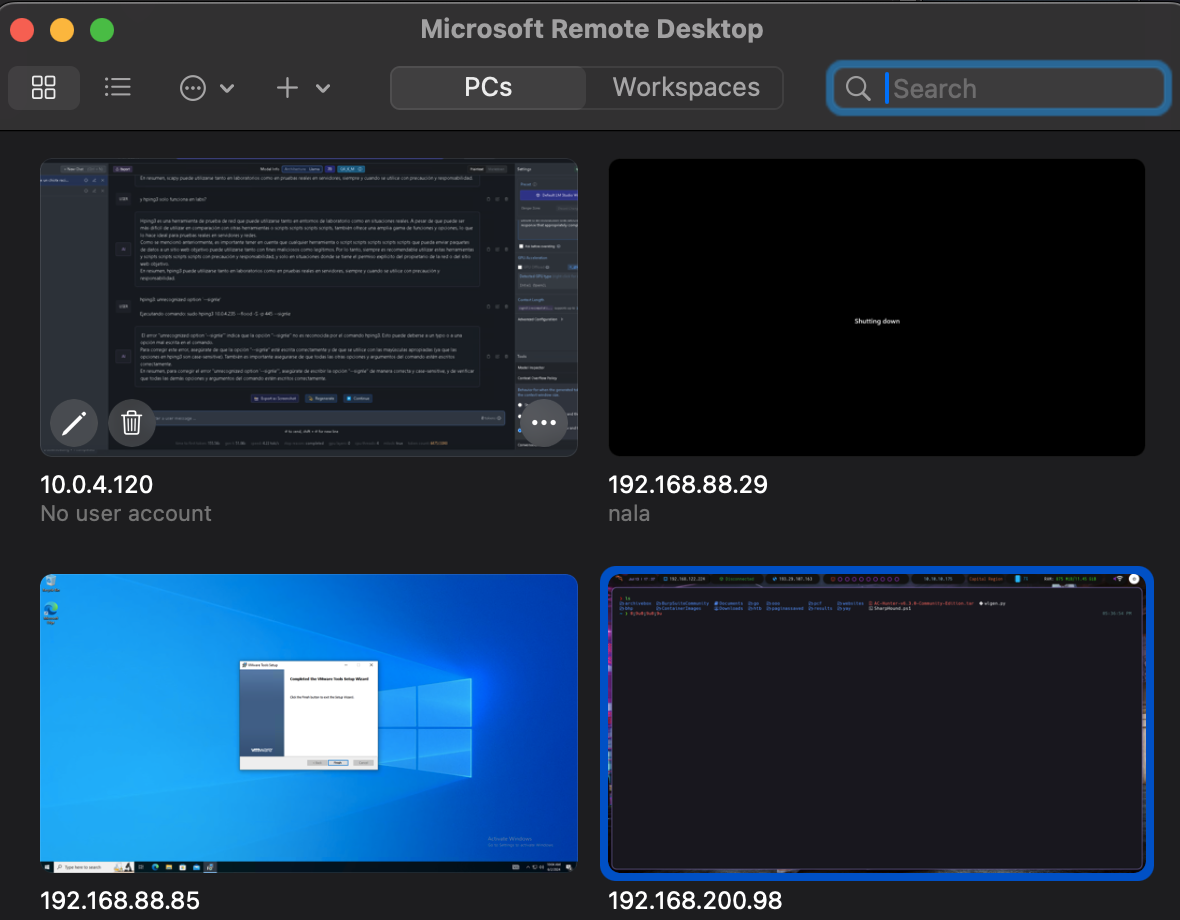
Microsoft Remote Desktop.app
- 4
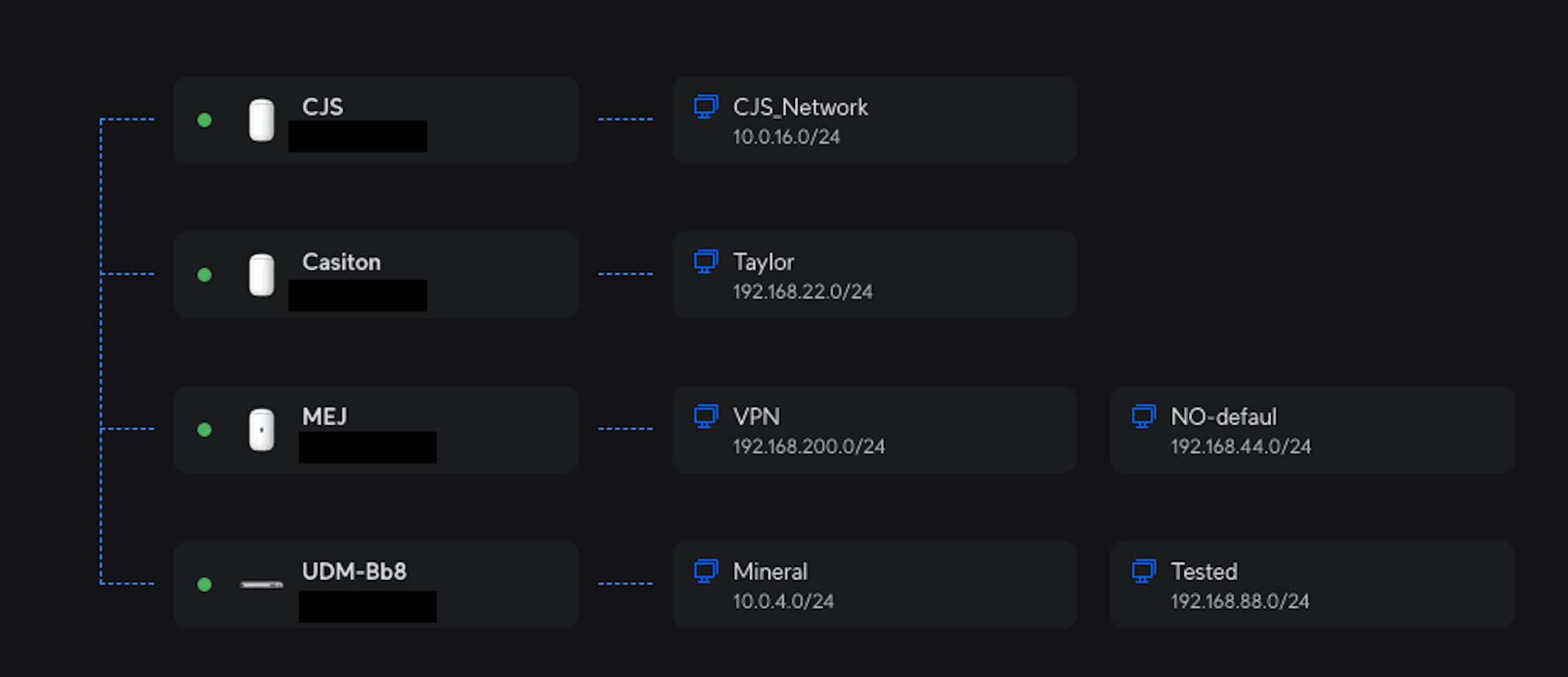
And thanks to the multi-site connection I feel at home, just add some rules to the firewall and that's it. local access from my network, it also has a VPN with changeable IP.
My sites
- 5
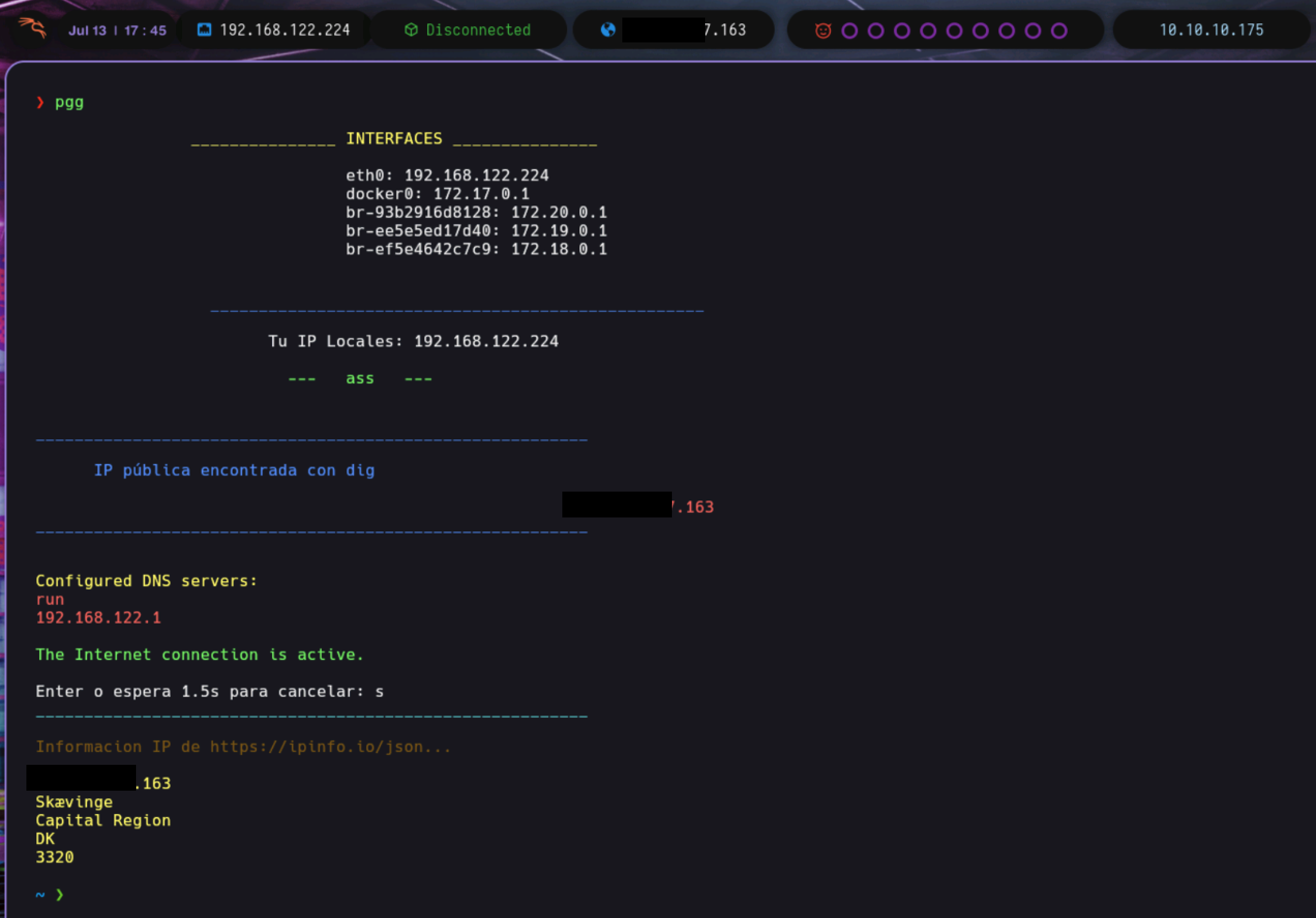
I have access to my HTB machine, quickly and easily from anywhere, thanks to my VPN to access my network-networks.
Kali for HackTheBox
- 4
# Iniciar Xvfb
Xvfb :1 -screen 0 1920x1080x24 &

# Esperar un momento para asegurarse de que Xvfb se inicie correctamente
sleep 2

# Configurar la variable de entorno DISPLAY
export DISPLAY=:1

# Iniciar KDE Plasma
startplasma-x11 &

# Esperar un momento para asegurarse de que KDE Plasma se inicie correctamente
sleep 2

# Iniciar x11vnc
x11vnc -forever -usepw -display :1
#x11vnc -forever -usepw -display :1 -add_keysyms -repeat -xkb