Where Configurations Meet Innovation!
NixOS is a revolutionary Linux distribution that leverages the power of declarative configuration to ensure a reproducible, reliable, and versatile operating system environment. With NixOS, system configurations are described in a single file, making it easy to manage and reproduce setups across different machines. Whether you're a developer, sysadmin, or a Linux enthusiast, NixOS offers a robust and flexible platform for your needs.
-
1
Enable SSH
sudo nano /etc/nixos/configuration.nix # Enable the OpenSSH daemon. services.openssh.enable = true #add also wget in: packages = with pkgs; [ wget ]; sudo nixos-rebuild switch -
2
Find the IP and ssh into the machine
-
3
Download the configuration files
Code Example with Copy Functionality wget https://raw.githubusercontent.com/4rji/archivos-b/main/configurationnew.nix -
4
Add configuration files to existing nixos file
You cannot copy the file like this because it has specific settings for each machine. Then rebuild the system with nixos-rebuild -
5
Installing Virt-Manager with QEMU
If you want to install Qemu with Virt-Manager, download the configuration file and add it to the nixos configuration file. -
6
Download the configuration files and copy it on /etc/nixos/
Code Example with Copy Functionality wget https://raw.githubusercontent.com/4rji/archivos-b/main/vm.nix -
7
Add the file to the configuration and rebuild NixOS
#/etc/nixos/configuration.nix add: imports = [ # Include the results of the hardware scan. ./hardware-configuration.nix ./vm.nix ]; -
8
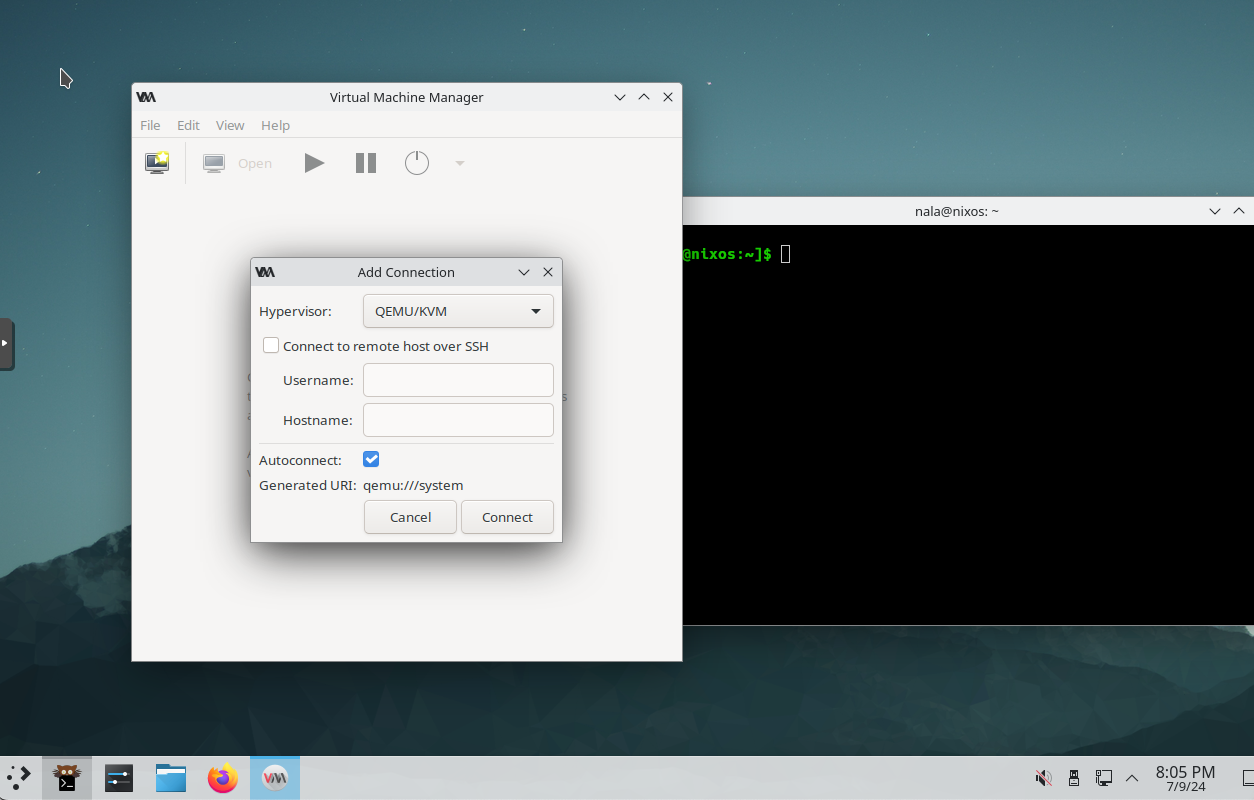
Connect virt manager to the Hypervisor
-
9
Fix the shell for 4rji
#change the shell path
#from /opt/4rji/bin
sudo find /opt/4rji/bin/* -type f -exec sed -i 's|^#!/bin/bash|#!/run/current-system/sw/bin/bash|' {} +
sudo find /opt/4rji/bin/* -type f -exec sed -i 's|^#!/bin/zsh|#!/run/current-system/sw/bin/bash|' {} +

#or use the script
nixosshell


#Just add this line ******************** under the user
  shell = pkgs.zsh;


#Like this:
users.users.yourusername = {
  isNormalUser = true;
  shell = pkgs.zsh;