
Quick HAProxy Setup Guide
HAProxy is a reliable, high-performance load balancer that helps distribute incoming network traffic across multiple servers. Here's a straightforward guide to get you started.
1. Installation
sudo apt install haproxy
2. Configuration
Edit the HAProxy configuration file:
sudo nano /etc/haproxy/haproxy.cfg
Add the following configuration to the end of the file:
frontend stats
    bind :8404
    http-request use-service prometheus-exporter if { path /metrics }
    stats enable
    stats uri /stats
    stats refresh 10s


frontend myfrontend
    mode http
    bind :8088
    default_backend myservers

backend myservers
    balance roundrobin
    server coolify 192.168.44.56:3000 check
    server cdmx 192.168.99.35:3000 check
    server local 127.0.0.1:3000 check
3. Restart Service
systemctl restart haproxy
4. Access Statistics
Once configured, you can access the HAProxy statistics dashboard at:
http://localhost:8404/stats
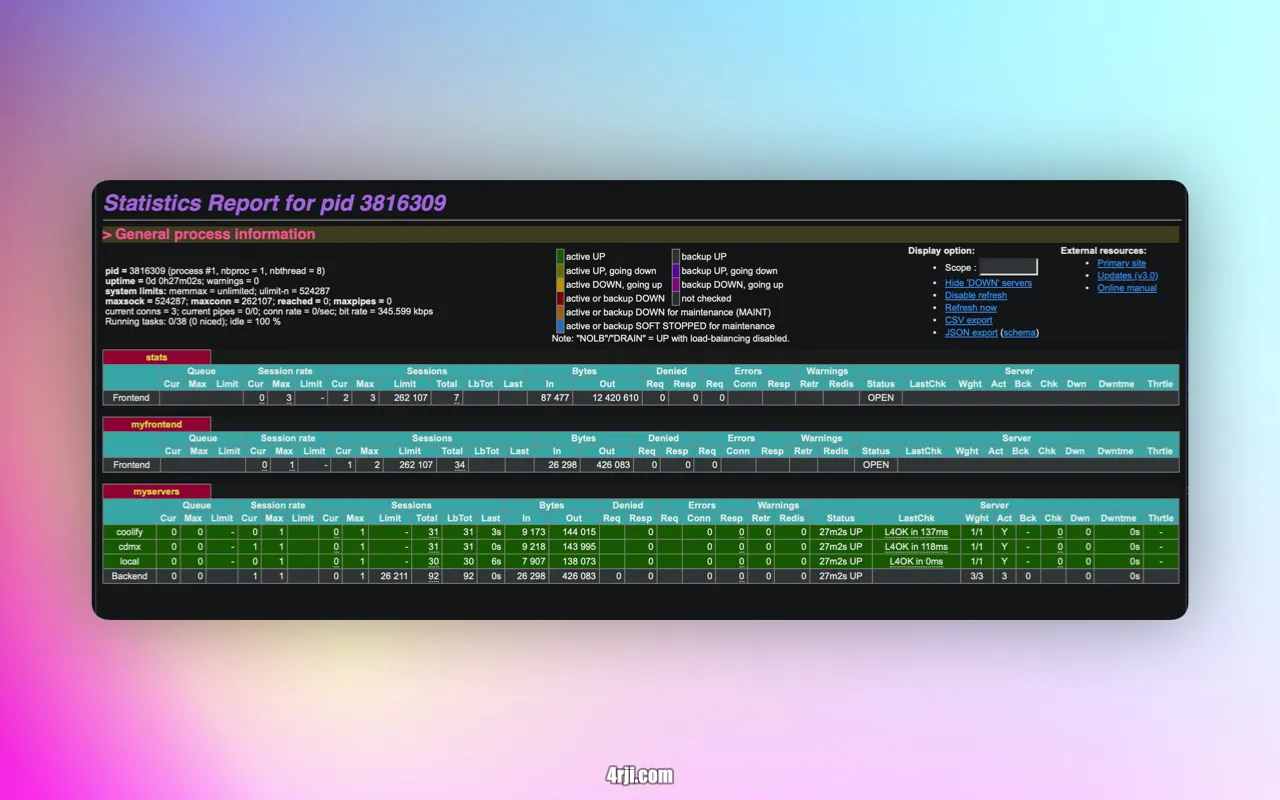
This configuration sets up a basic load balancer with statistics monitoring. The frontend listens on port 8088 and distributes traffic across three backend servers in a round-robin fashion.