Leveling Up My Pentesting Skills with GOAD in Azure
Recently, I
deployed GOAD (Game of Active Directory) in Azure, and it's been one of the most
valuable hands-on experiences I've had as a pentester. GOAD is a vulnerable lab
environment that simulates a real-world Active Directory setup, complete with
multiple Windows machines, common misconfigurations, and exploitable trust
relationships.
Why Azure?
Spinning it up in
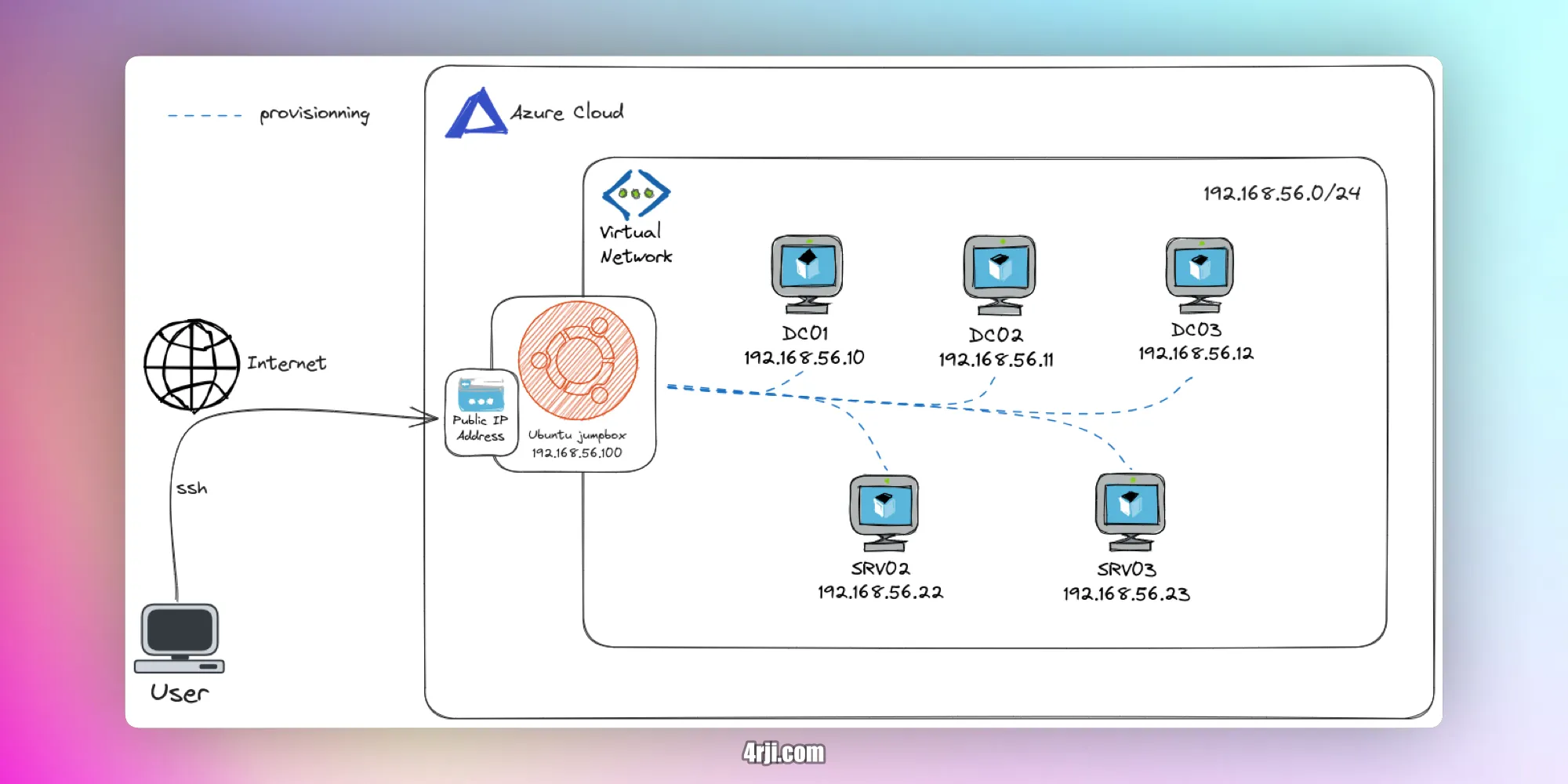
Azure gave me the flexibility to build a realistic, isolated network without
worrying about local resource limits. Plus, using the cloud makes it easy to
reset, scale, or expand the lab as needed.
What I Learned:
Working inside
GOAD forced me to sharpen my skills with privilege escalation, lateral movement,
Kerberos abuse, and domain persistence—things every serious pentester should
master. It's more than just labbing; it's about thinking like an attacker inside
a live domain.
If you're serious
about becoming better at AD pentesting, GOAD is a must. And doing it in Azure?
Even better.
Since the installation
gave me many problems, I will now try to install it better on my local server.
Steps on Azure:
1. Install Required Tools
brew install azure-cli
brew tap hashicorp/tap
brew install hashicorp/tap/terraform
2. Clone GOAD Repository
git clone https://github.com/Orange-Cyberdefense/GOAD.git
3. Azure Login and Setup
First, run az login.
A screen will open where you can select the subscription you want to use.

4. Run GOAD Setup
cd GOAD
./goad.sh -t check -l GOAD -p azure
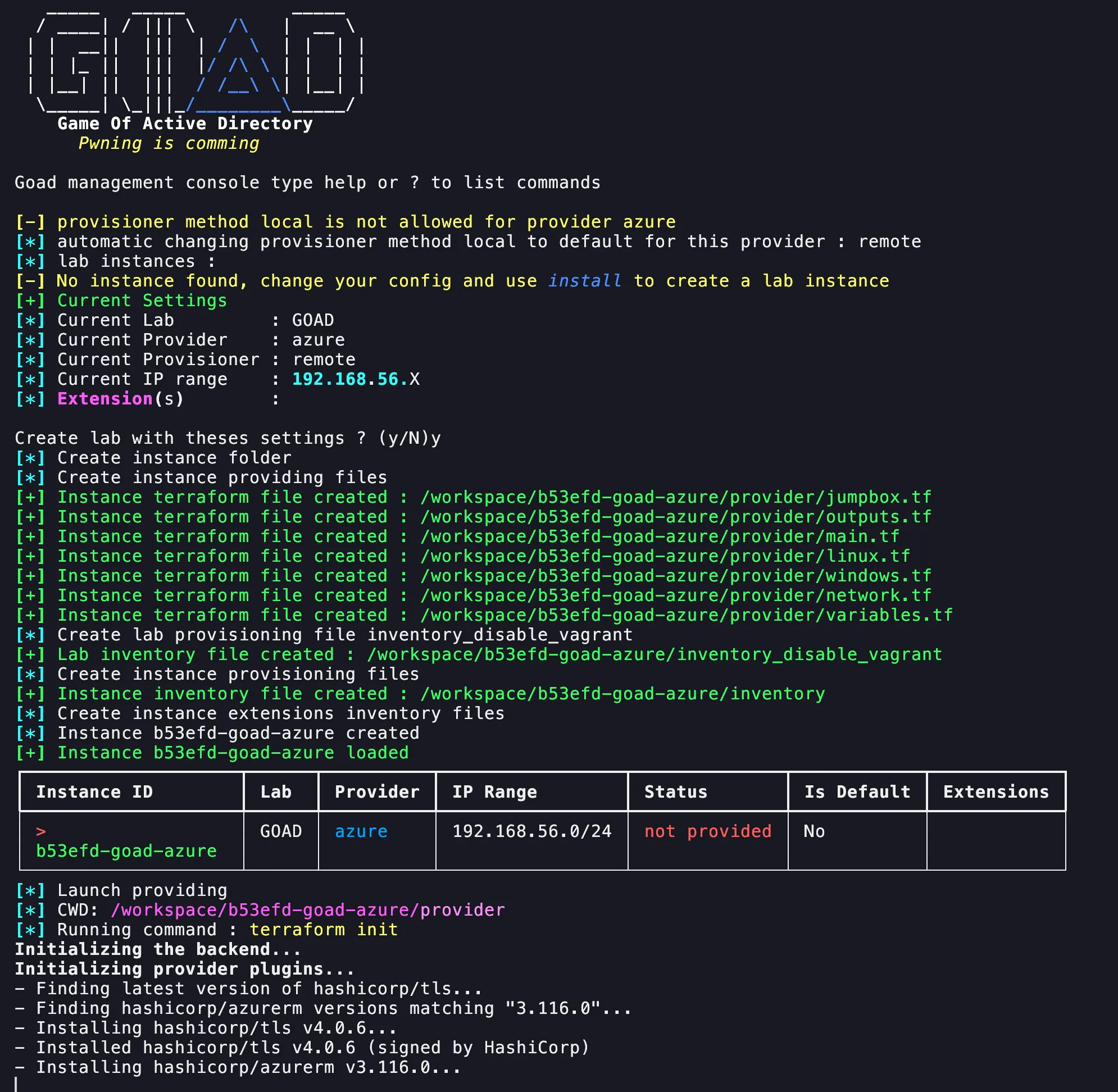
5. Installation Process
After the installation, you'll be
prompted to accept the machines:
Do you want to perform these actions?
Terraform will perform the actions described above.
Only 'yes' will be accepted to approve.

Enter a value: yes

tls_private_key.ssh: Creating...
tls_private_key.linux_ssh: Creating...
tls_private_key.ssh: Creation complete after 1s [id=d9965602a16ea7bd4369666c33251f4988951298]
tls_private_key.linux_ssh: Creation complete after 2s [id=2eb76f61dfcb545c3a744dcedb09b29ea7b3a987]
azurerm_resource_group.resource_group: Creating...
azurerm_resource_group.resource_group: Still creating... [10s elapsed]