Project Highlights
This Docker Hub project documents how to package, tag, publish, and reuse a custom container image that includes personal scripts and pentesting tools. It focuses on Docker Hub account setup, token-based authentication, image commits, tags, pushes, pulls, and multi-architecture image usage.
- Created a personalized Docker Hub repository for reusable tools and scripts.
- Configured Docker login using account credentials or access tokens.
- Committed a customized Kali-based container image.
- Tagged and pushed the image to Docker Hub as
4rji/4rji. - Validated the workflow by pulling and running the published image.
- Documented linux/amd64 and linux/arm64 pull commands for different platforms.
Create your personalized Docker repository on Docker Hub, equipped with all your essential scripts and tools.
I'll show you how to create your own Docker Hub, so you can build yours with your own tools, or if you want to safely try out my scripts and tools, simply pull them: Docker pull 4rji/4rji.
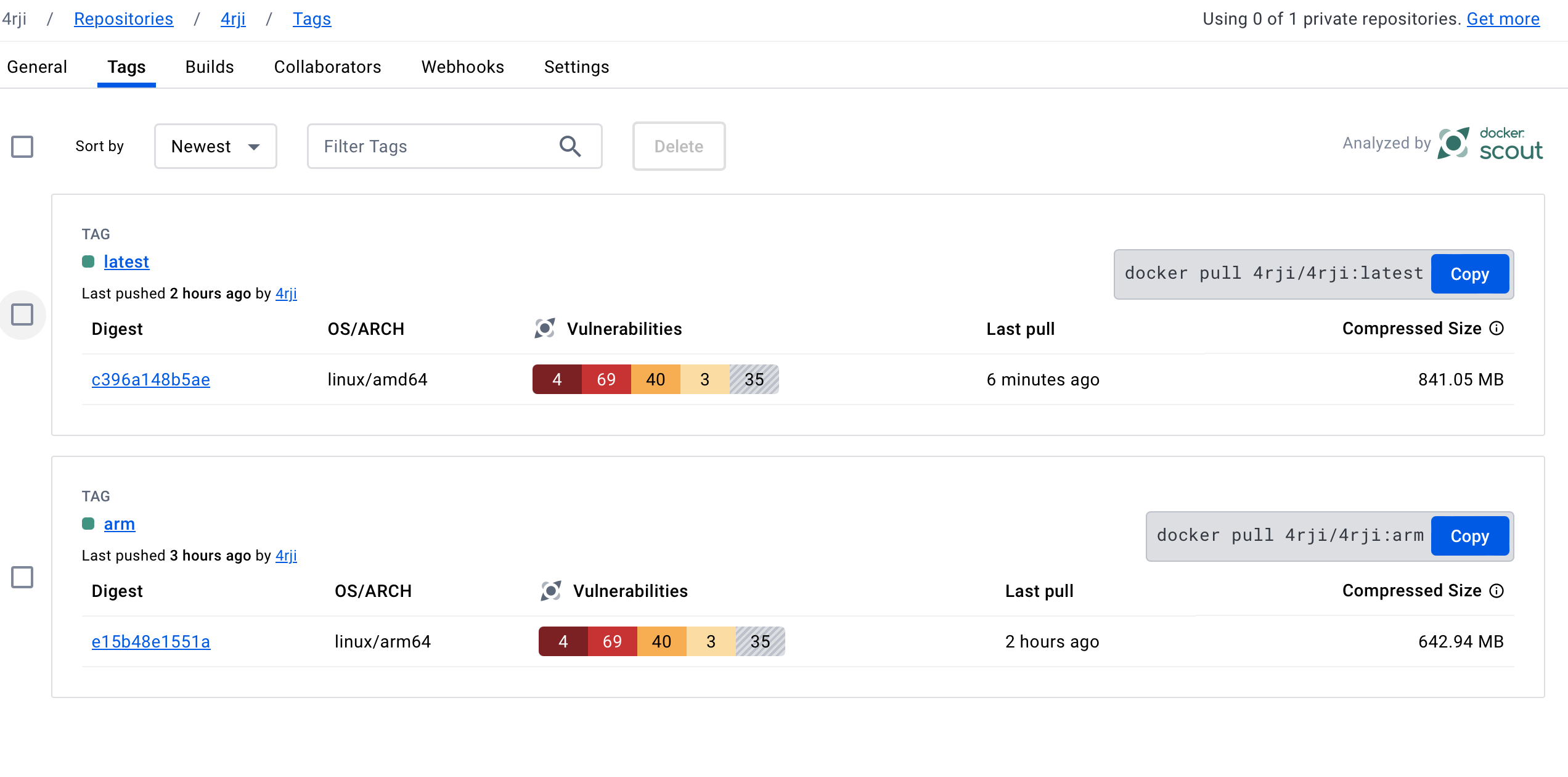
This is my repository. The vulnerabilities are from pentesting tools that it detects as dangerous.
-
1
Create your account on hub.docker.com
It's very simple, just sign up with your email, confirm your email, and create a repository on the main window. -
2
Back in the terminal, log in with the user you created in step 1.
docker login
Log in with your Docker ID or email address to push and pull images from Docker Hub. If you don't have a Docker ID, head over to https://hub.docker.com/ to create one.
You can log in with your password or a Personal Access Token (PAT). Using a limited-scope PAT grants better security and is required for organizations using SSO. Learn more at https://docs.docker.com/go/access-tokens/

Username: 4rji
Password:
WARNING! Your password will be stored unencrypted in /home/nat/.docker/config.json.
Configure a credential helper to remove this warning. See
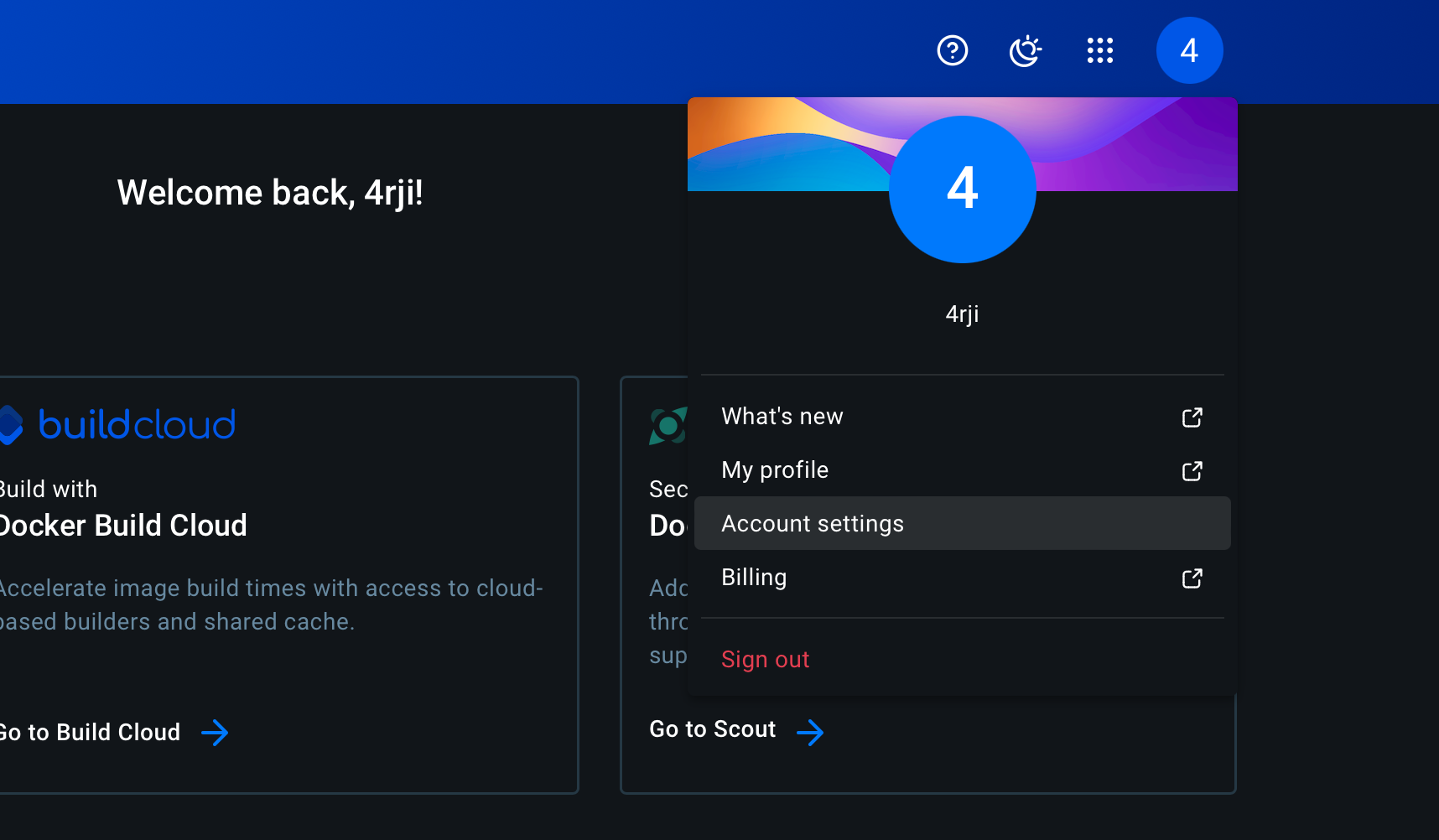
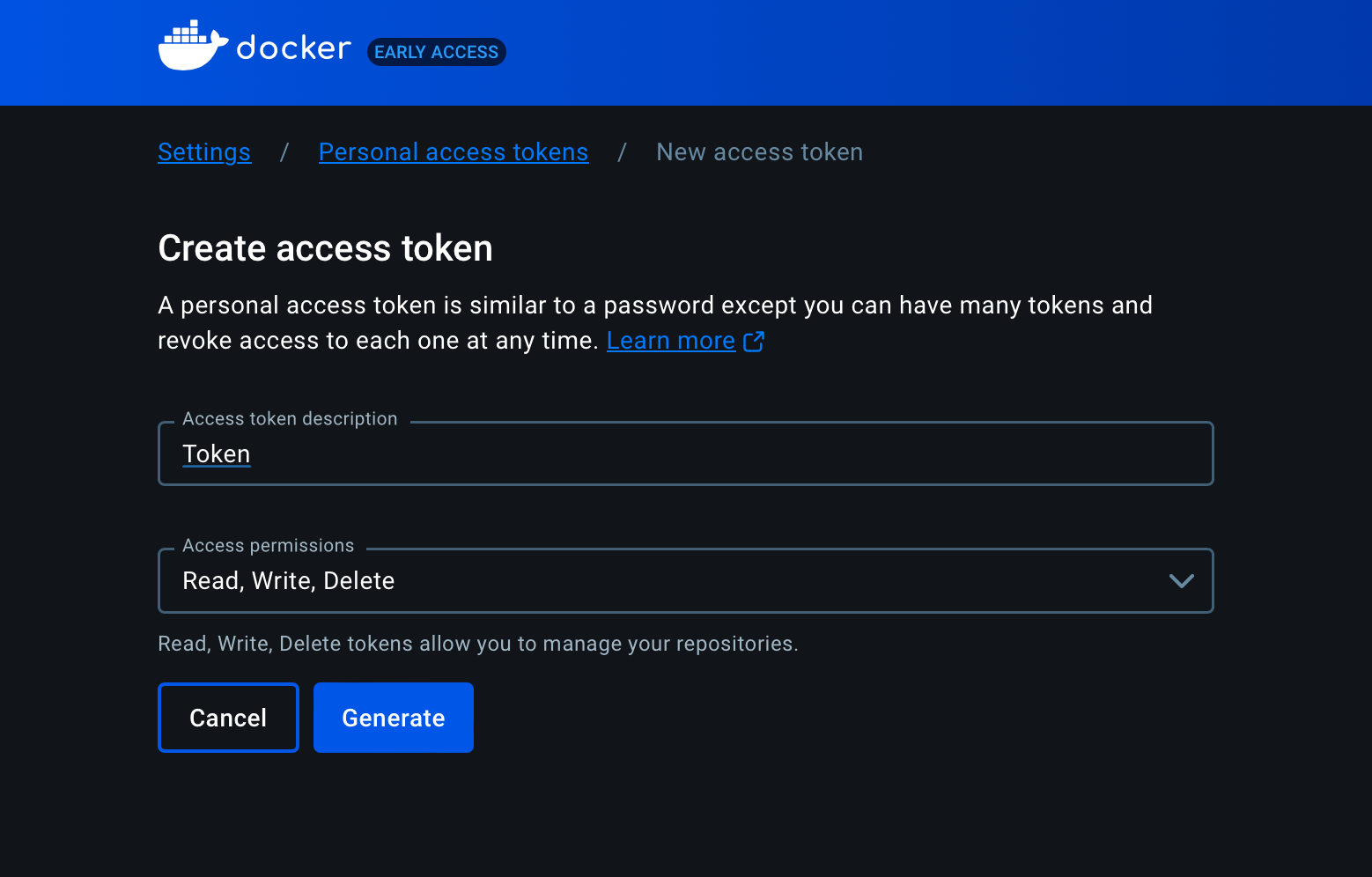
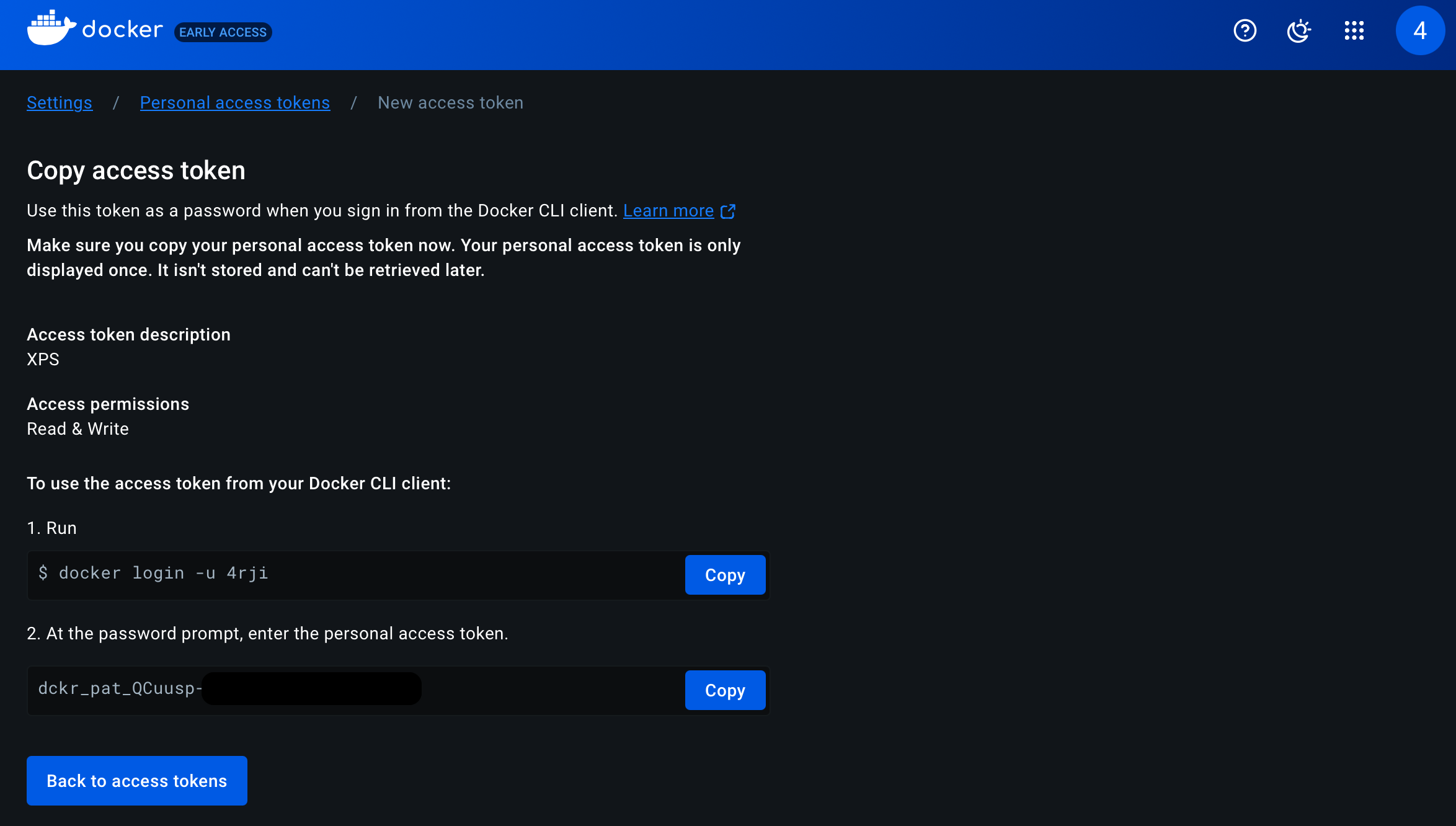
Or also you can use instead a token access, go to setting on the website https://app.docker.com/settings
Do not forget the permissions, RWD
-
3
Once you have your container ready to upload, with your tools or whatever you need in it, you need to save it.
❯ docker ps
CONTAINER ID   IMAGE                           COMMAND   CREATED         STATUS         PORTS     NAMES
1526120c851e   kalilinux/kali-rolling:latest   "bash"    9 minutes ago   Up 9 minutes             elegant_shamir

❯ docker commit 1526120c851e 4rji
-
3
Tag the container
❯ docker tag 4rji 4rji/4rji:latest
-
3
Done, now just publish it. Once the container is uploaded, you can download it from any Docker with "docker pull 4rji/4rji".
❯ docker push 4rji/4rji:latest

The push refers to repository [docker.io/4rji/4rji]
572c08778bce: Pushed
-
4
Now try downloading and starting with "docker run -it 4rji/4rji"
❯ docker pull 4rji/4rji

Using default tag: latest
latest: Pulling from 4rji/4rji
1ec3bbebfca3: Pull complete
Status: Downloaded newer image for 4rji/4rji:latest
docker.io/4rji/4rji:latest


❯ sudo docker run -it 4rji/4rji
┌──(root㉿3da10a507b6e)-[/]
└─# su 4rji

❯ whoami
4rji
-
5
I have versions for linux/amd64 and linux/arm64, but I'll continue creating more as needed following the previous steps, easy and fast.
linux/amd64
docker pull 4rji/4rji:latest
linux/arm64
docker pull 4rji/4rji:arm