
ArchiveBox: Your Web Archiving Solution
ArchiveBox is a powerful tool for archiving web content. This guide will walk you through the installation process and show you how to use it effectively for both local and remote archiving.
1. To send web pages via SSH, use the archivar script after installing it
To send web pages
to the server via SSH, run the archivar script:
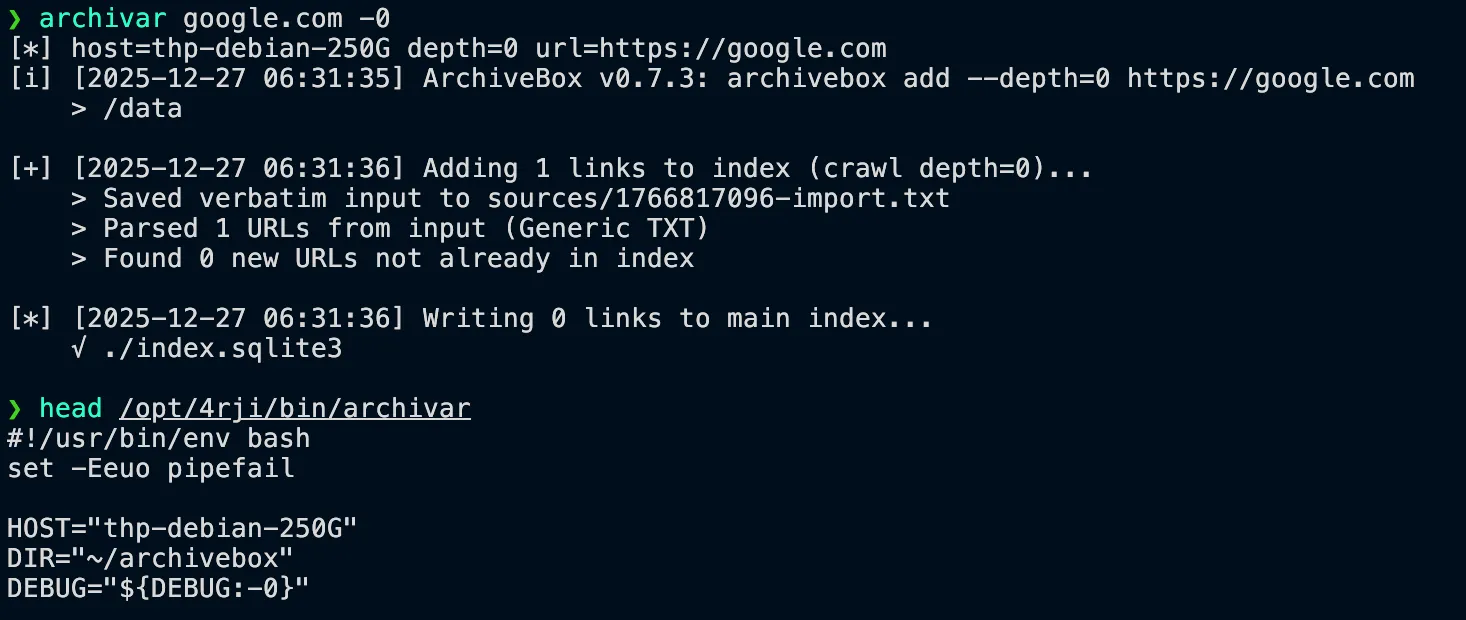
Change the HOST name in the script with the server name or user@IP.
Also you need to
set the env:export pwarchibox=Archivebox_password
2. Installing ArchiveBox
To install
ArchiveBox, run the installation script with the -i option:
dpkg-query: no packages found matching docker-compose
Instalando el paquete docker-compose...
Reading package lists... Done
Building dependency tree... Done
[*] Checking links from indexes and archive folders (safe to Ctrl+C)...
[*] [2025-04-15 22:41:58] Writing 0 links to main index...
√ ./index.sqlite3
3. Creating a Web UI Admin User
After installation, create an admin user for the Web UI:
[+] Creating new admin user for the Web UI...
Username (leave blank to use 'archivebox'):
Email address:
Password:
Password (again):
Error: Blank passwords aren't allowed.
Password:
Password (again):
Superuser created successfully.
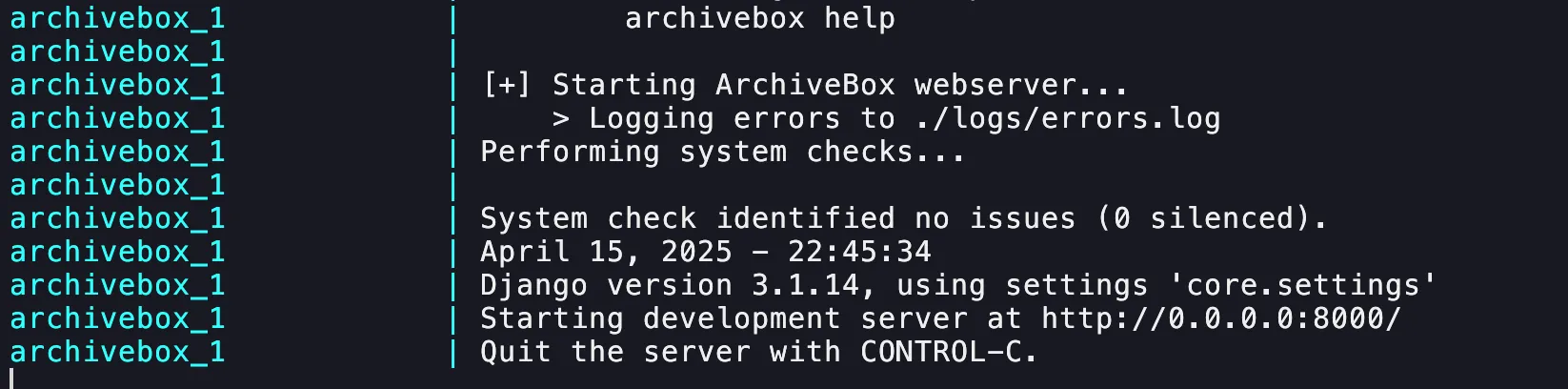
4 - docker running
5. Archiving Web Pages
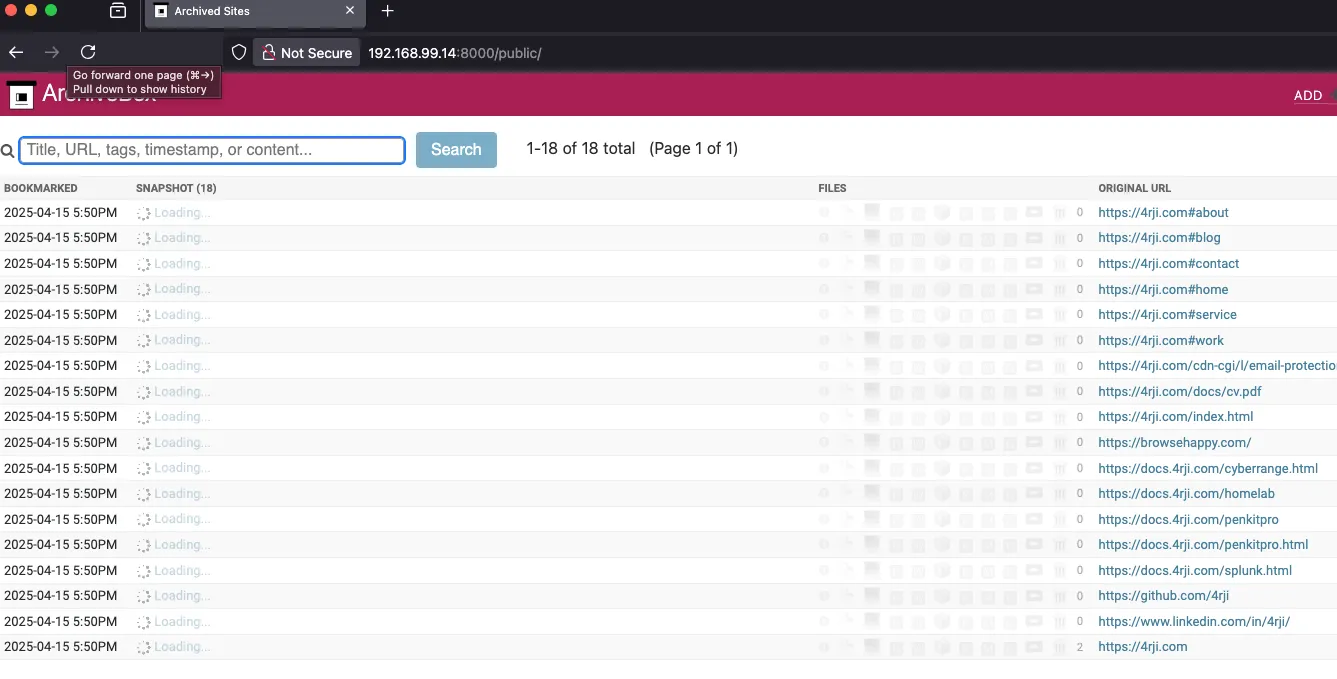
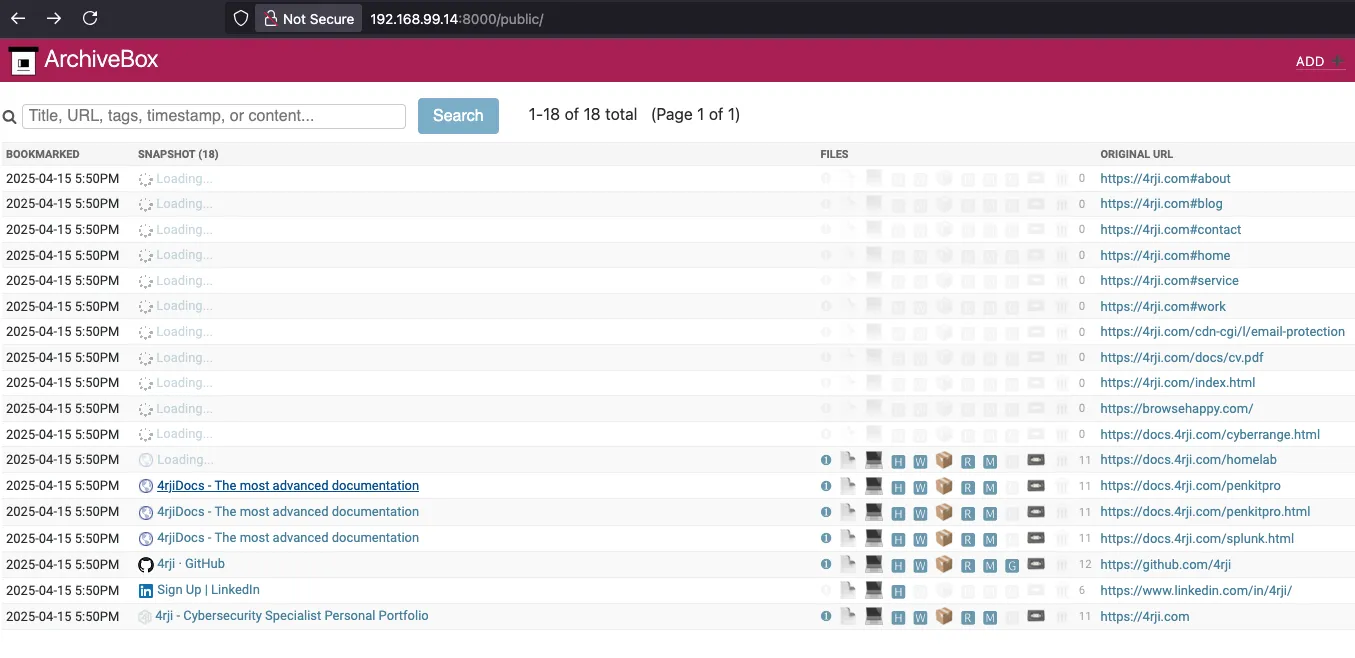
After downloading the Docker image, it will start running automatically and you can access the local webpage at 127.0.0.1:8000 (or your server IP: 192.168.99.14:8000).
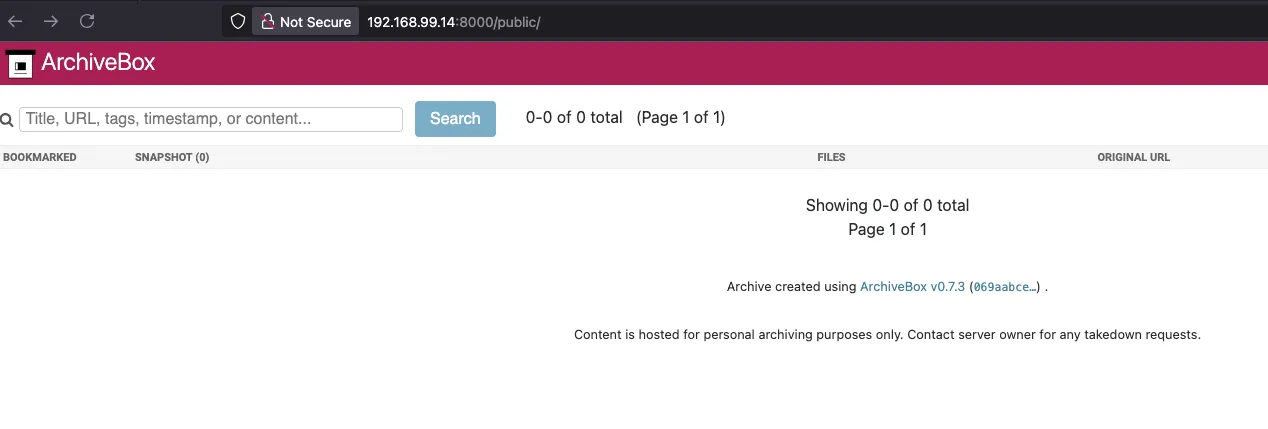
To archive a webpage, run the script again without the -i option:
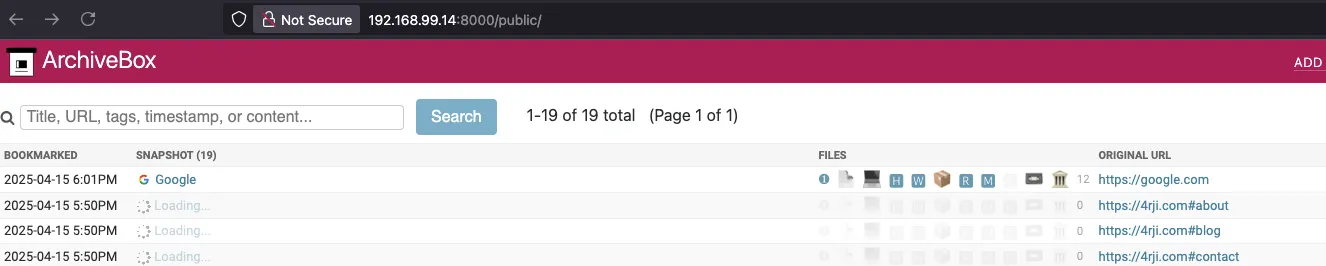
The script will prompt for a URL. Enter it and wait for the download to complete. The archived webpage will then be available on your server.
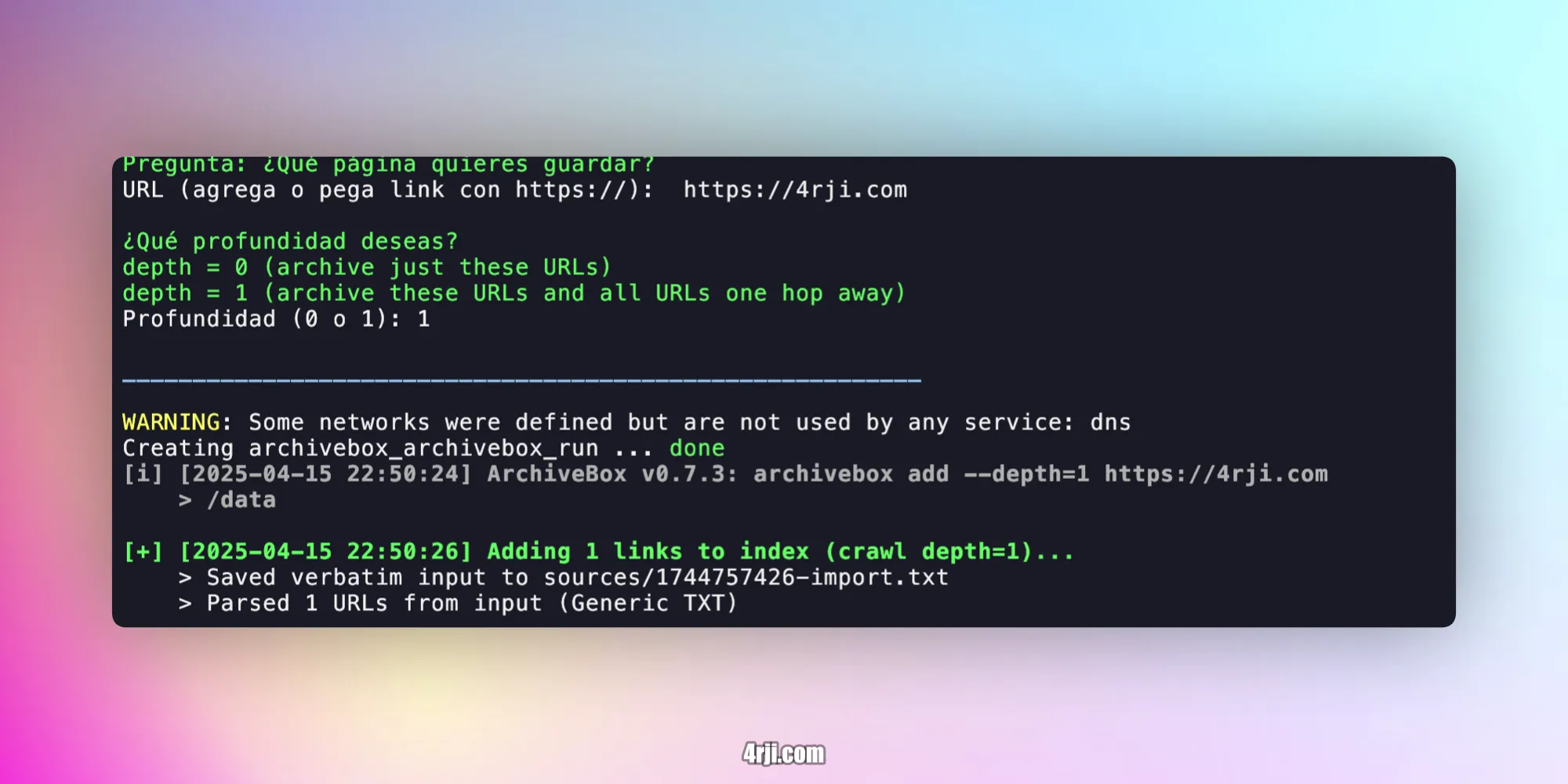
6. Remote Archiving via SSH
You can also archive pages remotely over SSH. Either run the script "archiv" or execute the following command:
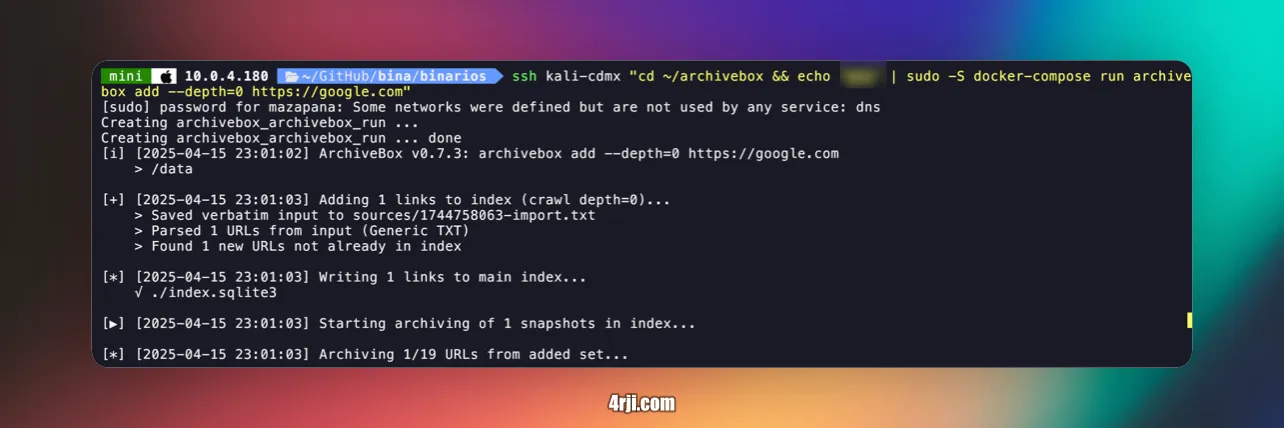
Remember to replace 'Password' with your actual sudo password when using the SSH command.