
Project Highlights
Active defense and cyber deception lab based on the Antisyphon training, focused on honeypots, deception workflows, and VM preparation for hands-on security practice.
- Documented course resources and setup steps for the Active Defense & Cyber Deception training environment.
- Set up HoneyWeb using an OWA honeypot to capture and review attacker interaction logs.
- Prepared a Windows lab VM by downloading the training image and converting VMDK disks to QCOW2 format.
- Included VMware installation steps and lab navigation notes for repeatable environment setup.
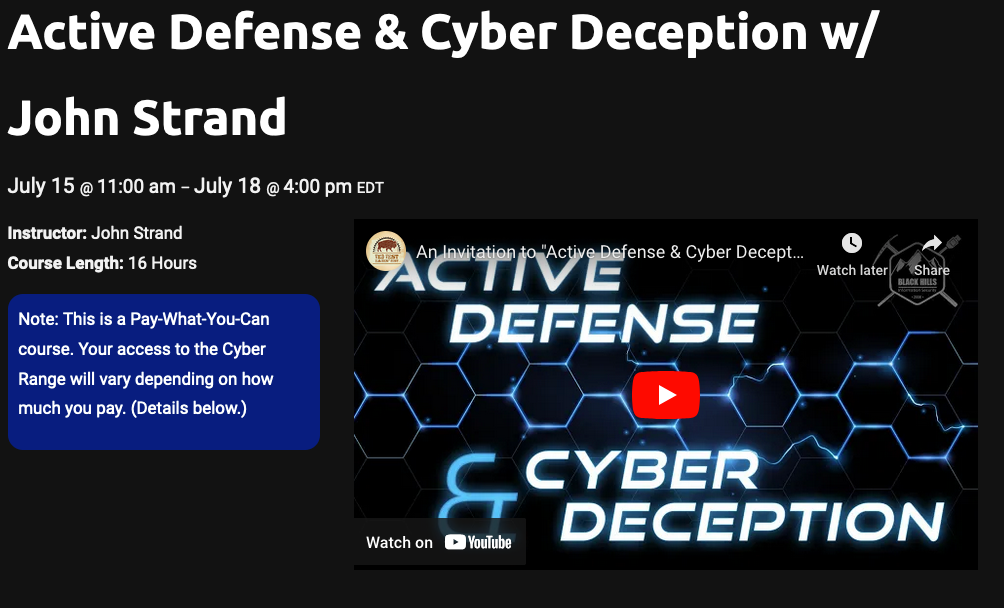
Agenda
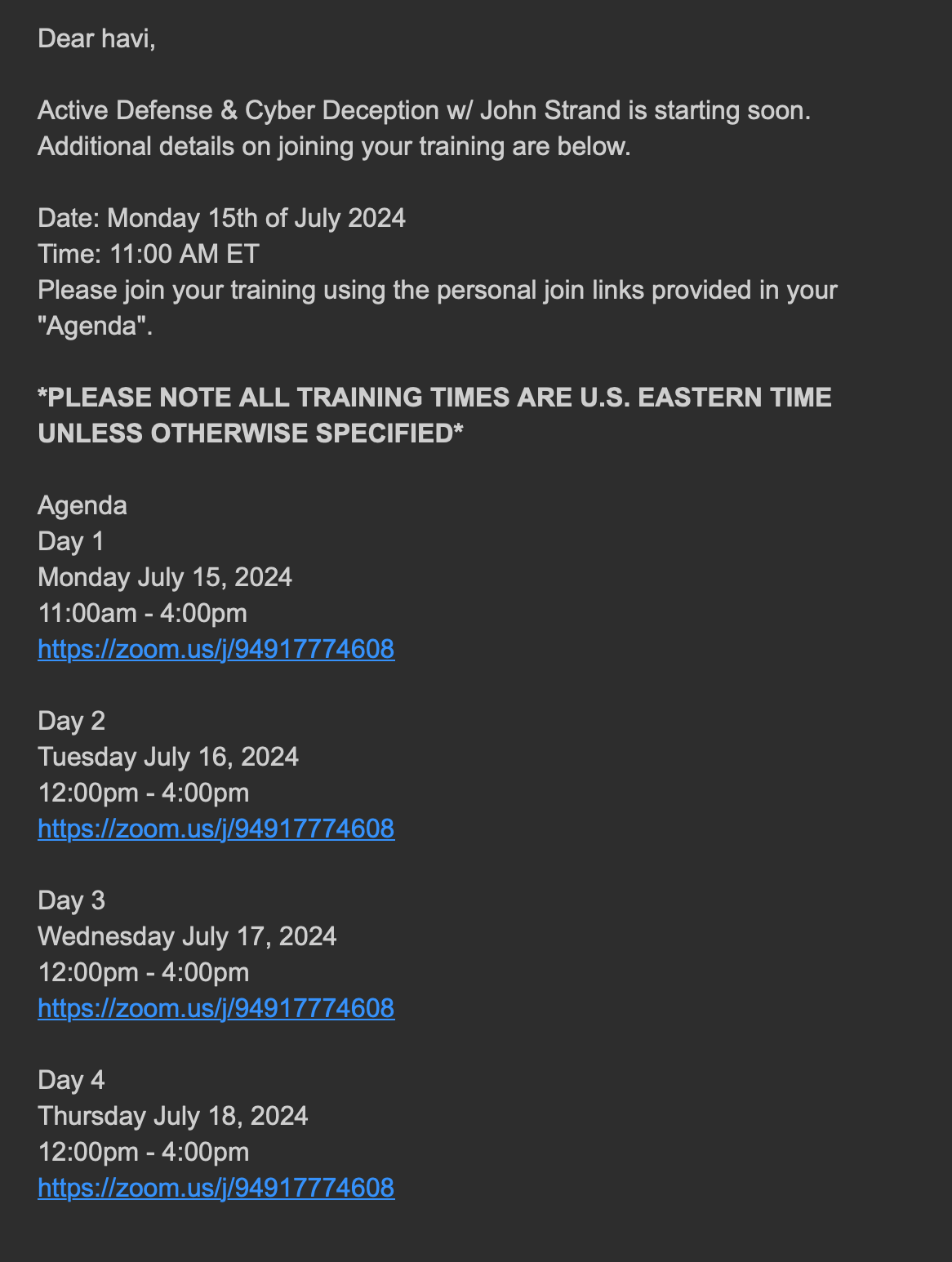
Resources and Setup Instructions
Course Materials
Course navigation and materials: GitHub Repository
HoneyWeb Setup
git clone https://github.com/joda32/owa-honeypot.git
cd owa-honeypot
pip install requirements.txt
python3 -m venv env
source env/bin/activate
python3 owa_pot.py
tail -f dumpass.log
Virtual Machine Setup
Download the VM:
wget https://introclassjs.s3.us-east-1.amazonaws.com/WINADHD04_23.7zConvert VM format:
qemu-img convert -p -f vmdk -O qcow2 WINADHD-disk1.vmdk traininig.qcow2
qemu-img convert -cp -f vmdk -O qcow2 WINADHD-disk1.vmdk traininig.qcow2
VMware Installation
sudo bash VMware-Workstation-Full-17.5.2-23775571.x86_64.bundle