Project Architecture
Self-service training portal with automated VM lifecycle management on Proxmox.
-
1
Overview
This project is a web-based CCDC training portal built with React, Node.js, and Proxmox integration. It lets users browse a catalog of Linux and Windows lab machines, deploy virtual machines on demand, open console sessions, and follow hardening guides inside the same interface. The backend manages authentication, lab metadata, deployment lifecycle actions, and Proxmox VM operations, while the frontend provides a simple self-service workspace for practicing incident response and system defense.
-
2
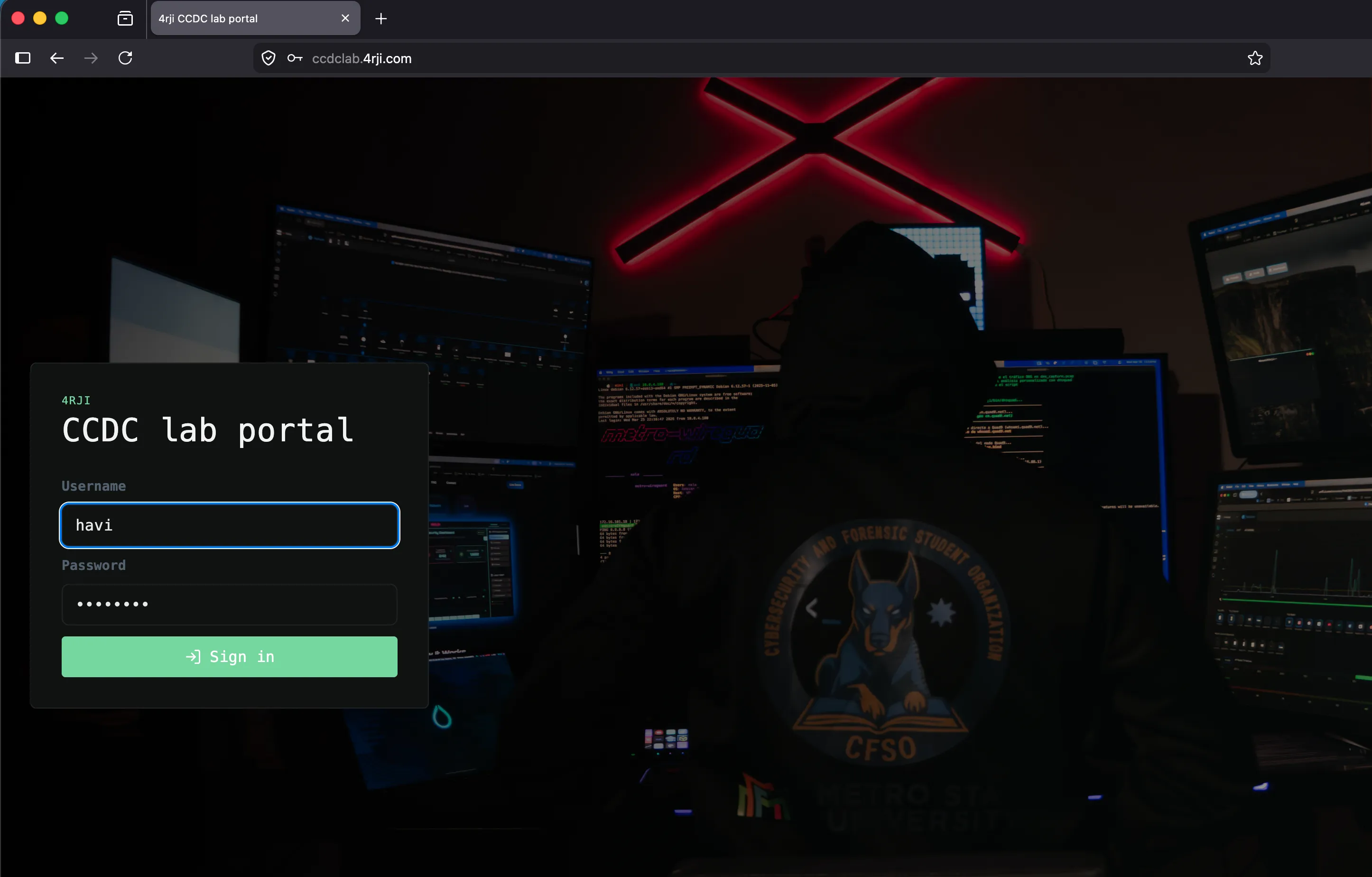
Secure Portal Access
A secure portal controls access to the training labs and Proxmox orchestration engine.
login
-
3
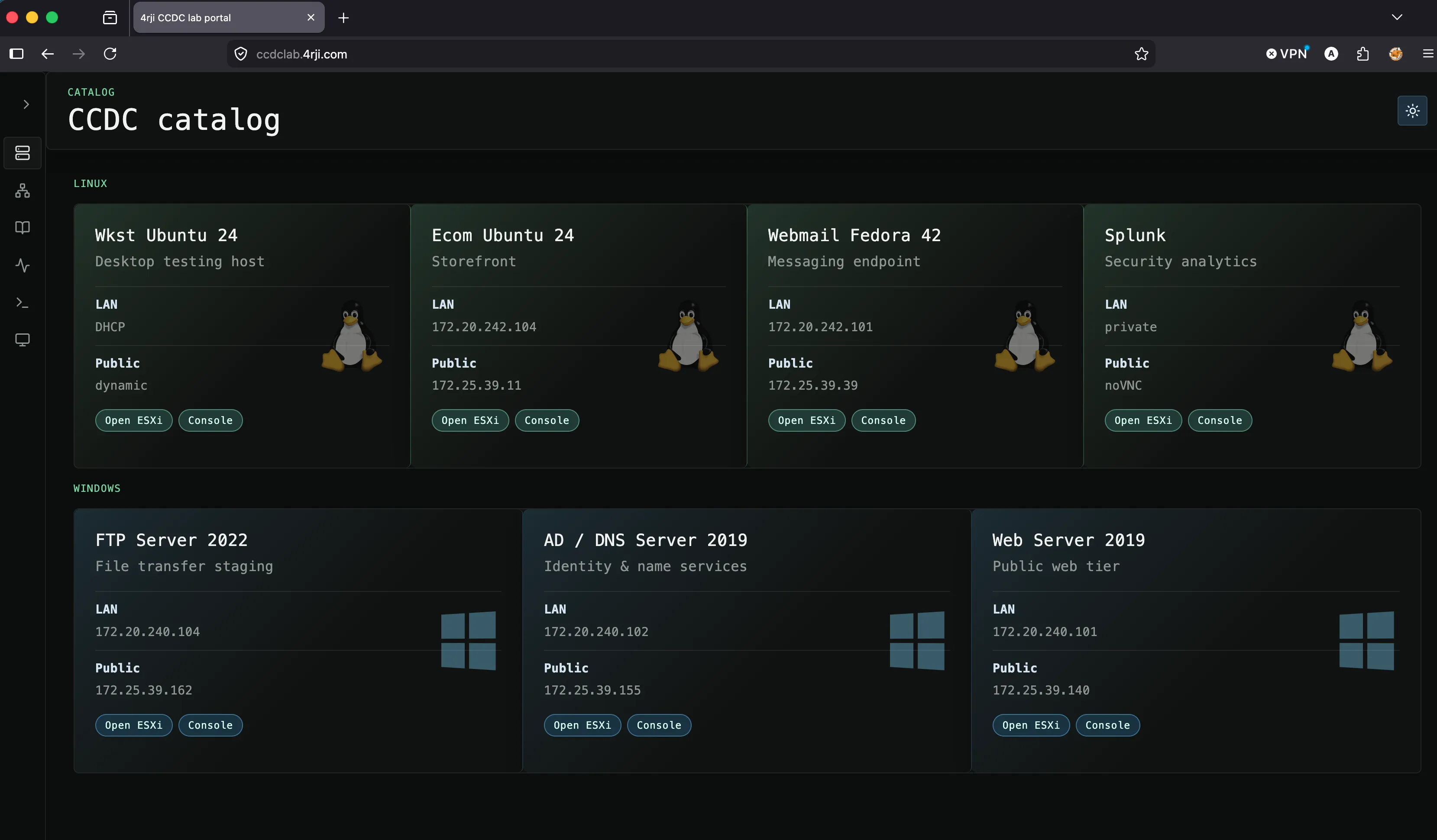
CCDC Lab Catalog
Browse and explore the catalog of available virtual machines configured specifically for CCDC competition training.
ccdc catalog
-
4
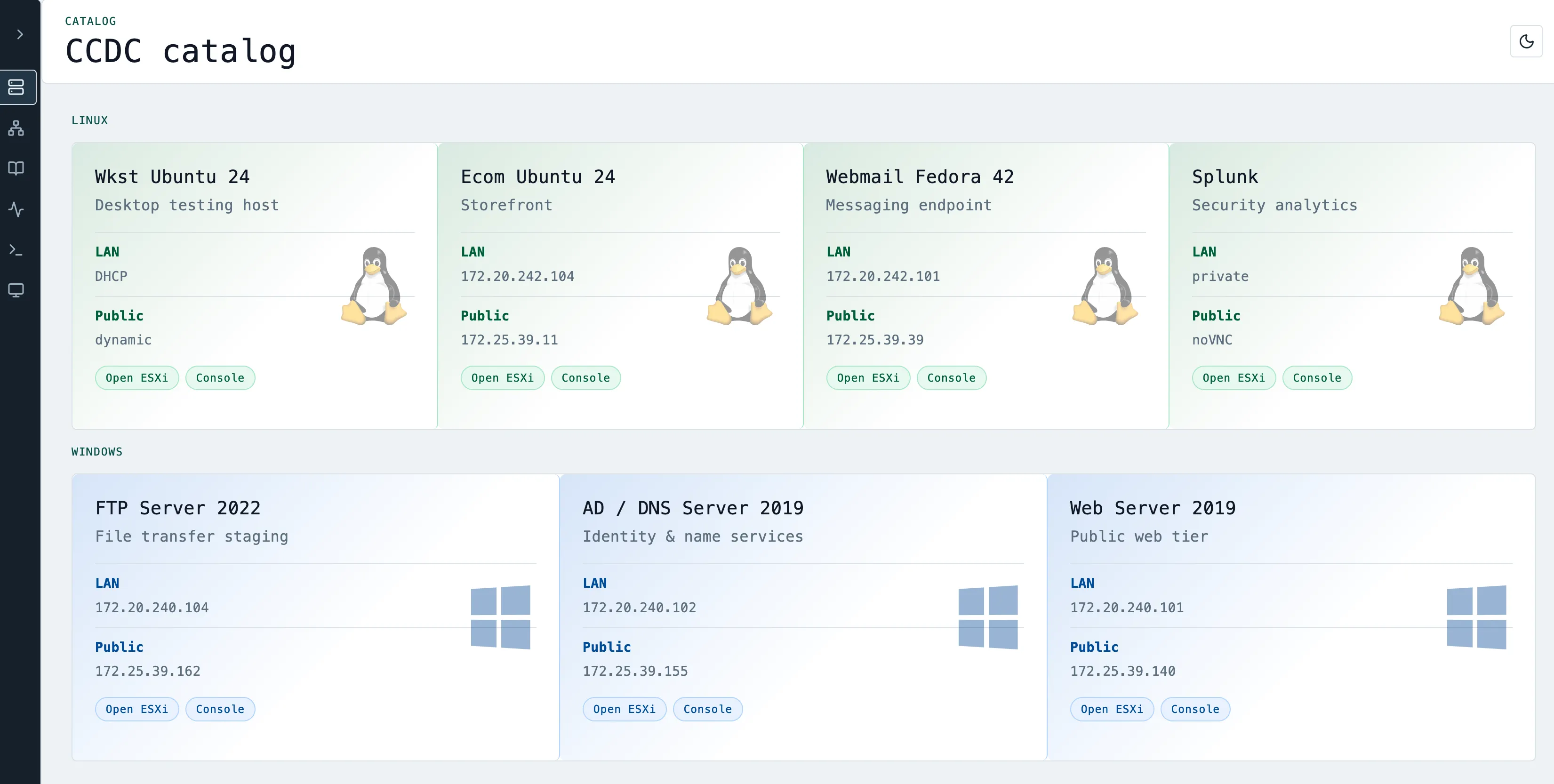
Light & Dark Theme Customization
Switch seamlessly between dark and light themes depending on preference and environment lighting.
dark mode / light mode
-
5
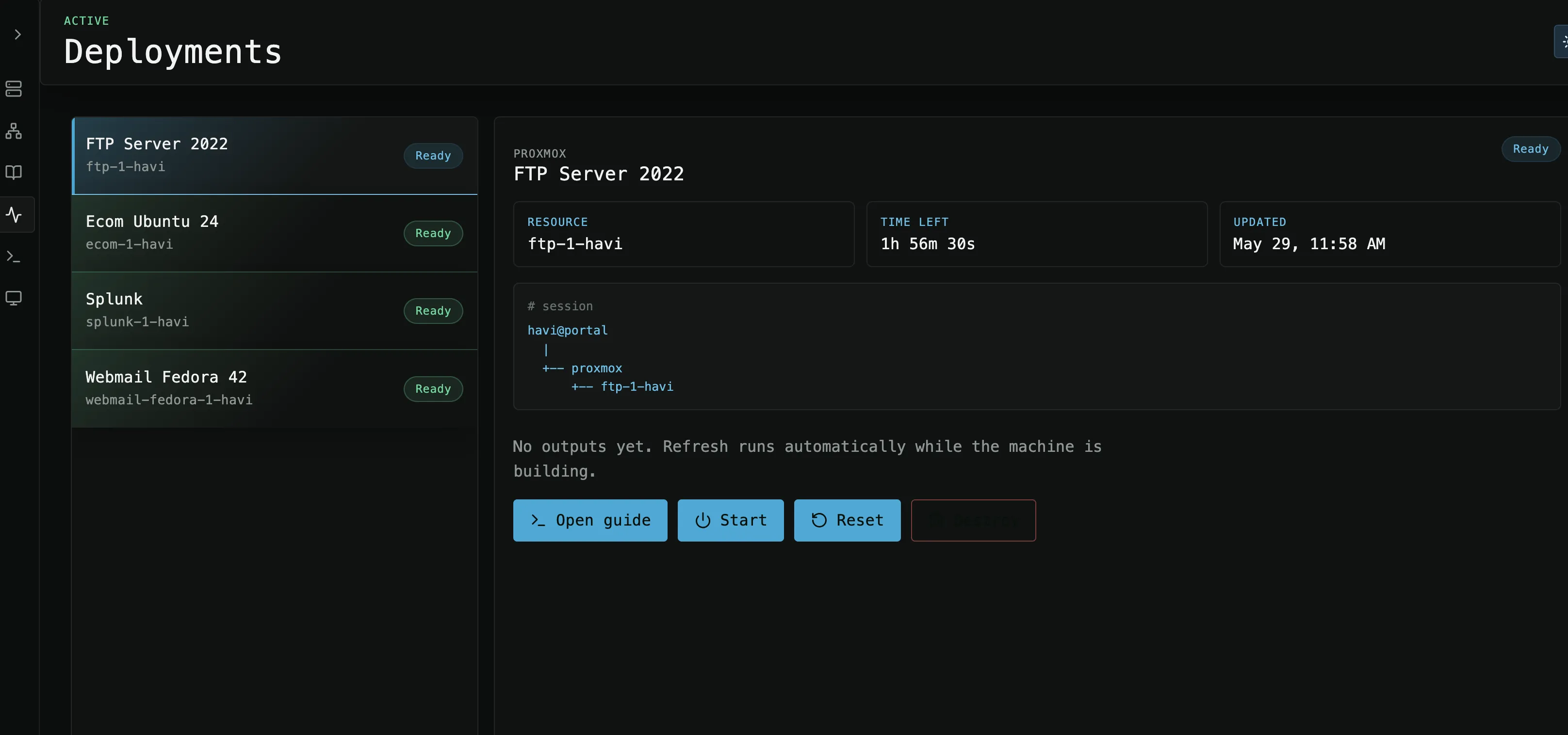
Active Deployments Management
View, monitor, and control the active virtual machine deployments spun up for current training tasks.
user deployments
-
6
Integrated Consoles & Hardening Guides
Access virtual machine consoles alongside detailed step-by-step hardening guides. Features theater mode and fullscreen option to expand the console for easier interaction.
console & hardening steps
-
7
Proxmox Hypervisor Orchestration
Monitor the underlying Proxmox Node directly in real-time, showing running virtual machine instances and system resource utilization.
proxmox node monitoring
-
8
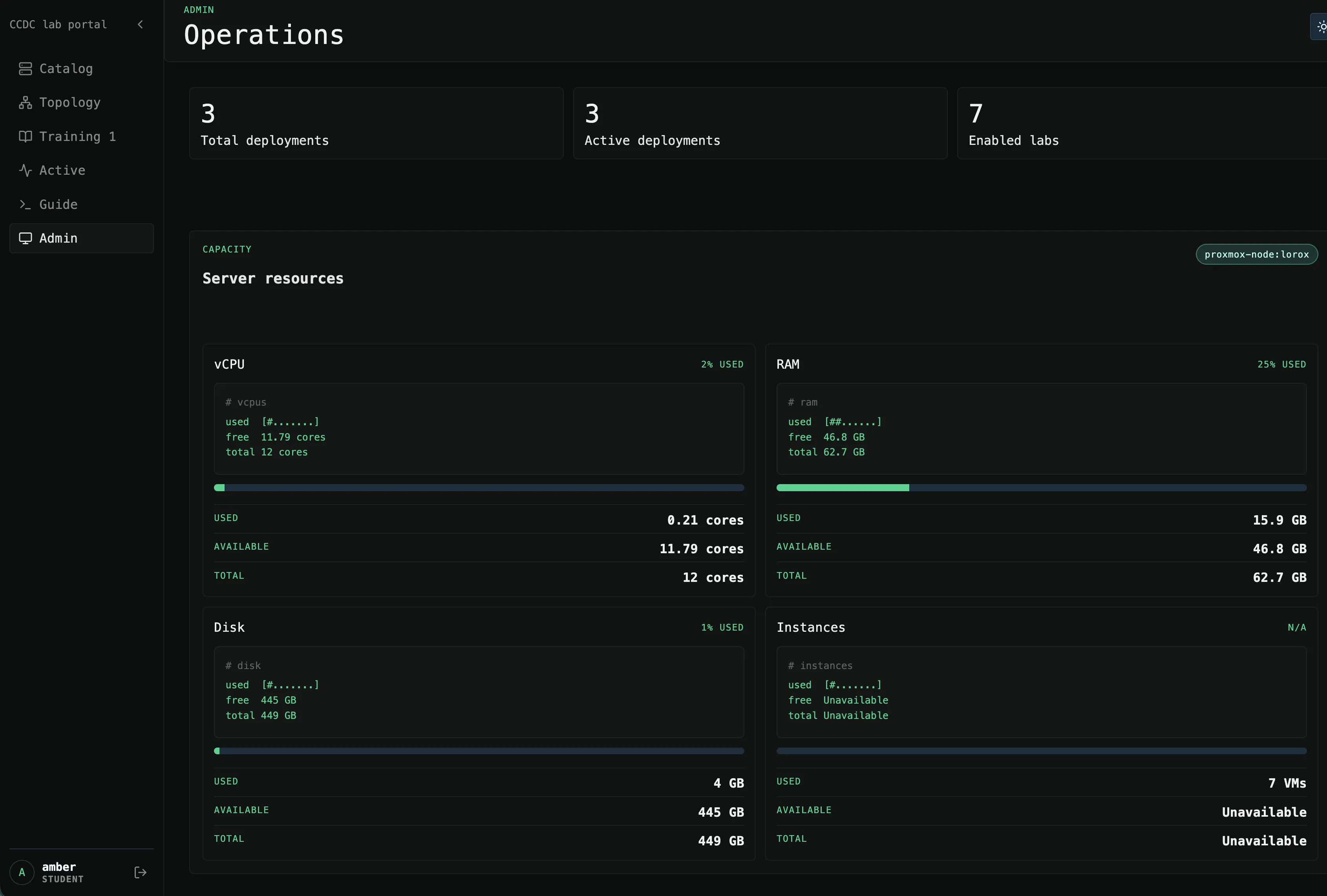
Resource Administration Dashboard
Administrator control center showing aggregated cluster resources, current allocations, and total available CPU, RAM, and storage.
resource usage overview
-
9
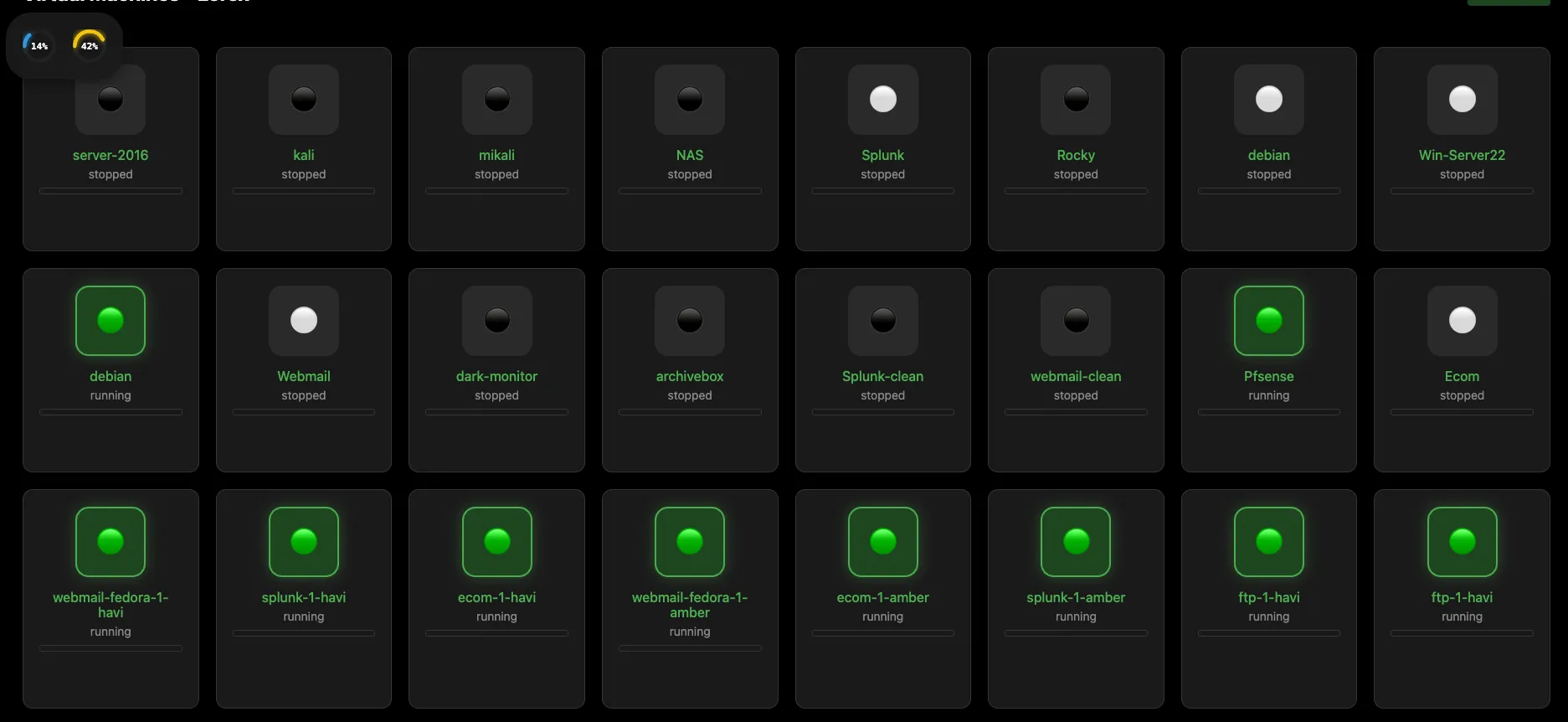
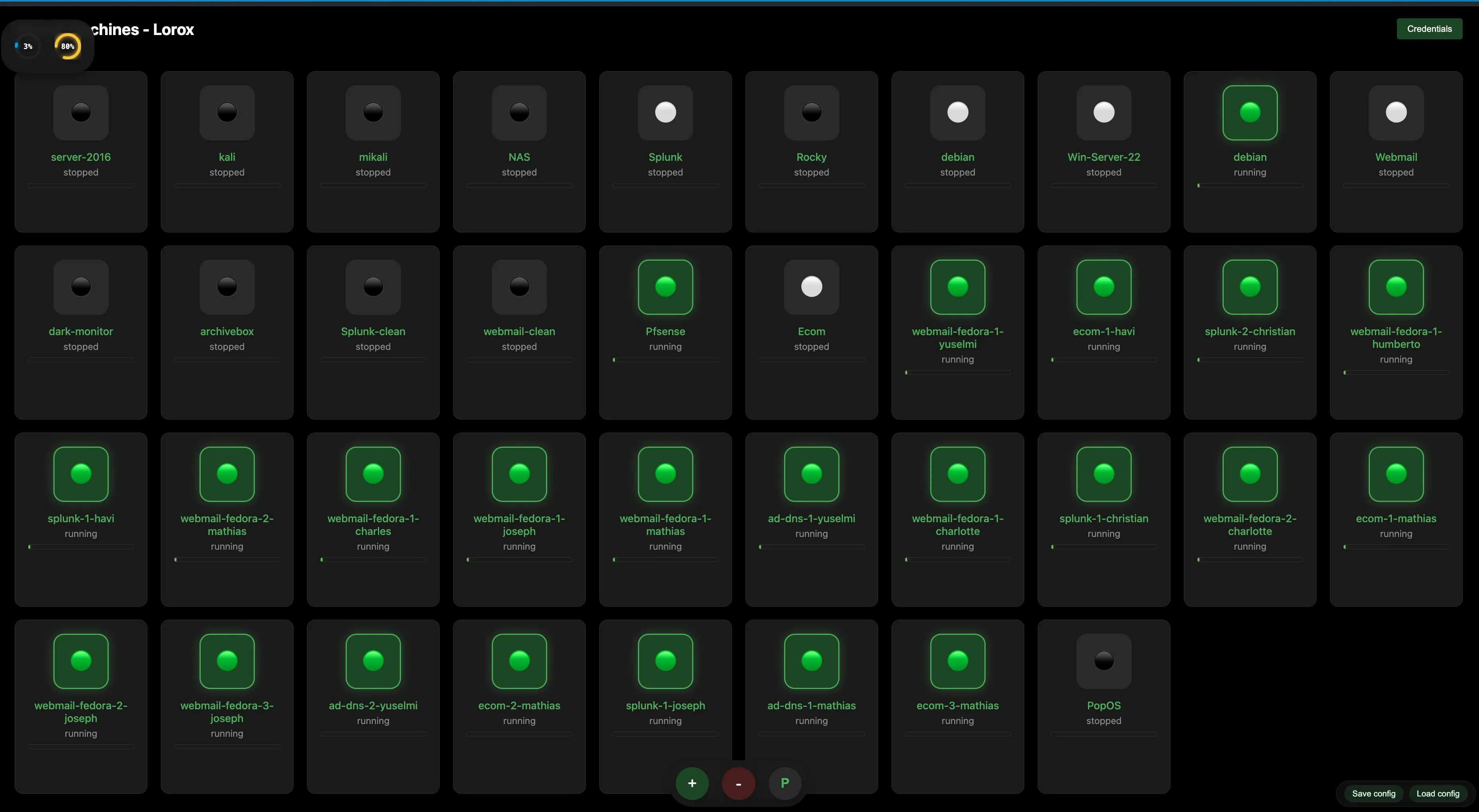
Testing & Lab Deployment
During the testing on Saturday, May 30, 2026, the labs were successfully deployed, user accounts were created, and everything functioned smoothly.
Deployed nodes in Proxnex app
-
10
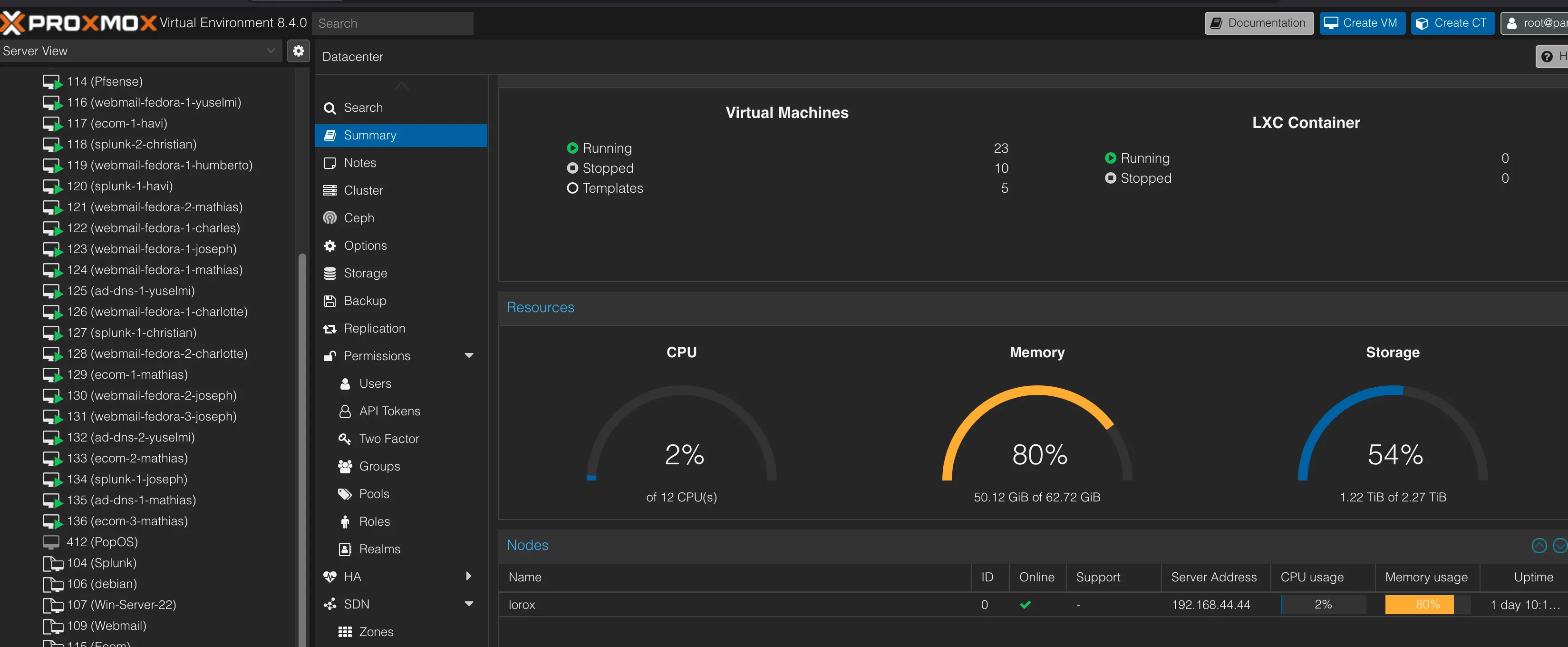
Proxmox Resource Allocation
The resources utilized by the labs during the deployment phase, showing hardware allocation and real-time status.
Proxmox server resources
-
11
Created User Accounts
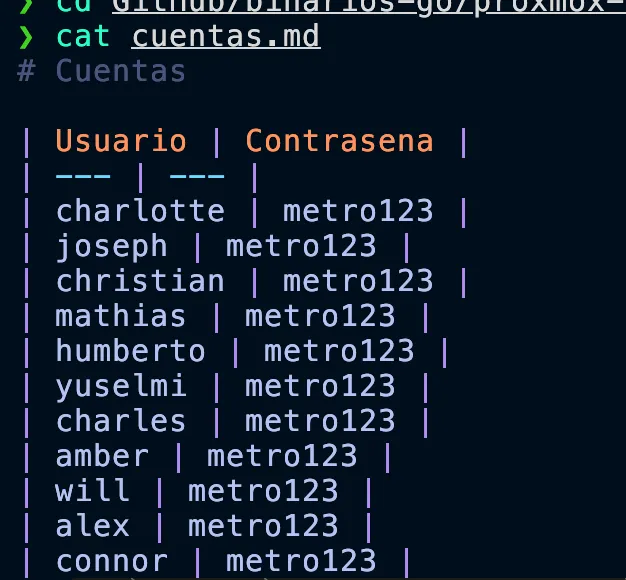
Verification of accounts created for the users to access the deployed systems.
Created user accounts